Clipping is the fastest-growing creator side hustle of 2026. You take long videos from streamers, podcasters, and brands, cut the best moments into short vertical clips, post them on your own accounts, and get paid for the views. You don't need followers, a camera, or your own content to start.
Interest has exploded. Google searches for "how to become a clipper" grew more than 15 times in the past year, and brands listed nearly $3 million in clipping budgets on a single marketplace this month. This guide shows you exactly how to become a clipper: how clippers get paid, how much clippers make with real November 2026 rates, the seven steps to your first payout, where to find clipping jobs, and the workflow that lets you post more clips in less time.
Quick answer: how do you become a clipper?
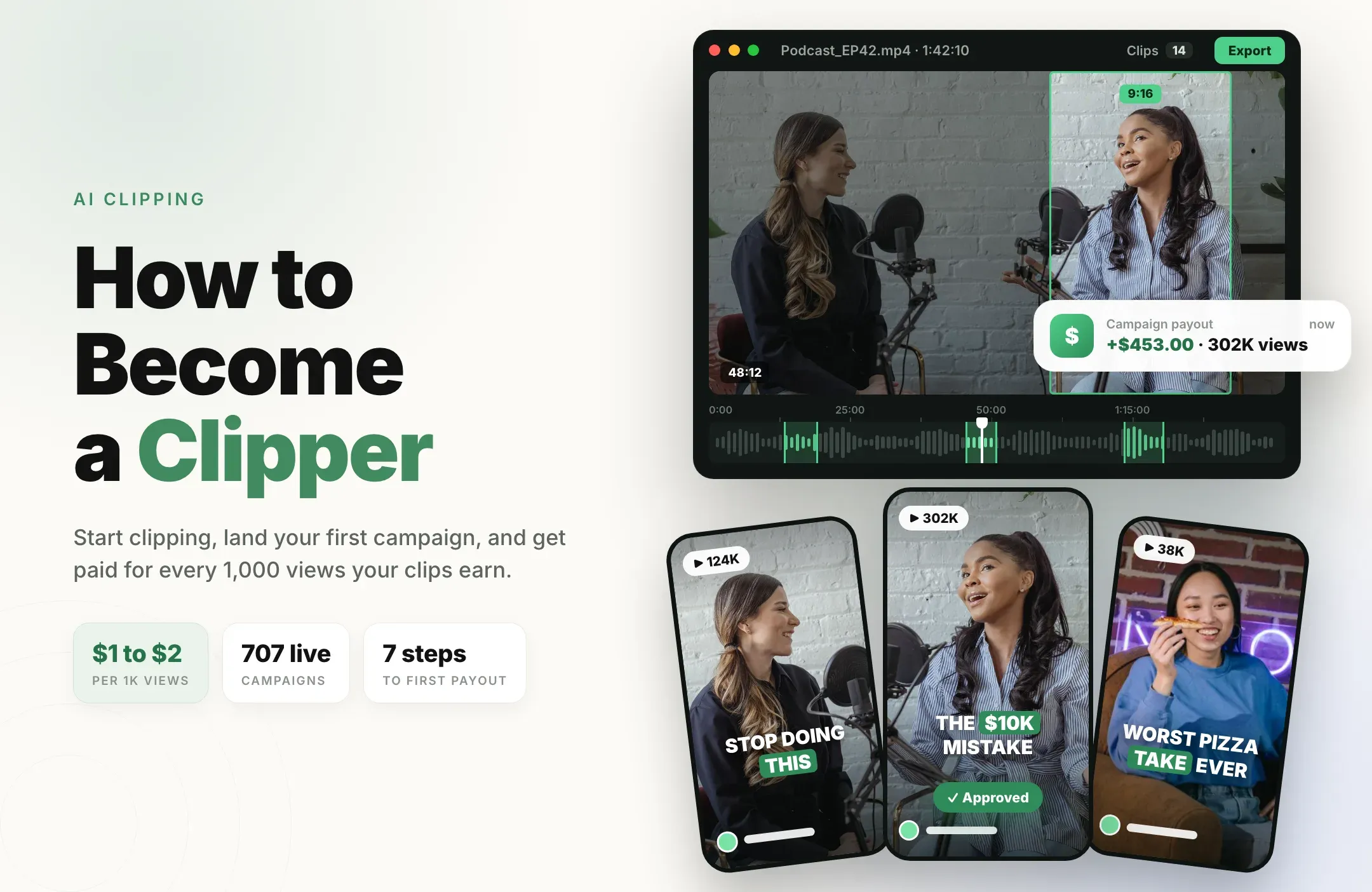
To become a clipper, pick a niche, set up dedicated clip accounts on TikTok, Instagram, YouTube Shorts, or X, join a paid clipping campaign, then cut the campaign's long videos into short vertical clips, post them, and submit your post links. You get paid the campaign's rate for every 1,000 approved views. In November 2026, the typical campaign pays $1 to $2 per 1,000 views.
The clippers who earn the most post the most good clips. That is why most serious clippers use an AI clipping tool to find moments, add captions, and reframe to 9:16 in minutes instead of hours.
What does a clipper do?
A clipper is a short-form editor for other people's long videos. Creators and brands have hours of podcasts, livestreams, interviews, and webinars, but no time to turn them into daily Shorts, Reels, and TikToks. Clippers do that work and post the results on their own accounts, which spreads the creator's content to new audiences.
A typical day as a clipper looks like this:
- Watch or scan source videos for strong moments: hot takes, funny reactions, stories, and useful tips.
- Cut each moment into a clip of about 15 to 60 seconds with a hook in the first second.
- Format it for short-form: vertical 9:16, bold captions, and clean framing on the speaker.
- Post and track: publish to your clip accounts and submit links to the campaign.
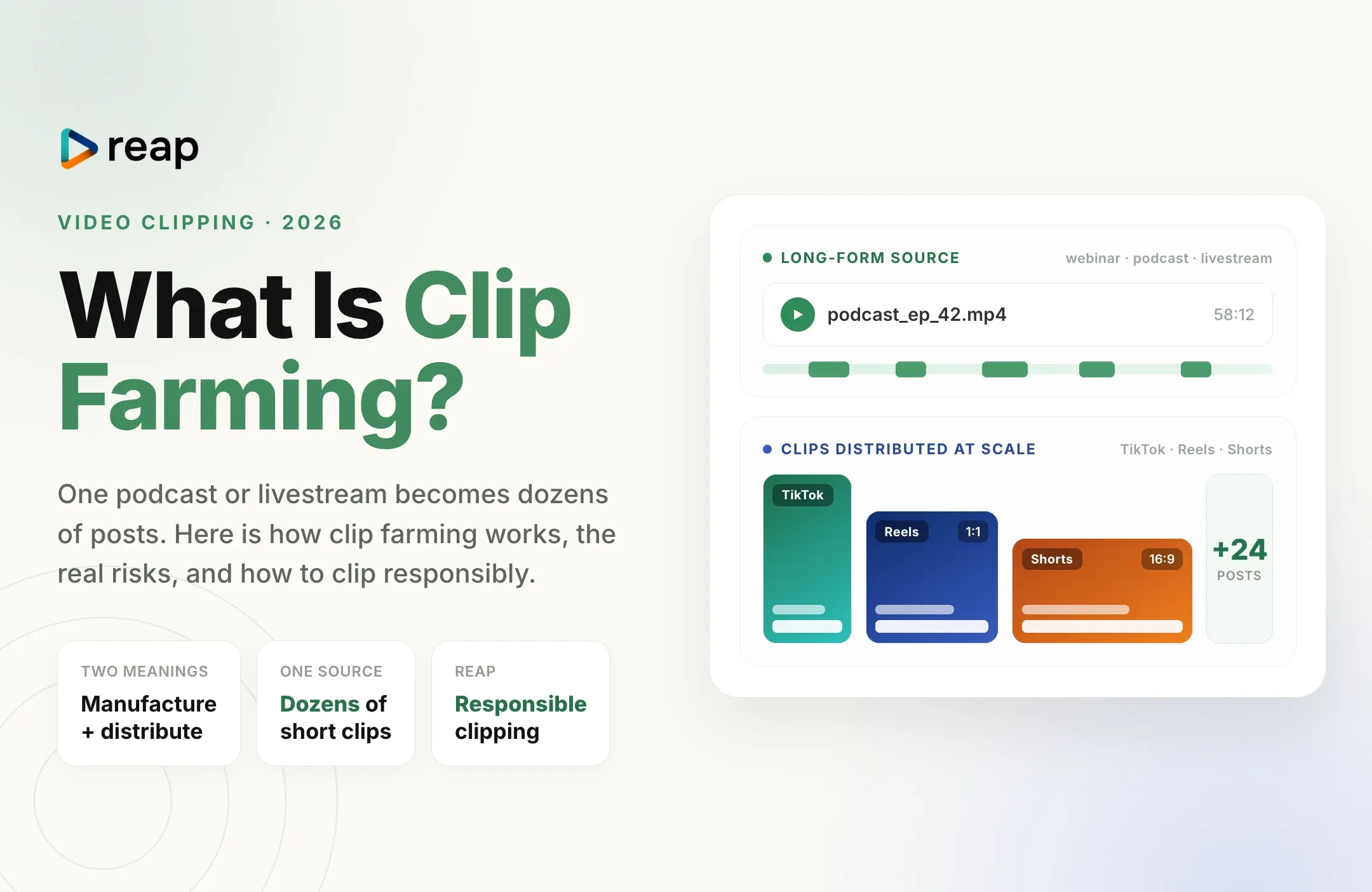
If you want the bigger picture of the practice itself, our guides to video clipping and clip farming explain how brands and creators use clipping networks.
How clippers get paid: 4 ways to earn
There is more than one way to make money clipping. Most clippers start with campaigns and add the others as they grow.
|
Path |
How you earn |
Best for |
|---|---|---|
|
Clipping campaigns |
A rate per 1,000 approved views, paid from the campaign budget |
Beginners who want paid work from day one |
|
X native clipping |
Engagement on your clips through X's Original Content Rewards program |
Clippers who already post on X |
|
Clipping for streamers directly |
A flat monthly fee or a per-clip rate you agree with the creator |
Clippers with a portfolio of clips that performed |
|
Your own clip channel |
Platform monetization, such as YouTube Shorts revenue sharing |
Clippers building a long-term audience in one niche |
1. Clipping campaigns
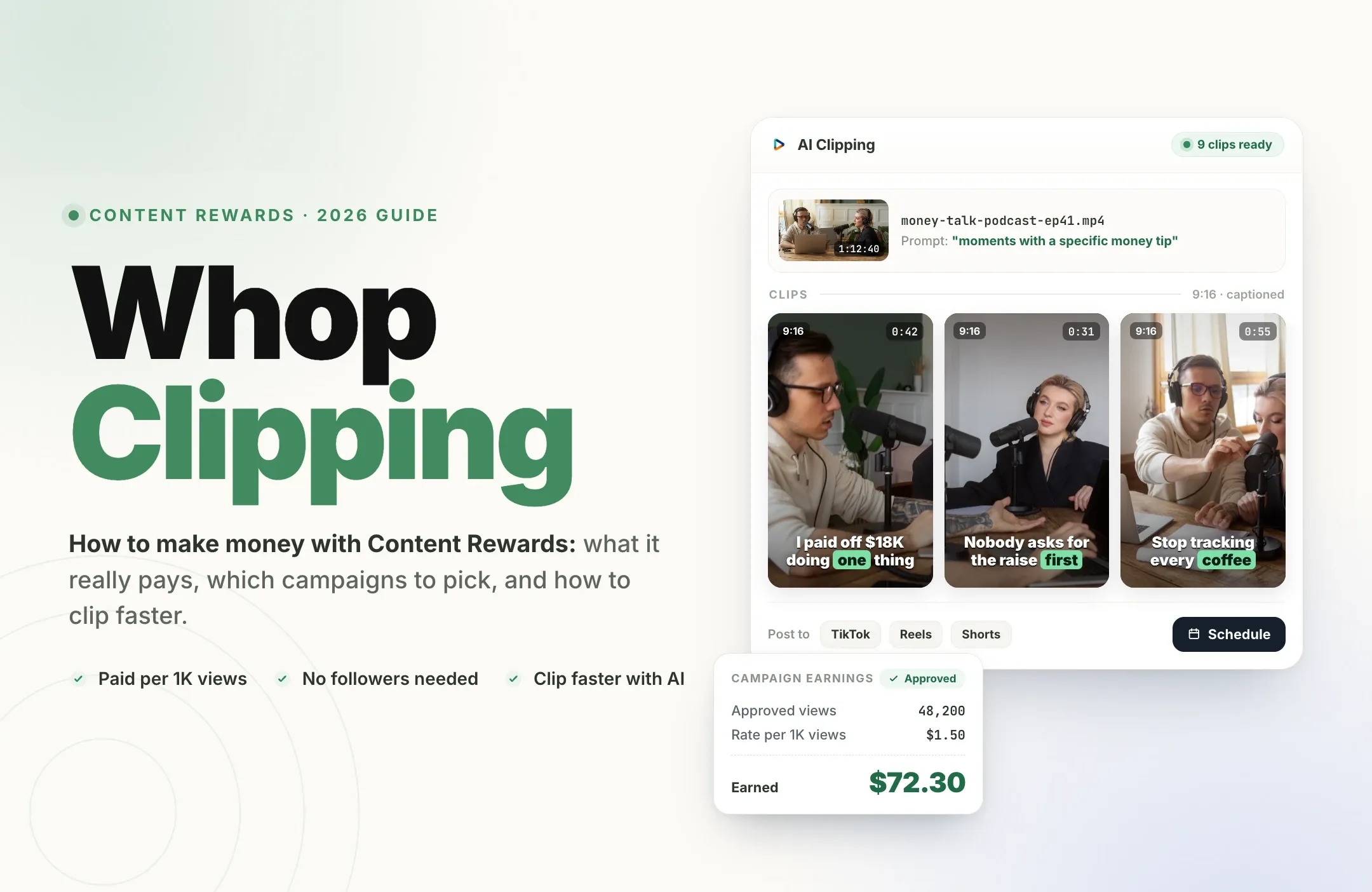
Campaign marketplaces connect brands and creators with clippers. A campaign lists its rate per 1,000 views, the platforms it accepts, a minimum and maximum payout per clip, and a brief with rules. You clip the provided footage, post it, submit the link, and get paid once your clip is approved. Content Rewards alone listed more than 700 live campaigns in November 2026. If you clip through Whop, our Whop clipping guide walks through that process step by step.
2. X native clipping
On November 9, 2026, X launched native clipping. You can clip 5 to 60 seconds from another creator's pre-recorded video (up to 30% of its length) and repost it with your commentary. Each clip links back to the original, and both you and the original creator can earn through X's Original Content Rewards program, as long as both of you are enrolled. X has not published a rate per view, so treat it as a bonus channel alongside paid campaigns.
3. Clipping for streamers directly
Many streamers and podcasters hire a dedicated clipper to run their clip channels. The pay is agreed directly, often a monthly fee or a rate per clip, and the work is steady because the creator streams every week. This is where experienced clippers earn the most reliable income. If you clip gaming streams, a Twitch clipper workflow lets you pull clips straight from the VOD.
4. Your own clip channel
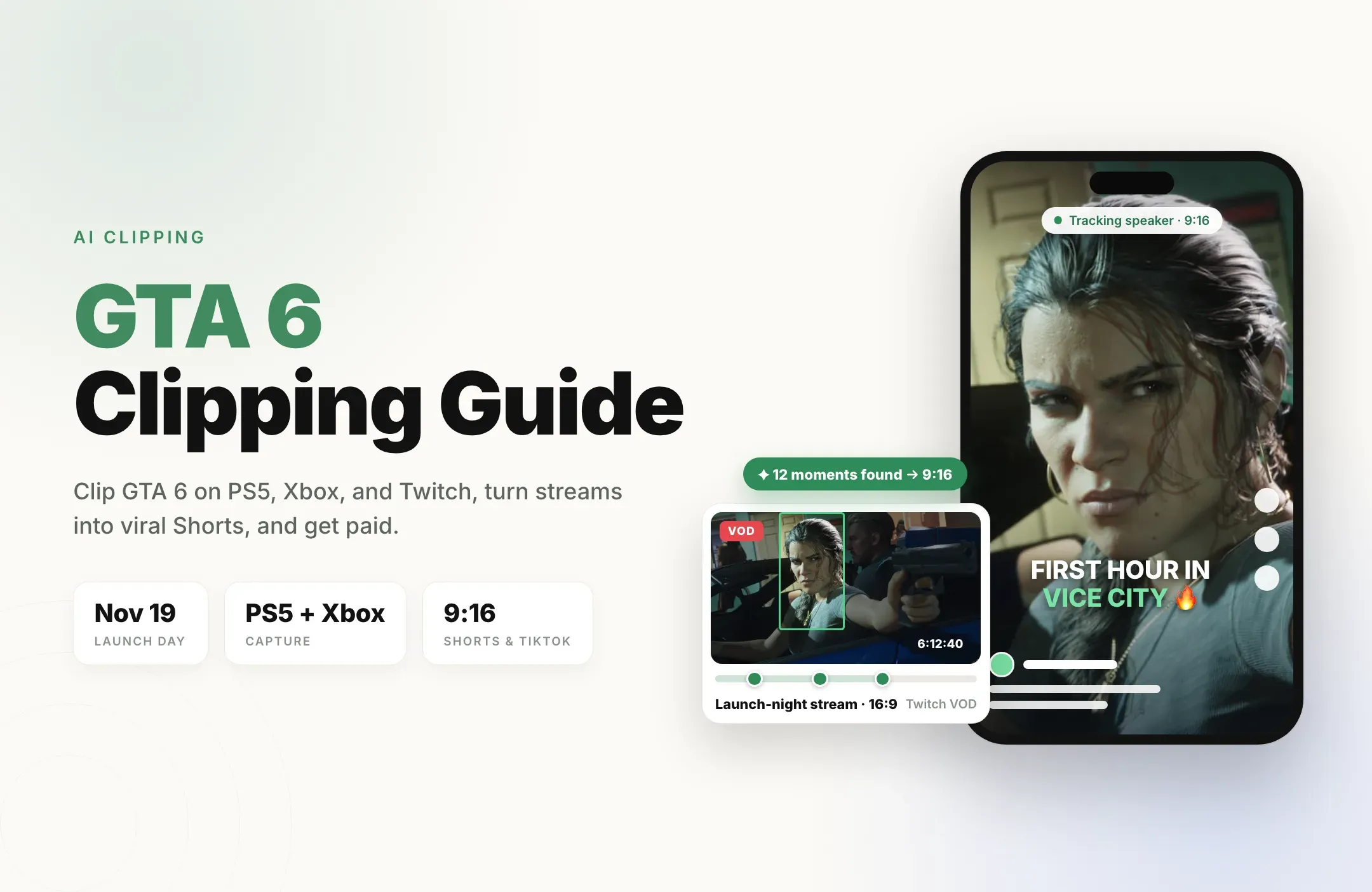
Some clippers build their own channel around a niche, such as one podcast, one game, or one topic, and earn from the platform itself. On YouTube, that means meeting the YouTube Shorts monetization requirements and earning from the Shorts Creator Pool. Big launches create waves of demand here too, as our GTA 6 clipping guide shows.
How much do clippers make in 2026?
Clipping pays per approved view, so your income depends on your campaign rates and how many views your clips earn. Content Rewards published a snapshot of 707 live clipping campaigns on November 10, 2026. Here is what it showed:
- Median rate: about $1.09 per 1,000 views. Half of all campaigns paid between $1.00 and $2.00.
- By platform: YouTube had the highest median at $1.43, then Instagram at $1.20 and TikTok at $1.00.
- By niche: Technology and Health & Wellness campaigns had the highest medians at $2.00, followed by Finance and Sports at $1.50.
- Budgets: those campaigns listed nearly $3 million in total budget, with about $1.48 million still available.
- Minimum payout: the median campaign started paying once a clip earned $2.00.
Here is what approved views are worth at the two most common rates, before any platform fee or per-clip cap:
|
Approved views |
At $1 per 1,000 |
At $2 per 1,000 |
|---|---|---|
|
10,000 |
$10 |
$20 |
|
50,000 |
$50 |
$100 |
|
100,000 |
$100 |
$200 |
|
500,000 |
$500 |
$1,000 |
|
1,000,000 |
$1,000 |
$2,000 |
Notice what drives the bigger numbers: volume. One clip rarely makes a month. A steady stream of clips, with a few that break out, does. Clippers who post every day across several accounts give themselves far more chances at a 500,000-view clip than clippers who post once a week.
How to become a clipper in 7 steps
Follow these steps in order to start clipping and post your first paid clip this week.
Step 1: Pick a niche you understand
Choose one area you already follow, such as gaming, podcasts, finance, fitness, tech, or sports. You will spot great moments faster in content you know, and your clip accounts will grow faster with a clear theme. Higher-paying niches like technology, health, and finance are worth a look, but a niche you enjoy is one you will stick with.
Step 2: Set up dedicated clip accounts
Create fresh accounts on the platforms your campaigns accept: TikTok, Instagram, YouTube Shorts, and X are the big four. Name each account after your niche, write a clear bio, and keep your personal account separate. Most campaigns require public accounts, so check the brief before you sign up.
Step 3: Build your clipping toolkit
You need four things: a way to find the best moments, captions, 9:16 reframing, and a way to post on schedule. You can do this by hand, but it can take 20 to 40 minutes per clip. An AI clipping tool like Reap does the repetitive parts in minutes, so you spend your time choosing great moments instead of dragging timelines.
Step 4: Join your first campaigns
Sign up on a clipping marketplace and browse live campaigns. Before you join one, check five things:
- Rate per 1,000 views on the platforms you post to.
- Minimum payout, the point where your clip enters review.
- Maximum payout per clip, so you know the ceiling on a viral clip.
- Budget remaining, so the campaign doesn't run dry halfway through your batch.
- The brief: required tags, mentions, hooks, clip length, and disclosure.
Start with two or three campaigns in your niche that have clear briefs and plenty of budget left. Joining is free on legitimate marketplaces.
Step 5: Make clips that get approved and watched
- Hook in the first second. Open on the punchline, the bold claim, or the reaction, not the setup.
- Keep it tight. Aim for 15 to 45 seconds for most clips; see our guide to the best video length for Shorts, Reels, and TikTok.
- Add bold captions. Many viewers scroll with the sound off, and animated captions keep people watching.
- Reframe to 9:16. Auto Reframe keeps the speaker centered when the source is a wide 16:9 shot.
- Keep text clear of the buttons by staying inside the safe zones.
- Follow the brief exactly, with every required tag, mention, and disclosure.
Step 6: Post consistently and submit every link
Consistency is the whole game. Post several clips a day across your accounts, submit each post link to its campaign right away, and keep going even when early clips get modest views. Every clip you post is another chance at the one that breaks out.
Step 7: Track what works and scale up
After two weeks, look at which hooks, topics, and lengths earned the most views, and make more of those. Then scale: add a second niche account, join more campaigns, and use your best-performing clips as a portfolio to pitch creators directly. Some clippers go on to run a small team or a clipping agency.
Your first 30 days as a clipper
|
Week |
Focus |
Goal |
|---|---|---|
|
Week 1 |
Pick a niche, set up accounts, join 2 to 3 campaigns |
Post your first 10 clips |
|
Week 2 |
Post daily, study which hooks get watched |
Reach your first campaign minimum payout |
|
Week 3 |
Double down on your best formats, add a campaign |
Post 3 or more clips a day |
|
Week 4 |
Add a second platform or account, build a portfolio |
Pitch your first streamer or podcaster directly |
Where to find clipping jobs
- Clipping marketplaces. Campaign platforms list hundreds of live campaigns at once, with rates and budgets shown up front.
- X native clipping. Clip creators who are enrolled in Original Content Rewards and earn on X directly.
- Creator communities. Many streamers and podcasters recruit clippers in their Discord servers and community posts.
- Direct outreach. Send a creator three clips you already made from their content, with the views each one earned. A proven clip is the best pitch there is.
- Twitch and Kick streamers. Live streamers produce hours of new content every week and always need more clips.
How to keep your clips approved and paid
Approved views are paid views, so a few habits protect your earnings:
- Read the brief before every batch. Missing a required tag or mention is the most common reason clips fail review.
- Export clean files. Most briefs reject clips that carry another app's watermark.
- Post natively and once. Upload each clip directly to each platform and avoid duplicates.
- Keep the meaning intact. Cut quotes so they say what the creator actually meant.
- Grow with real views. Campaigns pay for organic views, so great clips beat any shortcut.
- Add disclosure with the platform's paid partnership setting when the campaign asks for it.
The fastest clipping workflow with Reap
Your income as a clipper grows with the number of good clips you post. Reap is built for exactly that: it turns one long video into a batch of ready-to-post clips in minutes.
- Add the source video. Upload the campaign file or paste a YouTube, Twitch, X, or Vimeo link into Reap. Paid plans handle videos up to 180 minutes, and Kick VODs can be uploaded as files.
- Let AI find the moments. AI clipping finds the strongest moments and gives each one a virality score. Steer it with a prompt that matches the brief, like "find moments where the host gives a specific money tip"; our prompt clipping guide has more examples.
- Reframe to 9:16. Auto Reframe tracks the speaker, so wide podcast and stream shots become clean vertical clips.
- Caption every clip with 50+ animated caption styles in 100+ languages.
- Review and polish. Trim the hook by editing the transcript, apply a brand template, and check every clip against the brief.
- Schedule your posts. The social media scheduler publishes to TikTok, Instagram Reels, YouTube Shorts, Facebook, and LinkedIn, and to X on the Studio plan.
Which Reap plan to choose as a clipper
- Free: 1 hour of video a month, exported at 720p with a watermark. Great for learning the workflow, but most campaign briefs reject watermarked clips.
- Creator (from $9.99 a month, billed annually): up to 10 hours of clipping a month, watermark-free 1080p exports, premium caption styles, brand templates, and the scheduler. At a $1 rate, it pays for itself at roughly 10,000 approved views a month.
- Studio (from $29 a month, billed annually): up to 20 hours a month, 4K exports, priority processing, X publishing, and up to 3 team members. Built for full-time clippers and small clipping teams.
Compare every feature on the pricing page.
Example: one 3-hour stream, one week of clips
Say you join a gaming campaign paying $1.50 per 1,000 views on YouTube Shorts and TikTok. You paste a 3-hour stream VOD into Reap, prompt it for the funniest reactions, and keep the 12 best clips. You post two a day on each platform for the week.
Most clips land a few thousand views. Two reach about 100,000, and one reaches 300,000. Those three clips alone earn about $750 at $1.50 per 1,000 before fees. Repeat that with every new stream, and clipping turns into a real weekly income. Your exact results will vary with the campaign, the niche, and your clips, but the math always rewards the same thing: more good clips, posted consistently.
Clipper checklist
- A niche you understand and enjoy.
- Dedicated public clip accounts on TikTok, Instagram, YouTube Shorts, or X.
- Two or three campaigns with clear briefs and budget remaining.
- An AI clipping workflow for moments, captions, 9:16 reframing, and scheduling.
- Watermark-free 1080p exports.
- Hooks in the first second and captions on every clip.
- Several clips a day, with every link submitted.
- A portfolio of your best clips for pitching creators directly.
Final thoughts
Becoming a clipper is one of the easiest ways to start earning online in 2026. Brands and creators are paying for reach, campaigns are open to beginners, and X now pays clippers natively too. The clippers who win are not the ones with the fanciest edits. They are the ones who post the most good clips, every day.
Start clipping with Reap free, turn your first long video into a batch of clips in minutes, and upgrade to Creator when you are ready to post watermark-free clips to every campaign.