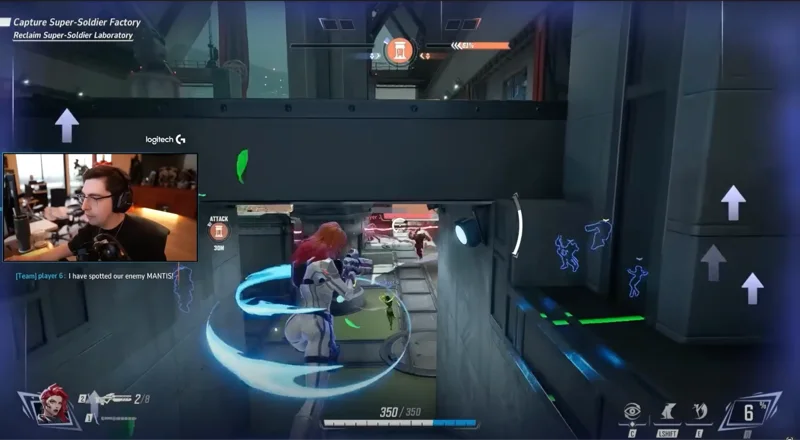
reap for gamers
Turn every stream into clips worth replaying.
Turn Twitch VODs, streams, gameplay commentary, walkthroughs, reviews, and gaming podcasts into branded, channel-ready clips through one connected workflow.
A stream clip maker, a gameplay video editor, and a scheduler, in one pass.


One stream. Every clip a feed needs.
- Highlight clips From a full session
- Funny moments The bit chat replayed
- Clutch plays The round that turned
- Walkthrough cuts One step, one clip
- Review cuts From a long verdict
- Podcast clips From gaming episodes
- Localized versions 100+ caption languages
Captions, translation, and dubbing are paid-plan capabilities. Every clip opens in the editor before it goes anywhere.
The stream ends. The content should not.
A long session is not short of material. Somewhere in it are the reactions, the stories, the explanations, the arguments with chat, and the one tangent people quote back at you for a month. Working out how to clip a Twitch VOD by hand is not the hard part. The hard part is that all of it is buried in three hours of footage, and the work of getting it out lands on you the moment you stop streaming.
- Find the recording and get it off the platform
- Rewatch hours of it to remember what happened
- Mark the timestamps worth keeping
- Cut each clip on its own
- Type or fix the captions
- Restyle every export to look like the channel
- Crop it again for vertical
- Render several versions
- Write the posts and queue them up
The usual route
- Stream ends, recording sits there
- Find and pull the file
- Rewatch the session to place moments
- Cut, caption, and restyle each clip
- Re-crop and re-export per format
- Post them one at a time
With reap
- Stream ends, recording goes in
- Upload, or paste the link
- Review the moments it comes back with
- Refine the ones worth keeping
- Channel template and formats applied
- Export or schedule the approved set
One session, many clips
More than highlights. Build content from the whole session.
Most game clipping tools are pointed at the plays. The rest of a gaming channel, the explanations, the opinions, the community moments, is where a lot of the watchable material actually is, and it is the part that gets cut last or not at all. reap starts from what was said, which makes those the easiest clips to find rather than the hardest.

Livestream VOD
- Spoken reaction
- Story you told mid-game
- Chat exchange
- Post-match take
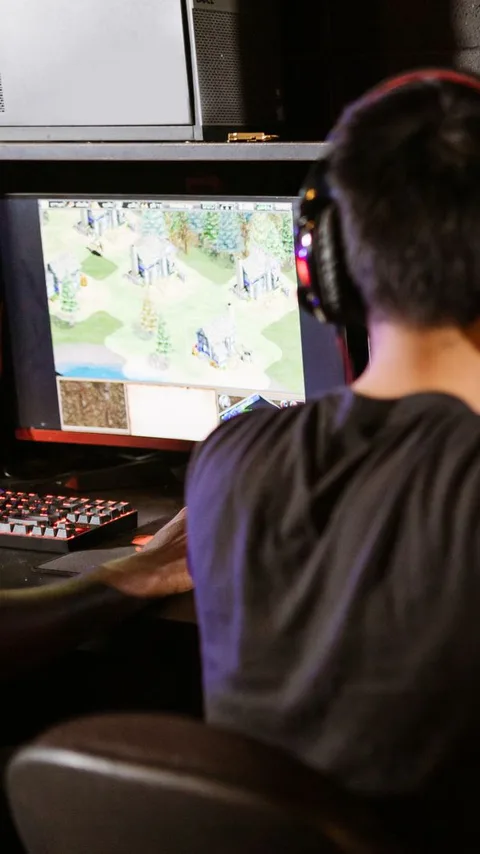
Tutorial or walkthrough
- One tip, on its own
- Strategy explained
- Mechanic breakdown
- Common beginner mistake
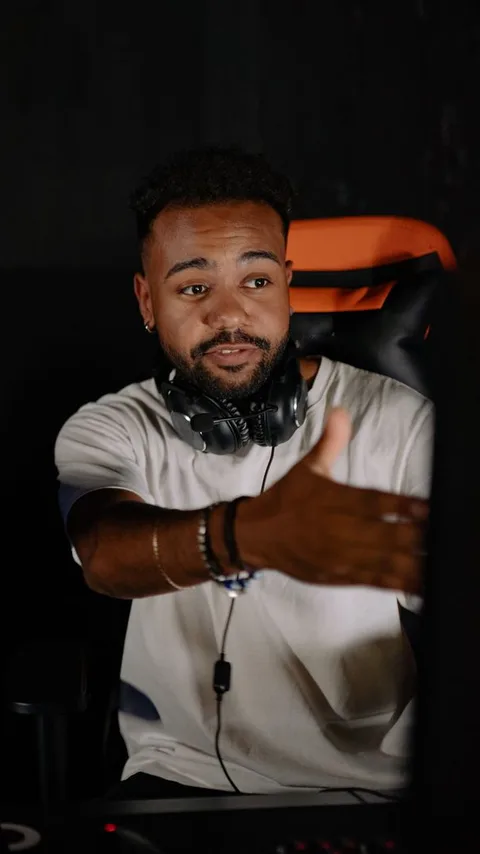
Game review
- First impression
- The strongest opinion
- What it gets wrong
- Buy or skip verdict
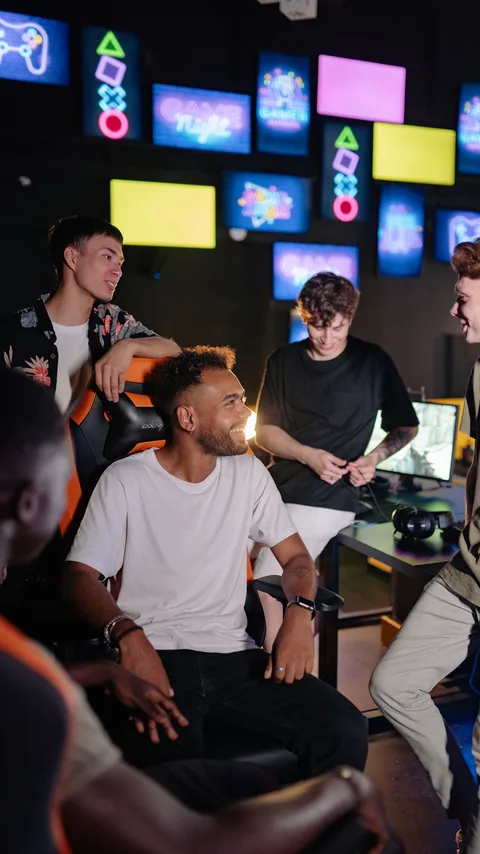
Gaming podcast
- Guest opinion
- Industry argument
- Episode teaser
- Audiogram
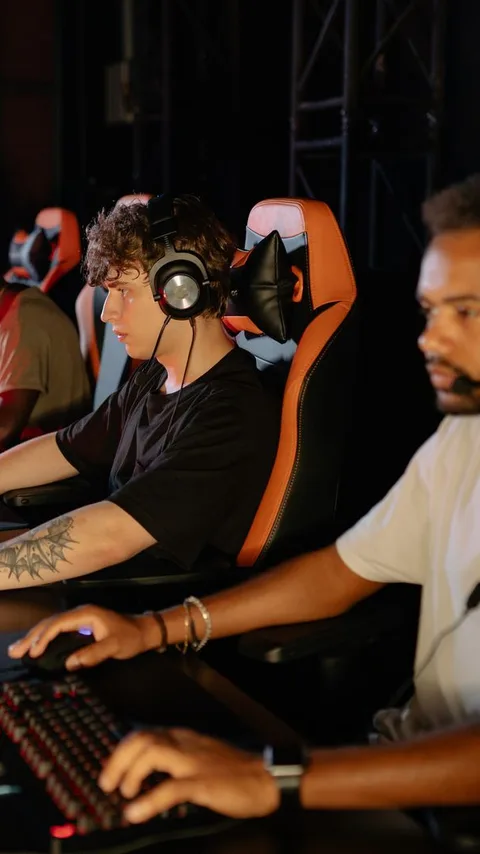
Esports discussion
- Spoken match analysis
- Player interview answer
- Tactical explanation
- Post-series reaction

Studio or community stream
- Feature explained
- Developer commentary
- Community question
- Patch note discussion
Stills and outcomes are illustrative. Sources go in as an upload, or as a link from YouTube, Twitch, X, or Vimeo, up to 180 minutes on paid plans.
Explore AI video clippingYour call, every time
AI finds the starting point. You make it yours.
A suggested clip is a draft. It opens in reap’s gameplay video editor with the transcript beside it, so trimming is a matter of selecting words rather than nudging a playhead, and the caption fix you make in the transcript carries into the burned-in text.
- Move the in and out points until the clip starts on the right word
- Fix a gamertag or an item name in the transcript, and the captions follow
- Restyle, resize, and reposition captions off the part of the frame that matters
- Add text overlays or B-roll, then preview the clip before it leaves reap
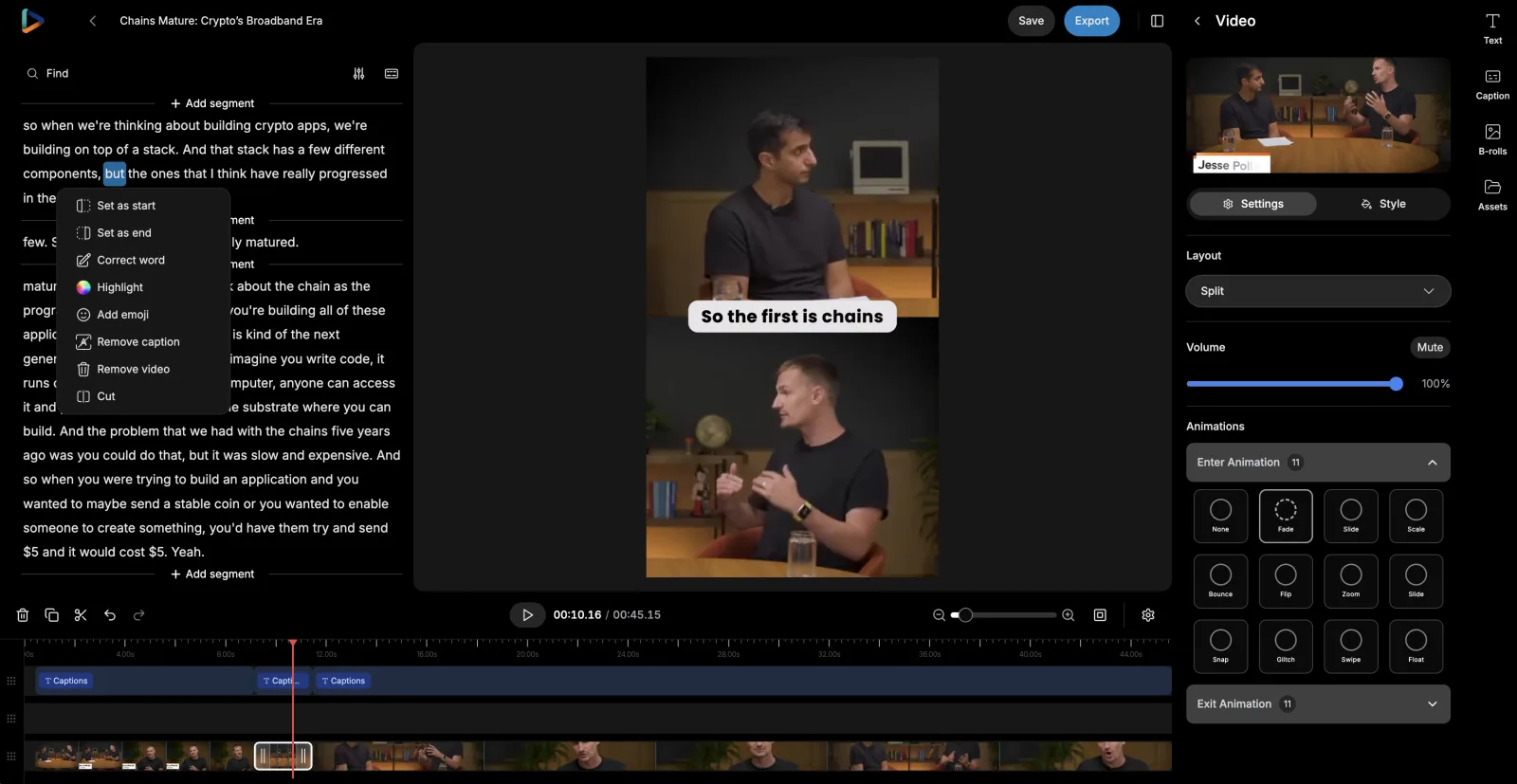
Every suggested clip stays editable, so reap is as much a Twitch clip editor as a clip generator. See the AI video editor.

Make the reaction readable with the sound off.
A lot of short-form gaming content is watched muted, in public, at speed. Captions are what carries the joke and the explanation when the audio never plays. Save one animated style into your channel template and every clip carries it, timed word by word, with the terms that matter highlighted. These previews are the caption tool’s real 50+ preset library running live on reap’s own demo clips.
Expect to correct some words. Gamertags, item names, and fast overlapping voice chat are where transcription slips, and the transcript is editable.

Channel formats
Prepare gameplay for the way people watch now.
A session is recorded in landscape and watched in portrait. Auto reframe produces a starting crop for each format, tracking whoever is talking and switching layout where a single crop will not hold the shot.
- Speaker detection and tracking keeps whoever is talking in frame
- A dynamic layout switch between single-crop, zoom-out, and split framing
- Portrait, square, and landscape from one recording
- Manual framing control, and a preview before anything exports
Check the framing before export: minimaps, health, objectives, and scoreboards sit away from the centre, and reap does not know which your clip depends on. How auto-reframing works.
Brand templates
Make every clip look like it came from your channel.
Recognition on a feed is built from repetition: the same caption style, the same font, the same logo in the same corner, week after week. A brand template saves that setup once and applies it as new clips are created, so it survives a late night and a rushed upload.
- Caption style
- Kinetic Typography
- Font
- Channel sans, uploaded
- Logo
- Top left
- Intro / Outro
- Opener · Sub card
- Applies to
- New clips in this project
Saved once · nobody restyles a clip by hand


Templates and fonts are plan-based: 3 on Creator, 6 on Studio, unlimited on Enterprise. A template applies to clips created after it is saved. See the caption styling system, or read the brand template documentation.
Reach further
Share the same moment with more of the gaming world.
Games are global long before channels are. Once a clip is approved, take its transcript, translate the captions, output Roman script where that is how the audience reads, or dub the audio, and send that version down the same path as the original.
- Approved clip
- Transcript
- Translated captions
- Roman script
- Dubbed audio
- Your review
Each step is a choice, not a chain you have to run in full. A channel might take translated captions for four languages and dubbing for one.
Caption translation
Changes the written text. The clip keeps your voice and your commentary, and the captions read in the viewer's language. The lightest version to produce.
Roman script
Changes how a language is written. Hinglish, Romanized Urdu, Arabizi: captions the way large gaming audiences actually read and type on social.
AI dubbing
Changes the spoken audio. Approved clips re-voiced in 80+ languages and regional variants, on a monthly plan allowance.
Dubbing runs on a monthly allowance: 2 hours on Creator, 5 on Studio. Game and character names are where machine translation slips, so have someone who plays it read a localized clip first. See AI captions and subtitles, multilingual subtitles, and how AI dubbing works.
Distribution
Keep posting after the session ends.
One session is worth more than one post. Pick the clips, choose the connected account, write the copy, set the time, and spread them across the days when you are not live, so the channel keeps moving between streams.
- Stream nightWhile the session is still freshBest reactionChat moment
- Next dayThe clip that needed a second passStrategy explainedStory from the session
- Rest of the weekKeeps the channel busy between streamsBeginner tipOpinion cut

For orgs, studios, and media teams
A repeatable clipping workflow for gaming teams.
When more than one person touches a recording, the workflow has to live somewhere shared. In reap that is a studio: the session is uploaded, clips are generated, someone reviews the moments, an editor refines the ones worth keeping, the channel template and captions go on, and approved clips are exported or scheduled.
- A Team Studio workspace on the Studio plan, with up to 3 member seats
- Admin and Member roles, and studios your team can switch between
- Shared projects, channel templates, and assets in one place
- The session, its clips, and the publishing calendar together
There are no formal approval workflows or review portals, so sign-off is a step your team owns. Seats and roles are plan features; see the pricing page.
For channels that stream on a schedule
Build a post-stream pipeline that keeps moving.
If you stream the same nights every week, the work after it is the same shape every week too. reap gives you three levels to auto clip a new session at, and different shows can sit on different levels: hands-on for the one you are still figuring out, automated for the one that has run the same way for a year.
In the reap dashboard
For one channel, or for the session you want to sit with.
- Upload the recording, or paste a YouTube, Twitch, X, or Vimeo link
- Set the genre to Gaming, describe the moments you want, review what comes back
- Refine in the editor, then export or schedule to a connected account
No-code automation
For a schedule that repeats: same days, same show, every week.
- Triggers: a new project or a new upload in your reap studio
- Actions: create clips, captions, transcription, dubbing, or a reframe
- Read project status, details, and clips back to drive the next step
Developer and agent workflows
For teams with engineering support, or an agent already in the loop.
- REST API and CLI to submit sessions and collect finished clips
- Webhooks so you get told when a project finishes, instead of polling
- MCP server, so an agent can run a session job in plain language
Zapier needs a paid plan and an API key. Whatever level you run at, a person still approves what goes out. Go deeper on the video editing API, the MCP server, or the clipping agent.
One repeatable post-stream pipeline, end to end
A session goes in, reviewable clips come out. The first five nodes are published reap Zapier steps; the last one is the part that stays with you. Drag the nodes to explore the pipeline.
The session recording lands in your studio
Candidate moments from what was said
100+ languages, the channel's saved style
9:16, 16:9, and 1:1 from one source
80+ languages for other regions
Approve, then schedule or export
Drag nodes to explore the pipeline
Keep the taste. Drop the rebuilding.
An AI gaming clip maker does not touch the decisions that make a channel worth following: what is actually funny, which explanation is worth posting, how the edit should feel. What changes is the production work stacked around those decisions.
| Task | Doing it by hand | With reap |
|---|---|---|
| Finding moments | Rewatch the whole recording and write down timestamps. | Generate candidate moments from spoken content and a prompt, then review them. |
| Creating clips | Cut every clip individually on a timeline. | Start from editable AI-generated clips and adjust the boundaries. |
| Captions | Transcribe and style captions on every clip separately. | Generate captions and apply a reusable preset from the channel template. |
| Formats | Rebuild the clip for each aspect ratio a platform wants. | Create the supported formats from one source, then check the crop. |
| Branding | Reapply the channel's look to every export by hand. | Save it once as a brand template and apply it as clips are created. |
| Other languages | Move between separate transcription, translation, and dubbing tools. | Produce supported language versions in the same workflow. |
| Publishing | Download files, organise them, and schedule them somewhere else. | Export, or schedule approved clips to connected accounts from the calendar. |
It does not remove manual work. It removes the part that is the same after every session.
One workflow, used differently by every kind of channel.
The same video editing software for streamers, esports orgs, studios, and gaming media, pointed at whatever each of them records.
Streamers
Sessions run for hours and end at 2am. The next morning the reactions, the tangents, and the chat exchanges are already cut and waiting to be reviewed.
Gaming YouTubers
The long-form video is the work. Shorts come out of the same recording instead of being a second shoot you keep putting off.
Gameplay commentators
The value is in the read, not the footage. Pull the moments where you called what was about to happen and explained why.
Educational creators
One walkthrough holds a dozen teachable bits. Each mechanic, mistake, and shortcut becomes a clip that answers one question properly.
Gaming podcasters
Episodes are two hours of argument and story. Cut the take that starts the fight, the guest answer, and an audiogram for the audio-only feed.
Esports teams
Scrim reviews, watch-alongs, and player interviews already happen on camera. They become the content that keeps a roster visible between events.
Tournament organizers
A broadcast day produces hours of desk analysis and interviews. Clip the talking around the matches while the bracket is still live.
Game studios
Dev streams and patch rundowns explain the game better than a changelog. Cut the part where someone on the team says why it changed.
Community teams
AMAs and community streams answer the same questions the forums ask. Each answer becomes a clip you can point people at later.
Gaming media
Reviews, interviews, and roundtables carry the opinions readers come for. Publish the verdict as a clip the same day the piece goes up.
Built with reap.
Every step of the workflow above is a product capability with its own page. These are parts of one connected system, not separate tools you have to stitch together.
AI video clipping
Turns a full session, walkthrough, or review into candidate moments you can look through in minutes.AI captions
Carries the commentary in muted feeds: animated presets, 100+ languages, native and Roman scripts.AI video editor
Where you take over: move the in and out points, fix a gamertag in the transcript, adjust the crop.Clipping agent
Runs the session-to-reviewable-clips loop from one instruction, so it happens without you starting it.Video editing API
Puts clipping in your own pipeline: submit the VOD, set the gaming genre, collect the results.AI dubbing
Re-voices an approved clip in 80+ languages, so a good moment travels past your own region.Social scheduler
Queues the week from one session: pick the account, write the copy, set the time.MCP server

Lets Claude, Cursor, or any MCP client run a session job for you in plain language.Frequently Asked Questions
Upload the recording, or paste a link from YouTube, Twitch, X, or Vimeo, and reap works as a Twitch clipper, Twitch VOD clipper, and stream clip generator: it returns candidate clips you review before anything is exported. Paid plans take sources up to 180 minutes, with uploads up to 5 GB on Free and 10 GB on paid plans, so a full session usually goes in whole. reap works from the finished recording; it does not capture your stream, record your screen, or clip a broadcast while it is live.
Anything where you talk: livestream VODs with commentary, gameplay you narrate, tutorials and walkthroughs, game reviews, reaction videos, gaming podcasts, esports watch-alongs and player interviews, dev streams, and patch-note discussions. Silent gameplay is the weak case, because reap has far less to work with when nobody is speaking. The clipping setup has a genre selector with Talking, Presentation, and Gaming options, and picking Gaming tunes how clips are cut for this kind of source.
It can surface candidates. Prompt-first clipping is available on paid plans, so you can ask for the funniest spoken reactions, the moments where you explained a strategy, or the part where you answered a question from chat, and reap returns moments from the recording that match. Comedy is a judgment call and reap does not make it for you: treat what comes back as a shortlist to watch, not a verdict on what is funny.
No. reap does not read game telemetry, scoreboards, kill feeds, HUD elements, victory screens, rank changes, or match statistics, and it has no per-game support. It works from spoken content, so it finds the moment you reacted to a play or explained what went wrong, not the play itself. If you specifically want event-based highlight detection, a tool built around visual scene analysis is the better fit; reap is built around what gets said.
Yes, and you should. Every suggested clip opens in reap's VOD editor, where you can move the start and end points, edit the transcript, cut sections, restyle or reposition captions, adjust the crop, add text overlays or B-roll, and preview the result before you export or schedule it. AI produces the first pass; which clips are worth posting stays your call.
Yes. Captions are generated in 100+ languages with word-level timing, and paid plans include 50+ animated presets, keyword highlighting, AI emoji insertion, uploaded custom fonts, and SRT or VTT export. Because most short-form viewing happens with the sound off, captions are usually the difference between a reaction landing and being scrolled past. You can move and restyle them so they do not sit on top of the part of the frame that matters.
Expect to correct some of it. Automatic transcription is strong on ordinary speech and weaker on gamertags, character and item names, invented words, community acronyms, and fast overlapping talk in a party or voice chat. reap does not claim perfect transcription. The transcript is editable in the editor, and fixing a name there fixes it in the captions, so the usual workflow is a quick read-through of the transcript before export.
It creates a starting crop you then check. Paid plans output 9:16, 16:9, and 1:1 from one source, the free plan outputs 9:16, and auto reframe uses speaker detection and tracking with a dynamic layout switch between single-crop, zoom-out, and split layouts. What it does not do is understand which parts of a game's interface matter: minimaps, health and ammo, objectives, scoreboards, and subtitles all sit away from the centre and can fall outside a vertical crop. Review the framing before you export.
Yes, through brand templates. A template saves a caption preset, uploaded fonts, a logo overlay, intro and outro cards, a background, and an orientation, then applies them as new clips are created. Template and font counts are plan-based: 3 on Creator, 6 on Studio, unlimited on Enterprise. A template applies to clips created after it is saved, so it does not restyle videos you already exported, and reap does not import stream scenes or OBS overlays.
Yes, on paid plans. Subtitle translation covers 100+ languages, with Romanized output for languages such as Hinglish, Romanized Urdu, and Arabizi. AI dubbing covers 80+ languages and regional variants on a monthly allowance of 2 hours on Creator and 5 hours on Studio. Caption translation changes the written text only; dubbing changes the spoken audio. Game names, character names, and community slang are exactly where machine translation slips, so have someone who plays the game read a localized clip before it goes out.
Yes. Paid plans include the social media publisher and a content calendar, so you can pick a connected account, write the post copy, set the date and time, and see the week or month laid out. A bulk scheduler places several clips from one session at once, and the Studio plan adds AI-suggested posting times and books up to 100 posts per studio per day. Platform-native daily limits still apply, and nothing posts that you have not approved.
Partly, and only on the way in. You can paste a Twitch link to bring a recording into reap and auto clip it, alongside YouTube, X, and Vimeo. Kick is not a supported source, so a Kick VOD has to be uploaded as a file. There is no OBS integration, no stream capture, no live clipping, and no publishing back to Twitch or Kick. reap publishes to TikTok, Instagram Reels, YouTube Shorts, and LinkedIn on Creator, plus X and Facebook on Studio; anything else is an MP4 export.
On the Studio plan, yes. It includes a Team Studio workspace with up to 3 member seats, Admin and Member roles, and shared projects, so a session, its clips, the channel templates, and the publishing calendar live in one place instead of in one person's account. reap does not run formal approval workflows, client review portals, timestamped commenting, or rights management, so sign-off is a step your team owns rather than a feature you configure.
For clips, it is built for it; for full edits, no. As a gaming video editor and Twitch clip maker, reap removes the repetitive part of post-stream work: finding candidate moments in hours of footage, building a first cut, captioning it, reframing it, and getting it toward a channel. The editing that makes a gaming channel distinctive, the pacing, the jokes, the overlays, the montage, is still yours. Editors on a team tend to use reap for the first pass and spend their time on the clips worth the effort.
Your next clip is already in the recording.
Get more out of every session you already streamed
Find the reactions, explanations, stories, and conversations worth sharing, then caption, brand, reframe, and publish them through one connected workflow. The free plan includes 1 hour of processing; plans are on the pricing page.
Start with reapSee how clipping works