AI Captioning
AI caption generator with 50+ animated styles in 100+ languages
The AI subtitle generator and caption maker that adds scroll-stopping animated captions to your videos. Accurate auto captions and closed captioning in 100+ languages, including romanized scripts like Hinglish and Romanized Urdu. 50+ preset styles for TikTok, Reels, YouTube Shorts, and every platform.



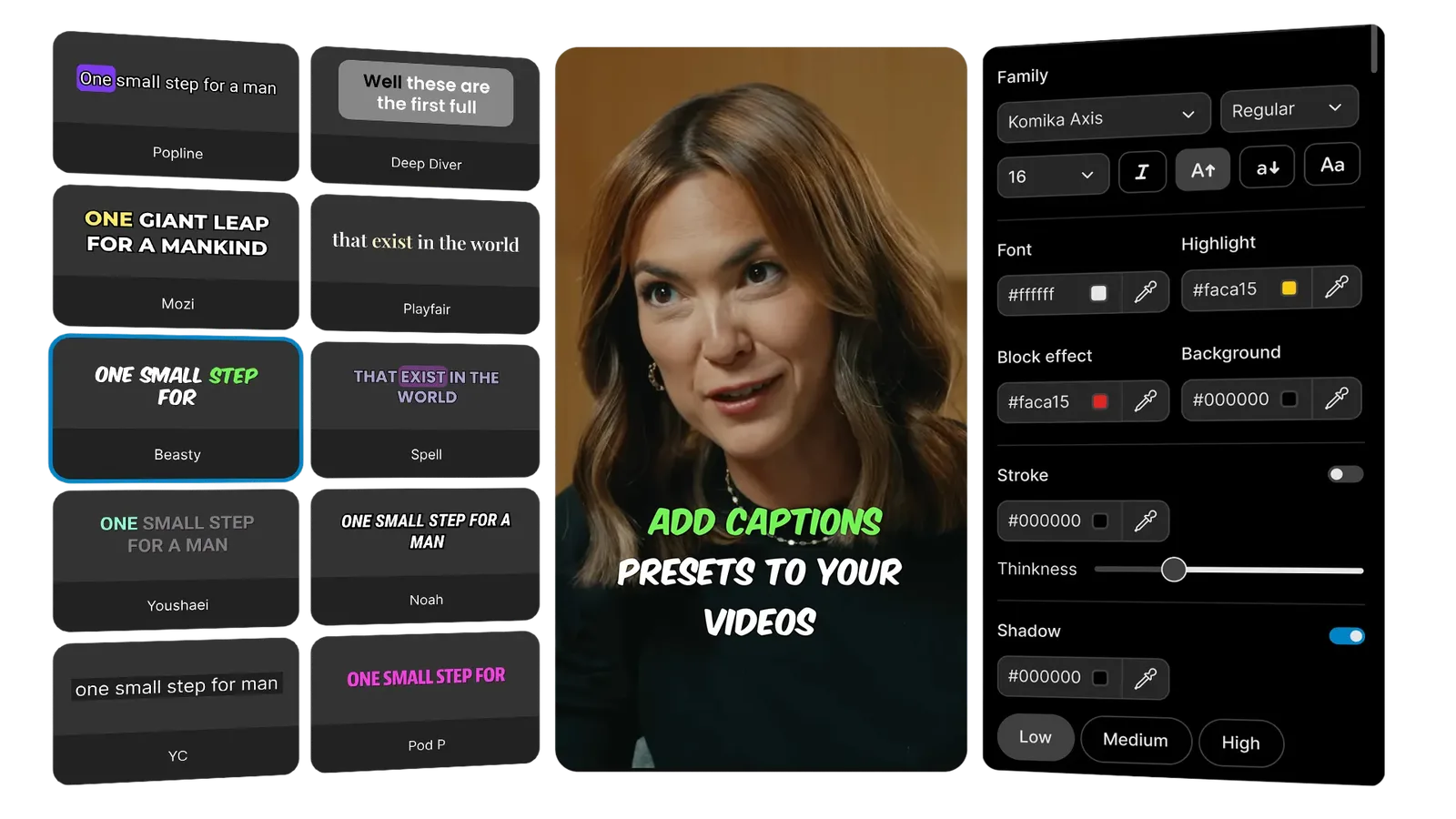
50+ animated styles. Full customization. Any language.
Add subtitles to any video in 3 steps
From paste to publish — accurate captions, styled and ready in seconds.
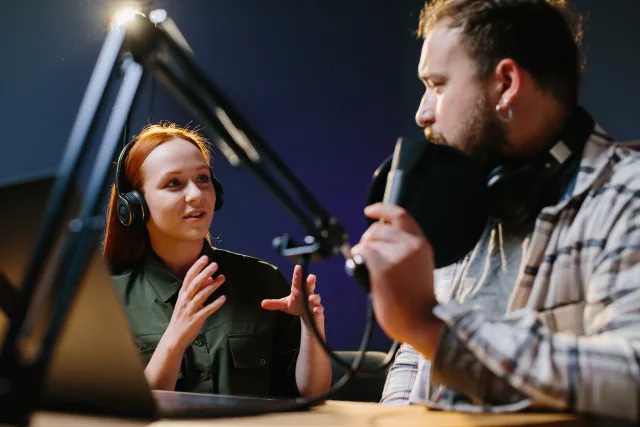 video name.mp4
Step 1Upload your video or paste a link
Drop a YouTube link, upload from your device, or send via API. reap accepts any video format: podcasts, interviews, reels, vlogs, tutorials, webinars, and more.
Step 2AI video transcription generates accurate captions instantly
reap’s AI video transcription engine delivers industry-leading accuracy across 100+ languages. Auto captions are synced to speech with word-level timing, speaker detection, and punctuation handled automatically.
Step 3Pick a style, customize, and publish
Choose from 50+ animated caption presets, customize colors, fonts, and positioning, then export or publish directly to TikTok, Instagram, YouTube, LinkedIn, and Facebook.
50+ animated caption presets built for engagement
A library of scroll-stopping caption styles designed for creators, brands, and campaigns. Bold kinetic text, word-by-word highlights, smooth lower-thirds, trending formats from TikTok and Reels. One click to apply. Fully customizable.

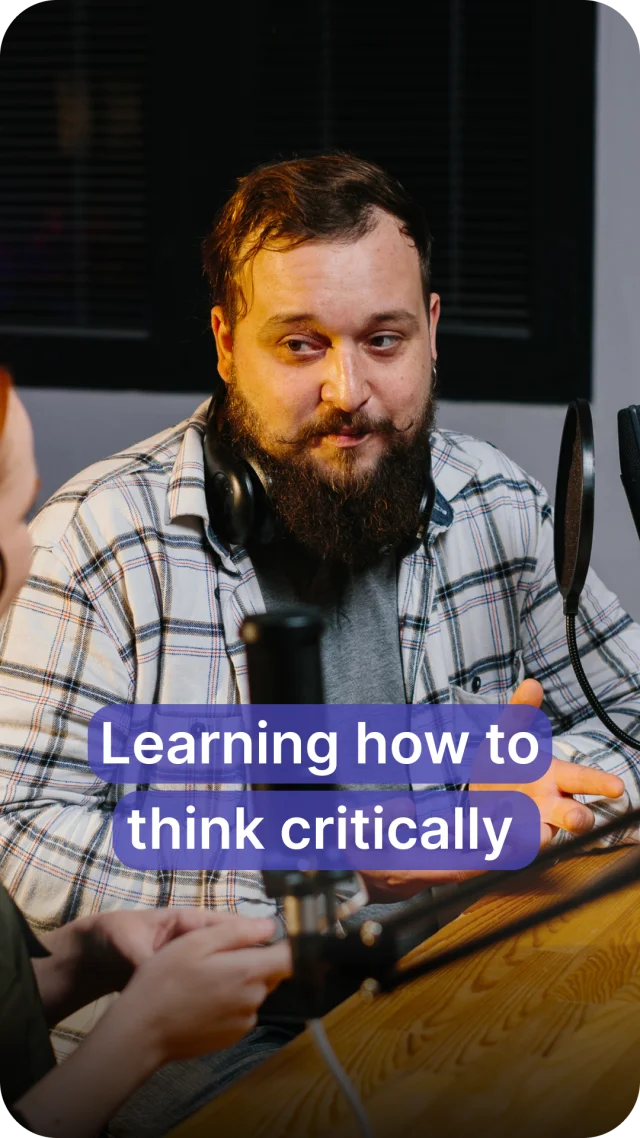

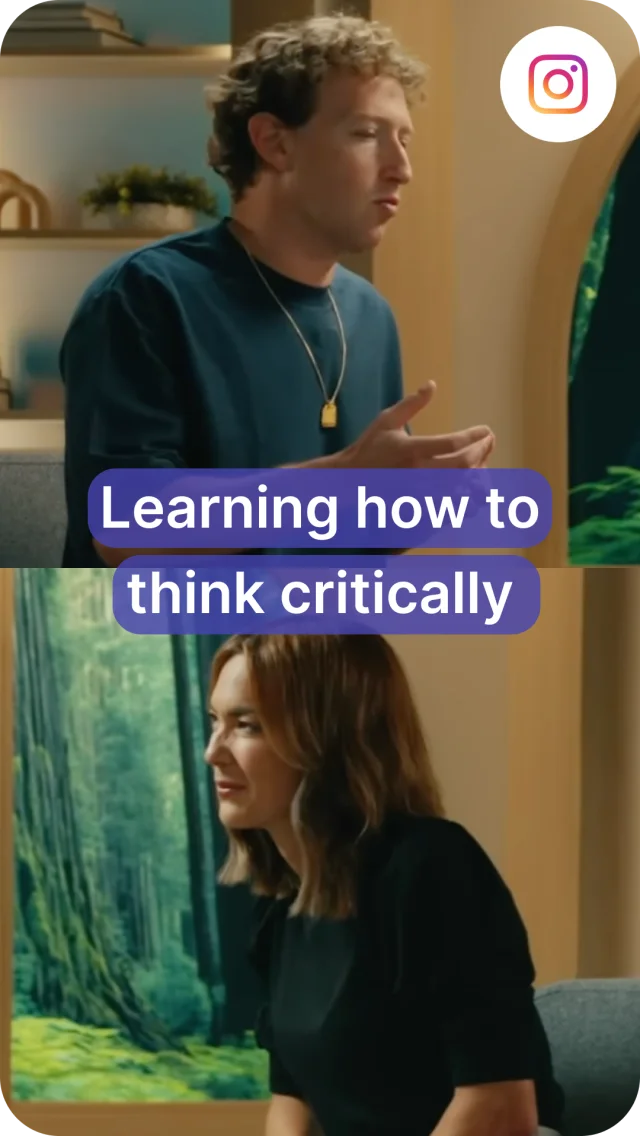
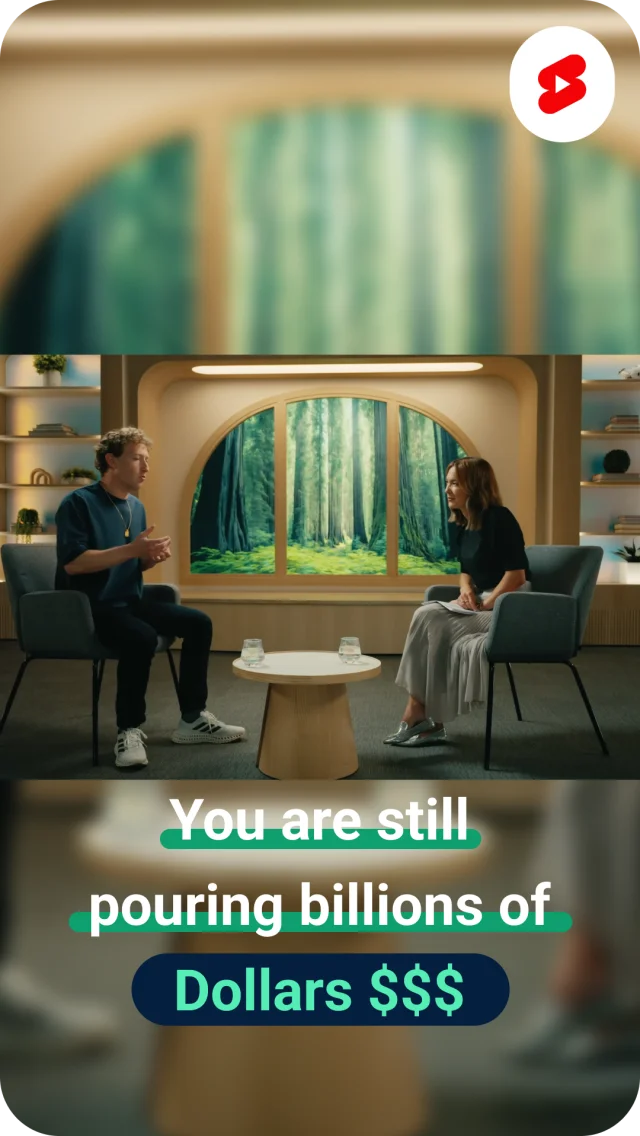
Word-by-Word Animation
Each word highlights as it's spoken, keeping viewers locked onto your message with dynamic visual rhythm.
Custom Fonts & Colors
Match any brand identity with full control over typography, color schemes, and animation effects.
Keyword Highlighting
Emphasize key phrases automatically. AI detects important words and makes them pop with color, size, or animation.
Position Control
Top, center, bottom, or dynamic placement. Control exactly where captions appear and how they move on screen.
Emoji Support
AI-suggested emojis placed contextually within your captions to boost engagement and expressiveness.
More than an auto caption creator. A complete subtitle toolkit.
From video transcription accuracy to text-based subtitle editing, reap gives you full control over every word in your video.
98%+ Accuracy Across 100+ Languages
AI-powered transcription that gets the words right, even with accents, background noise, and fast speech. Not just the top 20 languages. Accurate in Thai, Swahili, Mongolian, Hindi, Arabic, and every major world language. Other tools offer only up to 20 languages with poor word error rates.
Edit Captions Like a Document
Fix any word directly in the transcript. Adjust timing, merge or split caption blocks, correct names and technical terms. The same transcript drives the AI video editor when you want to cut the video itself.
Burn-In or Export as SRT
Burn styled captions directly into the video for guaranteed playback on any platform, or export as an SRT file for flexible use. Either way, word-level timing stays frame-accurate.
Auto-Formatted for Every Platform
Captions for TikTok, Instagram Reels, YouTube Shorts, LinkedIn, and Facebook are automatically positioned and sized. Safe zones, aspect ratios, and platform-specific requirements handled for you.
Translate video captions into every language your audience speaks
Translate subtitles into 100+ languages with one click. Add AI dubbing in 80+ languages. Support romanized scripts that no other tool offers. One video, global reach.

AI Dubbing in 80+ LanguagesEarly Access
Create language-ready versions without re-recording a word. AI clones your voice with natural intonation and pacing in 80+ languages. One video, global distribution.

Subtitles in 100+ Languages
Auto-translate captions into any language with one click. Not just the top 20. reap supports 100+ languages including Thai, Swahili, Mongolian, and every major world language.

Hinglish. Romanized Urdu. Arabizi. And More.
The only AI video tool that supports romanized scripts, the way billions of people actually type. Hinglish, Romanized Urdu, Arabizi, Romanized Bengali, Tagalog-English, and dozens more. Your audience reads it this way. Your captions should too.

Localized Content at Scale
Transform a single video into region-specific versions with localized captions, dubbed audio, and culturally relevant formatting. Reach new markets without starting from scratch.
Automate captions at scale. Keep them on-brand.
Use the API to add captions to hundreds of videos automatically. Lock in brand styles with templates. Collaborate in a shared workspace.
Caption Automation via API, CLI, and MCP
Add captions programmatically to any video. Trigger captioning, translation, and styling workflows through REST API, CLI, or MCP. Process batches of videos without touching the app. Starting at $9.99/month.
TEXT STYLE
Brand Caption Templates
Save your caption style (font, color, animation, position) as a reusable template. Every video gets the same branded look, whether made manually, by a teammate, or through the API.
Team Studio Workspace
Invite team members, manage caption projects, and collaborate in a shared workspace. Shared templates, assets, and publishing queues keep everyone aligned.
Frequently asked questions
Paste a YouTube link or upload your video. reap's AI transcribes the audio and generates time-synced captions in seconds. Pick from 50+ animated styles, customize the look, and export or publish directly to TikTok, Reels, YouTube Shorts, and other platforms. No manual syncing or editing software needed.
100+ languages with industry-leading accuracy. This includes romanized scripts like Hinglish (Hindi in Latin letters), Romanized Urdu, Arabizi, and Romanized Bengali: the way billions of people actually read on social media. Most other caption tools support only up to 20 languages with poor word error rates.
Yes. One-click subtitle translation into any of 100+ languages. AI preserves context and meaning, not just word-for-word translation. You can also pair translated captions with AI dubbing in 80+ languages for full localization.
50+ animated caption presets including word-by-word highlights, bold kinetic text, smooth lower-thirds, trending TikTok and Reels formats, and minimal styles. Every preset is fully customizable: adjust fonts, colors, size, animation speed, and position. Save custom styles as brand templates.
Yes. The REST API, CLI, and MCP let you add captions programmatically to any video, including style selection, translation, and export. Agencies use it to caption hundreds of client videos automatically. All API access included from $9.99/month.
Yes. The free plan includes 1 hour of captioning, 50+ caption styles, and 720p exports. Paid plans start at $9.99/month (billed yearly) and unlock subtitle translation, AI dubbing, API access, brand templates, and all premium features.
Add animated captions to your videos in any language
50+ styles. 100+ languages. Romanized scripts. Try free or automate via API.