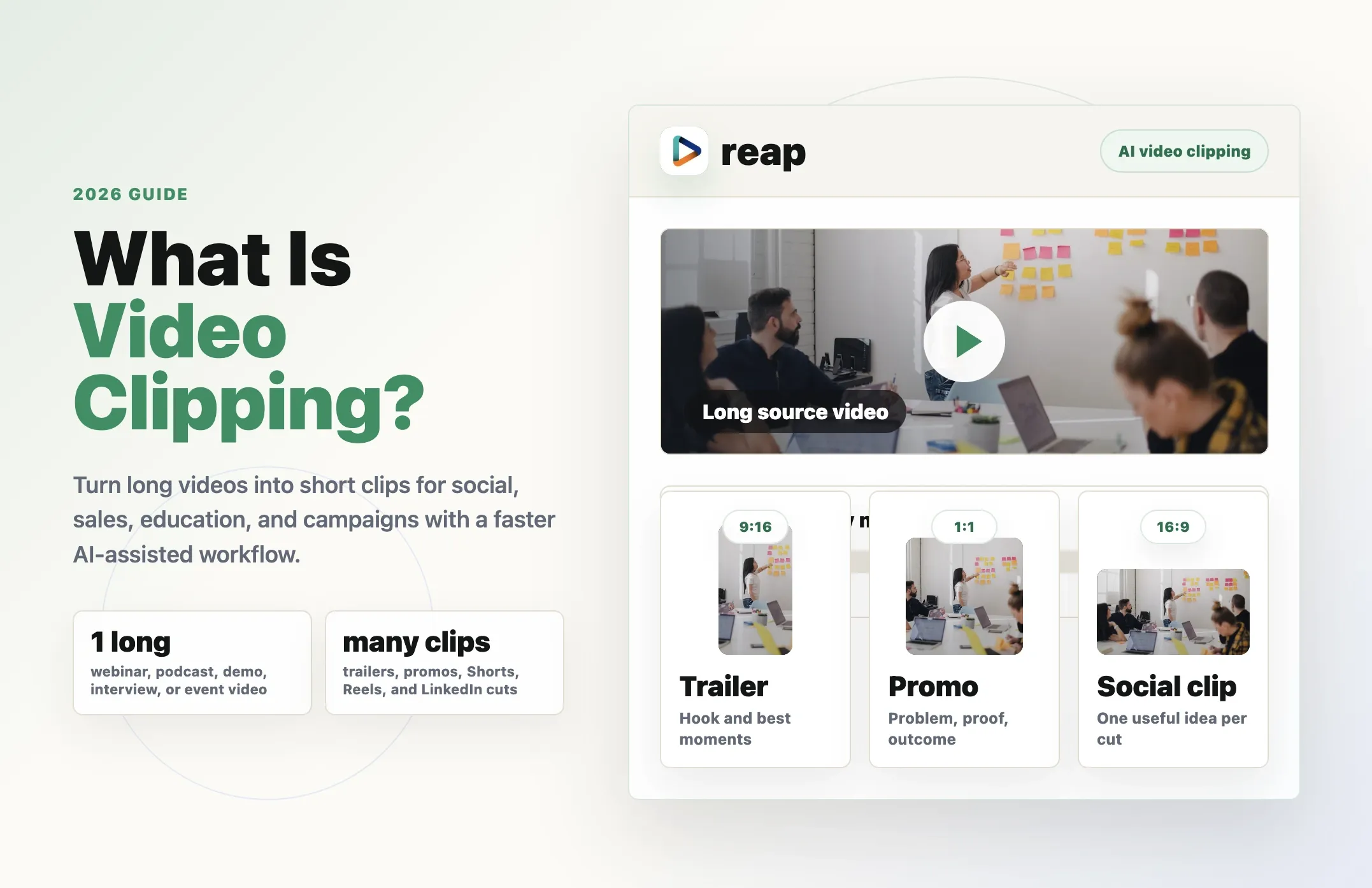
Video clipping is one of the most practical ways to get more value from the videos you already have.
A podcast can become five short clips. A webinar can become a trailer, three educational clips, and a LinkedIn recap. A customer interview can become a testimonial clip. A product demo can become a launch promo. A course lesson can become a YouTube Short.
That is video clipping.
It is the process of taking a longer video and turning useful moments into shorter, shareable clips.
Those clips can be used across YouTube Shorts, TikTok, Instagram Reels, LinkedIn, landing pages, email campaigns, sales follow-ups, retargeting ads, help content, community posts, and internal enablement.
In 2026, video clipping matters because most teams already have enough raw video.
The problem is not always creating more content from scratch.
The problem is turning long videos into the right short-form assets quickly enough to use them.
That is where video clipping becomes valuable. And it is where Reap fits naturally: Reap is an AI video clipping tool built to help creators, marketers, agencies, educators, media teams, and businesses turn long-form videos into short clips faster.
What is video clipping?
Video clipping is the process of selecting a short segment from a longer video and turning it into a standalone clip.
The source video might be a podcast, webinar, YouTube video, product demo, customer interview, livestream, course lesson, launch event, conference talk, tutorial, or sales recording.
The final output might be a 30-second social video, a 60-second YouTube Short, a 90-second LinkedIn clip, a product teaser, a customer proof clip, a webinar recap, a course preview, a podcast highlight, or a sales enablement snippet.
The goal is not simply to cut a random timestamp.
The goal is to create a short clip that can stand on its own.
A good video clip should make sense without forcing the viewer to watch the full recording first. It should have a clear idea, enough context, readable captions, clean framing, and a reason to keep watching.
That is why video clipping is both a technical workflow and an editorial workflow.
You are not just trimming video.
You are choosing the moments that deserve distribution.
Video clipping vs video editing vs AI video clipping
These terms are related, but they are not the same.
Video editing
Video editing is the broad category.
It can include cutting footage, arranging scenes, adding music, fixing audio, color correction, transitions, captions, motion graphics, B-roll, exports, and publishing.
Editing can be simple or cinematic. It can be manual or AI-assisted. It can produce a short clip, a full episode, an ad, a trailer, a course, or a brand video.
Video clipping
Video clipping is narrower.
It focuses on taking useful moments from a longer video and turning them into shorter clips.
For example, a team might pull a strong quote from a podcast, cut a product reveal from a webinar, turn a course tip into a YouTube Short, create a customer proof clip from an interview, or make a launch teaser from an event recording.
Video clipping is usually about repurposing.
You already have the source video. You want to create smaller assets from it.
AI video clipping
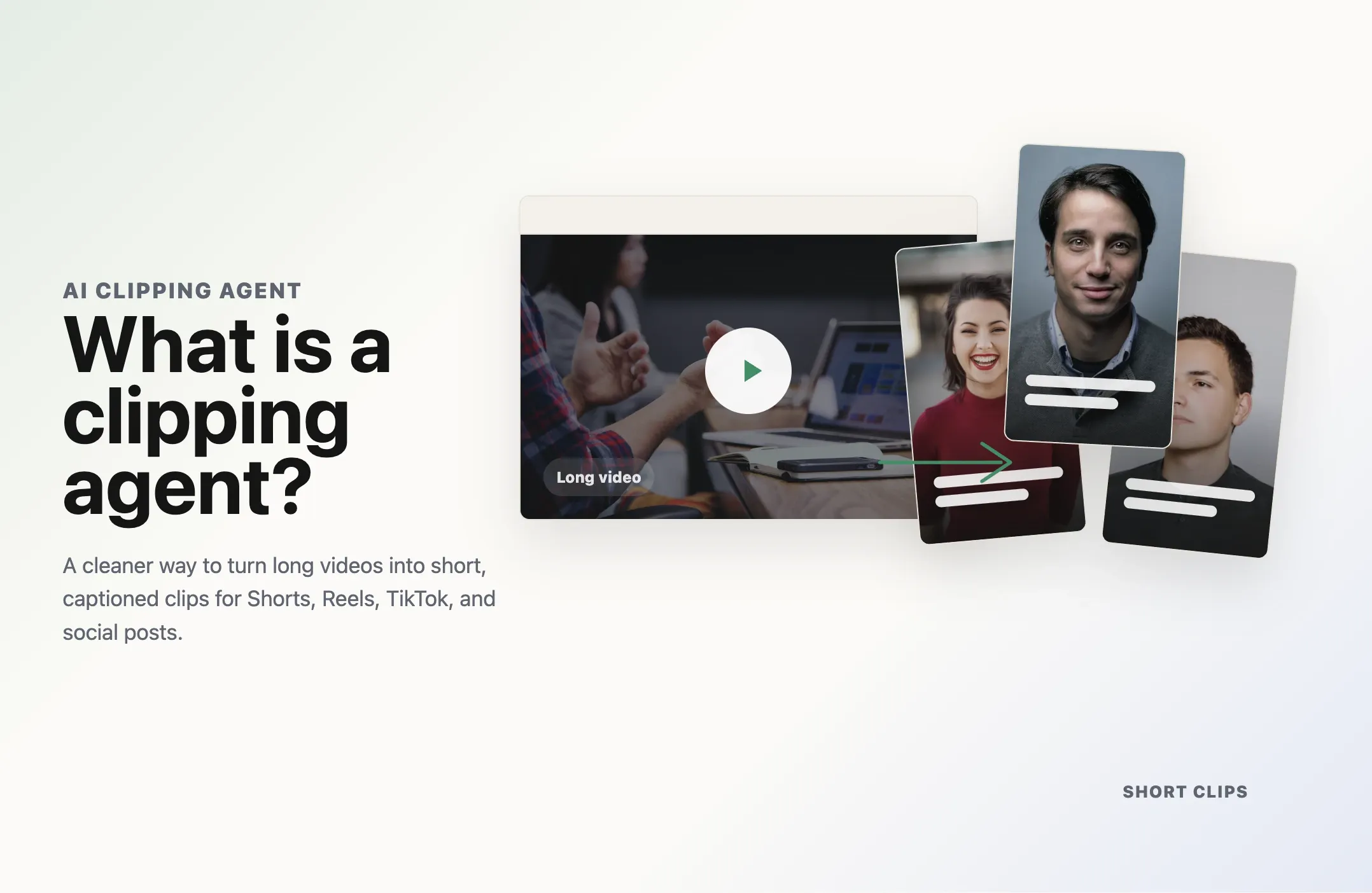
AI video clipping uses artificial intelligence to speed up the clipping workflow.
Instead of manually watching the entire video, marking timestamps, cutting clips, adding captions, reframing, and exporting each version, an AI workflow can help identify moments and generate clip drafts faster.
With Reap, teams can start from a long video, generate clips, review the best moments, add captions, reframe for social formats, and keep editing control before publishing.
Practical difference
Video editing, video clipping, and AI video clipping
These workflows overlap, but they solve different problems for teams repurposing long-form content.
| Workflow | Starts with | Best for | Main limitation |
|---|---|---|---|
| Video editing | Any video footage | Full creative control | Can be time-consuming |
| Video clipping | A long video | Short clips from existing content | Requires finding the right moments |
| AI video clipping | A long video plus AI analysis | Faster clipping, captions, reframing, and review | Still needs human judgment |
Why video clipping matters in 2026
Short-form video is still one of the most useful distribution formats for businesses and creators.
A long video may be valuable, but most viewers will not watch the full recording.
A 60-minute webinar may have 10 excellent moments. A 90-minute podcast may contain several sharp opinions, stories, or explanations. A product demo may have one perfect feature reveal. A customer interview may include the proof point a sales team needs.
Video clipping helps those moments travel.
Instead of publishing one long video and hoping people watch the whole thing, teams can create multiple short-form assets from the same source.
That helps with awareness, education, product marketing, demand generation, sales enablement, customer proof, community engagement, event recaps, course previews, and creator growth.
This is also why AI video repurposing has become such a strong use case.
For more category context, see Reap's AI video clipping report, which goes deeper into how AI clipping is changing short-form video production.
The content already exists.
The business value comes from packaging it for the channels where people actually discover, watch, and share video.
Best source videos
The strongest clips usually start with useful long-form content
Podcasts
Podcasts often contain opinions, stories, lessons, and memorable quotes.
Webinars
Webinars are packed with useful material, but full replays can be hard to watch.
Product demos
Demos show product context and outcomes, which makes them useful for launches and sales.
Customer interviews
Customer interviews contain real proof and practical buying context.
Courses and tutorials
Educational videos contain clear teachable moments.
Livestreams and events
Live content often has high-energy moments that disappear after the event ends.
What makes a good video clip?
Not every short segment is a good clip.
A strong clip usually has six things.
1. A clear hook
The opening needs to make someone stop scrolling.
That does not mean every clip needs to be loud or dramatic. But the first few seconds should signal why the viewer should care.
A strong hook might be a surprising claim, a useful tip, a customer pain point, a sharp opinion, a strong question, a product reveal, or a relatable problem.
2. One main idea
Short clips work best when they stay focused.
If a clip tries to explain too many things, it becomes hard to follow.
A good clip usually answers one question, makes one point, shows one moment, or teaches one idea.
3. Enough context
The viewer should not feel lost.
If the clip starts too late or ends too early, it may be technically interesting but hard to understand.
Good video clipping includes enough context for the moment to stand alone.
4. Clean captions
Captions are part of the short-form experience.
Many people watch clips without sound, especially on social platforms. Captions also help viewers follow fast speech, technical terms, names, and product details.
That is why AI clipping workflows should include captions, not treat them as an afterthought.
5. Platform-ready framing
A clip made for YouTube Shorts, TikTok, or Instagram Reels usually needs vertical framing.
A clip made for LinkedIn, YouTube, or a landing page might use landscape or square.
Good clipping workflows should support reframing so the speaker, captions, and visual context stay readable.
6. Human review
AI can speed up clipping, but humans should still review the output.
Before publishing, check whether the speaker is represented accurately, whether the clip makes sense on its own, whether captions are correct, whether the crop is clean, whether the opening is strong, whether the claim is safe to publish, and whether the clip fits the target channel.
This is how teams avoid low-quality output and AI slop in video.
Manual video clipping workflow
Manual video clipping usually looks like this:
An editor watches the full video, marks useful timestamps, cuts the selected moments, trims weak openings and endings, adds captions, reframes for the target platform, adds brand styling, exports the clip, writes a title and caption, and publishes or schedules it.
This workflow gives editors control.
But it is slow.
If a team has one webinar per month, manual clipping might be manageable. If a team has weekly podcasts, webinars, demos, customer calls, tutorials, livestreams, and events, manual clipping becomes a bottleneck.
That is why teams look for video clipping software.
They are not only trying to cut clips.
They are trying to make short-form production repeatable.
AI video clipping workflow
AI video clipping changes the starting point.
Instead of beginning with an empty timeline and a long recording, you begin with AI-generated clip candidates.
A practical workflow looks like this:
You upload a video or paste a supported link, let AI analyze the source, generate short clip candidates, review the best moments, edit timing and captions, reframe for the channel, and export or publish the finished clips.
With Reap, this workflow is built around turning long-form videos into social-ready clips faster.
Reap is useful when you want to turn podcasts into short clips, webinars into trailers and recaps, customer interviews into proof clips, product demos into promos, course lessons into educational Shorts, livestreams into reusable moments, and YouTube videos into social clips.
The point is not just to create more clips.
The point is to create useful clips from real source material.
Where Reap fits into video clipping
Reap fits into this as the modern AI video clipping workflow.
The category is video clipping.
Reap is the AI-powered way to do it faster, with more control, and with more of the production workflow in one place.
With Reap's AI video clipping tool, teams can upload a video or paste a link, generate clips, review moments, add captions, reframe for social, and prepare short-form assets for publishing.
That matters because modern video clipping is not only about cutting timestamps.
Teams also need moment discovery, captions, vertical reframing, editing controls, brand templates, translation and dubbing, prompt direction, publishing workflows, and automation. Reap brings those pieces into one workflow.
For teams comparing platforms, Reap is also included in our AI video editing tools roundup and our top AI clipping tools guide.
Prompt clipping: when you know what kind of clip you want
Basic AI clipping asks the system to find strong moments.
Prompt clipping goes further.
With prompt clipping, you can guide the clipping workflow toward a specific kind of output.
Instead of only asking for highlights, you can ask for:
Instead of only asking for highlights, you can ask for a trailer from a webinar, a product promo from a demo, customer proof clips from an interview, educational clips from a course lesson, a teaser from a launch event, social clips from the strongest opinions, or sales clips around customer pain points.
This matters because the best clip depends on the goal.
A trailer needs curiosity.
A promo needs value.
An educational clip needs clarity.
A customer proof clip needs trust.
A sales clip needs a buyer-relevant point.
Prompt clipping helps the AI aim at the right outcome instead of producing generic highlights.
Clipping agents and automation
Video clipping is also becoming more agentic.
A clipping agent is an AI system that can help identify, create, and manage short-form video clips with less manual effort.
This matters for teams that do clipping repeatedly.
If you have a weekly podcast, a monthly webinar, a regular customer interview program, or ongoing product education, you do not want to rebuild the workflow from scratch each time.
With Reap MCP and video MCP automation, teams can connect AI agents and internal tools to video workflows. That opens the door to repeatable systems where an agent can help create clips, add captions, reframe videos, retrieve results, and prepare assets for review.
The future of video clipping is not only faster editing.
It is repeatable workflows.
Use-case examples
Video clipping works best when the clip has a job
Software checklist
What to look for in video clipping software
A practical Reap video clipping workflow
Here is a simple workflow for teams using Reap.
Step 1: Choose a strong source video
Start with a long video that already contains useful material.
Good sources include podcasts, webinars, demos, interviews, courses, customer stories, events, livestreams, and YouTube videos.
Step 2: Generate AI clips
Upload the video or paste a supported link into Reap.
Use Reap to generate short-form clips from the source video.
Step 3: Add direction with prompt clipping
If you know what kind of clips you want, use prompt clipping.
For example, you can ask Reap to create a trailer from a webinar, product promo clips from a demo, customer proof clips from an interview, educational clips from a course lesson, or social clips from the strongest opinions in a conversation.
Step 4: Review and edit
Choose the clips that match the goal.
Trim weak openings, fix captions, adjust crops, add brand styling, and remove anything that feels out of context.
Step 5: Reframe and export
Format clips for the target platform.
Use portrait for Shorts, Reels, and TikTok. Use landscape for YouTube and landing pages. Use square when it fits the channel.
Step 6: Publish or automate
Use clips across social, email, landing pages, sales workflows, ads, and community posts.
For repeatable workflows, connect video clipping to automation through tools like Reap MCP.
Common mistakes
What to avoid when clipping long videos
Final thought
Video clipping is not just a way to cut long videos into smaller pieces.
It is a way to turn existing content into distribution assets.
That is why it matters for creators, marketers, agencies, educators, sales teams, and media teams.
The old workflow was manual: watch, mark, cut, caption, crop, export, publish.
The modern workflow is AI-assisted: upload, generate clips, review, caption, reframe, publish, and automate.
Reap fits that modern workflow.
With Reap, teams can turn long-form videos into short clips faster, guide the output with prompt clipping, add captions, reframe for social platforms, review the best moments, and connect clipping to repeatable automation workflows.
If you want to turn podcasts, webinars, demos, interviews, courses, and livestreams into short-form assets, start with Reap's AI video clipping tool.