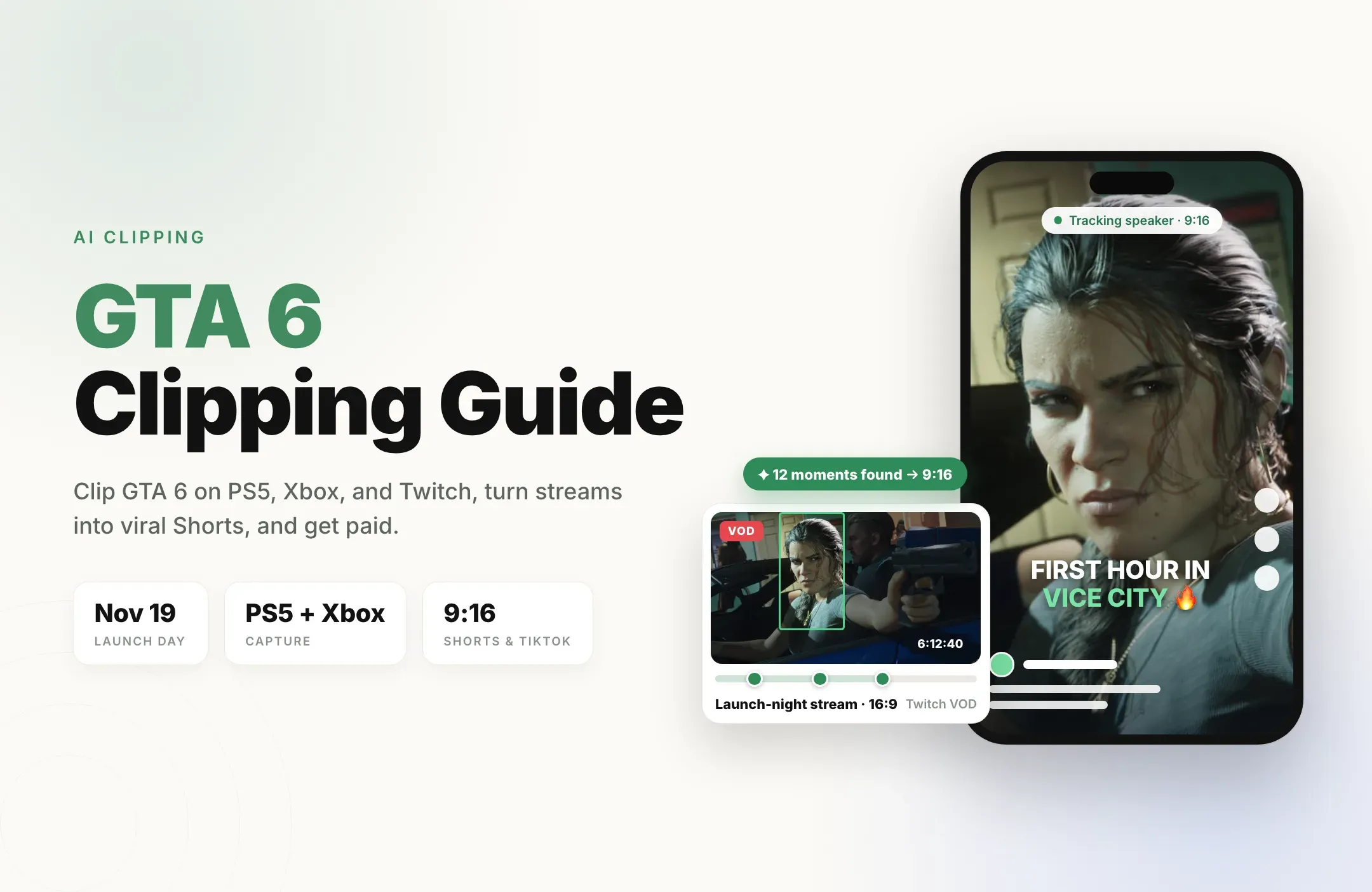
GTA 6 launches on November 19, 2026 for PS5 and Xbox Series X|S, and the first weeks will produce more clipped gameplay than any game in years. Players will save their first police chase, streamers will go live for twelve hours straight, and clippers will race to turn all of it into Shorts, TikToks, and Reels.
For clippers and creators, it is a rare opportunity: millions of people will be searching for GTA 6 clips at the same time, and the accounts that post the most good clips the fastest will grab the views.
This GTA 6 clipping guide shows you how to clip GTA 6 on PS5 and Xbox, how to clip GTA 6 streams before the VOD disappears, how to get paid clipping GTA 6, which clips go viral in launch week, and how to turn hours of gameplay into a stack of vertical, captioned clips with AI so you can post every day.
Quick answer: how to clip GTA 6
- On PS5: press the Create button and save recent gameplay (15 seconds up to 60 minutes, depending on your setting), or start a new recording.
- On Xbox Series X|S: press the Xbox button, open Capture & share, and choose Record what happened (30 seconds by default) or Start recording for longer.
- From a stream: clip the Twitch, Kick, or YouTube VOD within a few days, because Twitch deletes past broadcasts after 7 to 60 days.
- Before you post: make it 9:16, put the hook in the first second, add captions, and keep story cutscenes out of the clip.
- To post at scale: paste the stream or upload the recording into Reap and get a batch of vertical, captioned GTA 6 clips back in minutes.
How to clip GTA 6 on PS5
The PS5 records your gameplay in the background all the time, so you can save a moment after it happens.
- Set your clip length first. Go to Settings > Captures and Broadcasts > Captures and choose how much recent gameplay to keep: 15 seconds, 30 seconds, 3, 5, 15, 30, or 60 minutes. For quick social clips, 3 to 5 minutes is a good balance between catching the whole moment and keeping files small.
- Save the moment. Press the Create button on the DualSense and choose to save recent gameplay. You can also customize the Create button shortcuts in the same capture settings so saving a clip takes fewer presses.
- Record a full session. To capture a mission or a long free-roam run from the start, press Create and start a new recording. A manual recording can run for up to an hour.
- Trim it. Open the Media Gallery, pick the clip, and trim it down to the part you want.
- Send it to your phone. Turn on auto-upload in the capture settings and open the PlayStation App. Clips under 3 minutes that are not 4K upload automatically and stay in the app for 14 days, which is the fastest way to get a moment onto TikTok.
If you plan to cut long recordings into several clips, record the full session and copy it to a USB drive instead. Long and 4K files will not auto-upload to the app.
How to clip GTA 6 on Xbox Series X|S
- Save what just happened. Press the Xbox button, open Capture & share, and choose Record what happened. The default is the last 30 seconds, and you can change the length and resolution in your capture settings. Higher resolutions allow shorter clips.
- Record something longer. Choose Start recording in the same menu before the moment begins, then stop it when you are done.
- Get it off the console. Captures show up in the Xbox app on your phone, where you can download or share them, or you can copy them to external storage.
Xbox keeps a much shorter rolling buffer than PS5, so if you want long gameplay to cut into many clips later, start a recording at the beginning of the session instead of relying on Record what happened.
How to clip GTA 6 streams (Twitch, Kick, and YouTube)
Launch week will be dominated by long streams, and the best moments are often buried four hours in. A few rules make clipping them much easier.
- Turn on past broadcasts. If you stream on Twitch, enable Store past broadcasts in your Creator Dashboard, or no VOD is saved at all.
- Clip fast. Twitch keeps past broadcasts for 7 days for most streamers, 14 days for Affiliates, and 60 days for Partners and Turbo and Prime users. A launch-day VOD from a smaller streamer is gone a week later.
- Twitch's own clip button is short. It captures up to 60 seconds of a horizontal stream, so most clips still need reframing and captions before they work on TikTok or Shorts.
- Pick streams that welcome clippers. Clip your own streams, or streamers who invite clippers or run an official clipping campaign. Those are also the streams that pay.
This is where a Twitch clipper pays for itself. Clipping a six-hour launch stream by hand means rewatching six hours. With Reap, you paste the VOD link, tell it what to look for, and review a batch of finished vertical clips instead. Try it free on your first GTA 6 VOD.
How to keep your GTA 6 clips live
Rockstar says it loves seeing clips from its games and shares fan footage on its Newswire and social channels from time to time. Its video policy only lists a few kinds of content it removes, so steering clear of them keeps your clips up:
- Pre-release footage. Any footage from leaked or early copies before the official release date is removed, however the game was obtained. That includes early unboxing videos.
- Spoilers. The ending, big story reveals, and isolated cutscenes or edited compilations of plot dialogue. Cutscenes are fine as part of a longer play-through or a narrated Let's Play, but a clip that is just the cinematic will be removed.
- In-game entertainment. The TV shows and comedy performances inside GTA, posted on their own.
- Cheating. Glitches, exploits, money and RP/XP methods, mod menus, and anything that gives players an unfair advantage online.
- Unauthorized mods and ports.
The good news: the clips that perform best are exactly the ones that stay up. Gameplay moments and commentary, such as chases, physics chaos, discoveries, reactions, and funny NPC moments, are what people want to watch anyway.
How to keep GTA 6 clips monetized on YouTube
GTA gameplay can earn ads on YouTube, and a few simple habits keep it that way. YouTube's advertiser-friendly guidelines say:
- Unedited gameplay violence after the first 7 seconds can earn ad revenue.
- Graphic game violence in the thumbnail or in the first 7 seconds earns no ad revenue. Graphic means things like gory attacks, beheadings, or dismemberment.
- Montages built around gratuitous violence, such as gathering NPCs for mass killings, earn no ad revenue.
- Drug deals shown in gaming content can earn ad revenue.
So open on a chase, a crash, a reaction, or a line of commentary, and save the big action beat for a few seconds in. It is also a better hook: viewers stay to see what happens next.
One more tip: GTA's radio stations play licensed songs, which can trigger copyright claims. Turn the radio down or talk over it in clips you want to monetize, and add your own commentary or a royalty-free track instead.
How to get paid clipping GTA 6
GTA 6 launch week is shaping up to be the busiest week of the year for clippers. There are three main ways to turn clips into money:
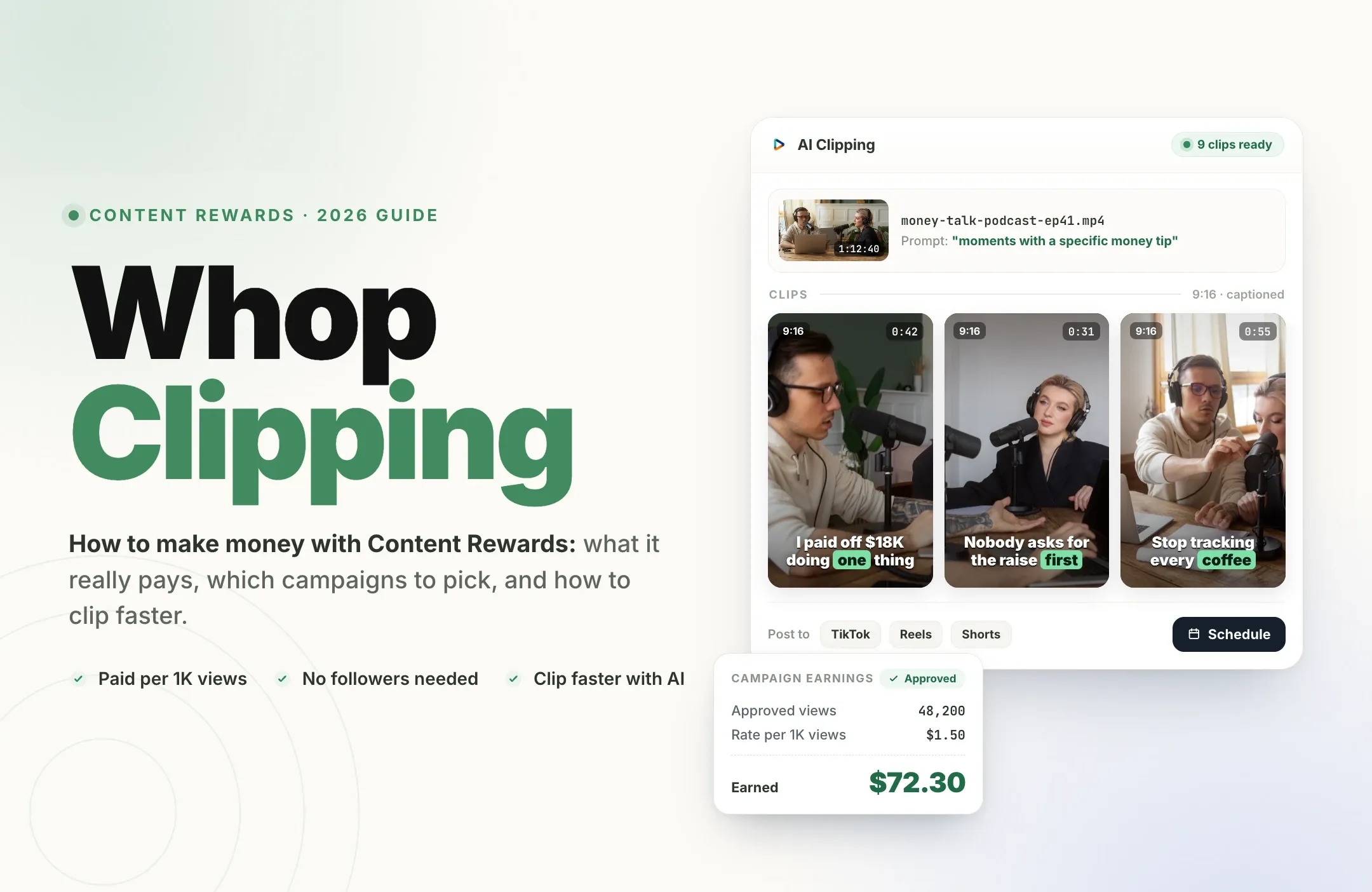
- Clipping campaigns. Streamers and brands are already running GTA 6 campaigns. The campaign sets a rate per 1,000 views and a cap per clip, you submit clips from their streams, and you get paid on approved views. Our Whop clipping guide explains how Content Rewards campaigns work, step by step.
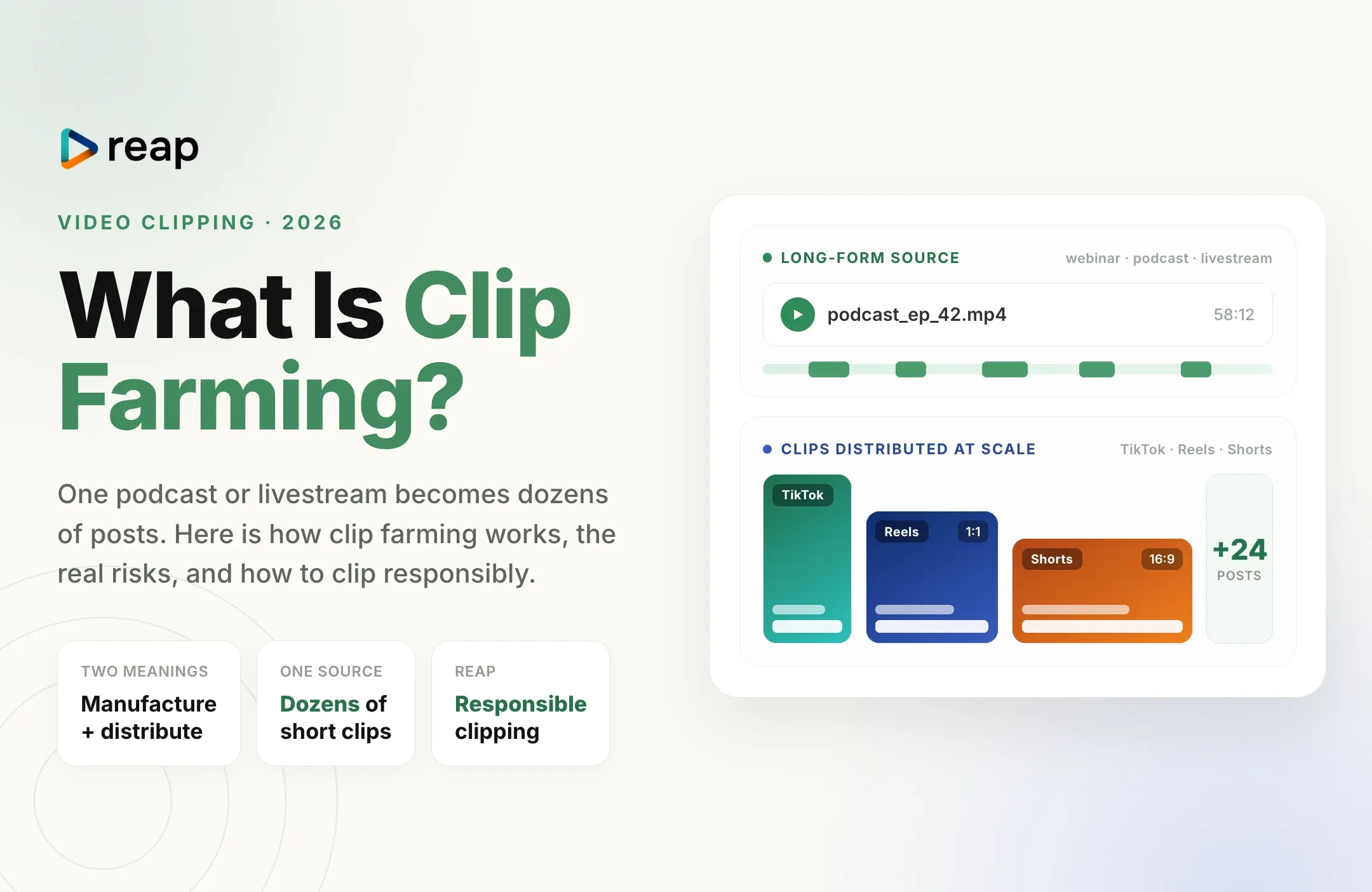
- Your own GTA 6 clip channel. Build a channel of launch-week clips on TikTok, YouTube Shorts, and Reels, then earn through platform programs, sponsorships, and the audience you keep after launch. Read what clip farming is to see how high-volume clip channels grow.
- Clipping for streamers directly. Streamers who go live for hours in launch week need someone to turn their VODs into Shorts. Offer a daily clip package and charge per clip or per week.
All three reward the same thing: volume and speed. Campaigns pay on views, views come from posting many good clips while GTA 6 is trending, and nobody can clip six-hour streams by hand fast enough to keep up. That is the job Reap is built for. Before you post for a campaign, read its rules on which streams and moments it accepts.
GTA 6 clips that will go viral in launch week
The first weeks reward speed and novelty. These clip types travel best:
- First reactions. The first drive into Vice City, the first look at the map, the first "wait, you can do that?" moment.
- Physics and chaos. Crashes, ragdolls, police chases that spiral, and anything that looks impossible in GTA 5.
- Discoveries. Hidden details, Easter eggs, and small mechanics most players have not found yet.
- Funny NPC moments. The world reacting to the player is the most shareable thing in any GTA game.
- Quick tips. A 30-second "how to" for something players are searching for that day.
- Streamer reactions. The streamer's face and voice in the moment, which is exactly what streamer clipping campaigns pay for.
Leave story cutscenes and the ending out. Viewers who have not finished the game scroll away from spoilers, and your own moments get more replays anyway.
How to format GTA 6 clips for Shorts, TikTok, and Reels
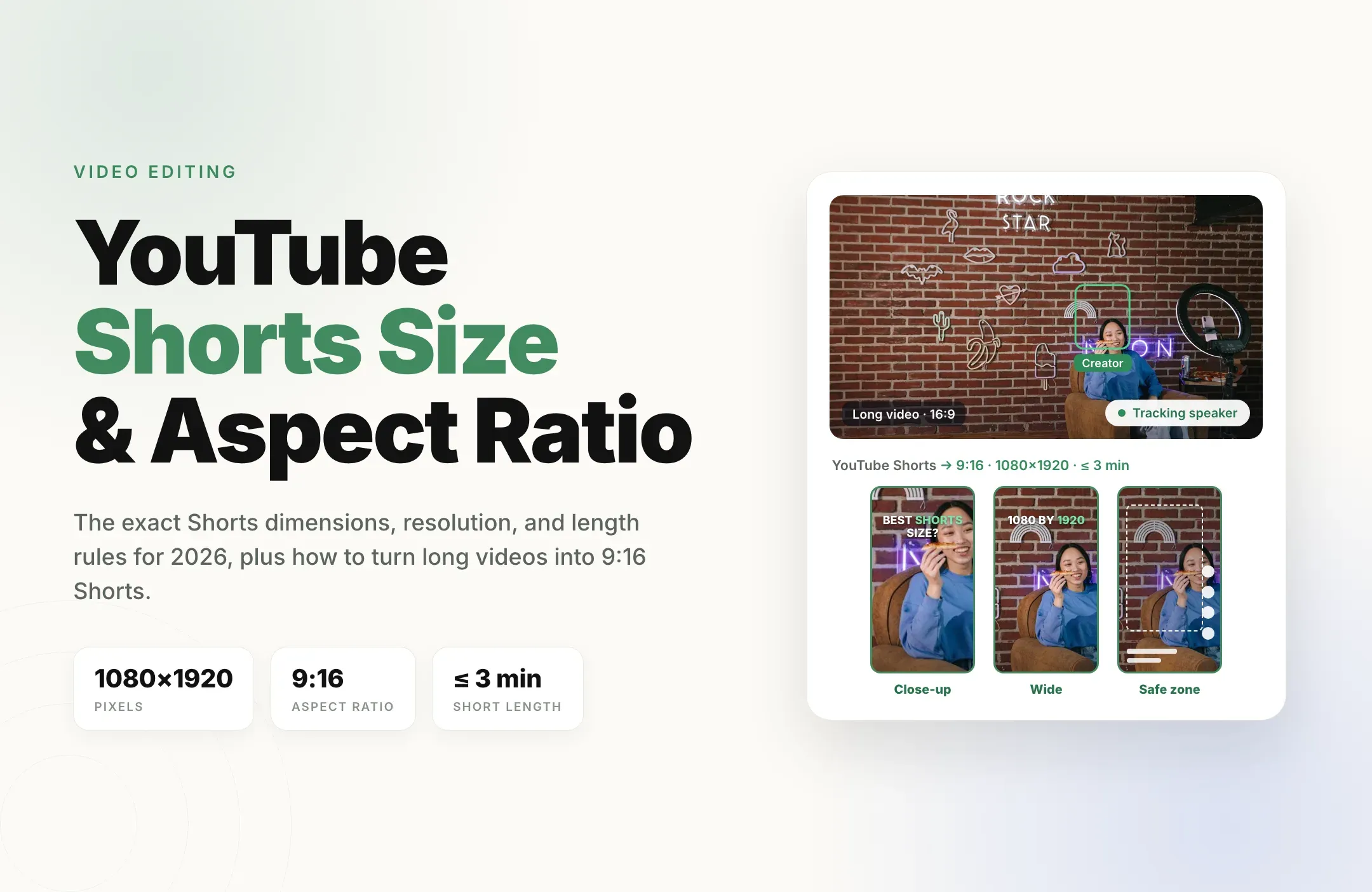
- Size: export vertical 9:16 at 1080 x 1920. GTA 6 plays in 16:9, so every clip needs reframing; see the YouTube Shorts size guide and the TikTok video size guide for full specs.
- Reframe, don't just crop. A fixed center crop loses the car, the target, or the streamer's facecam. Track the action, or stack the facecam above the gameplay.
- Hook in the first second, but keep graphic violence out of the first 7 seconds if you want YouTube ads.
- Captions on. Most short-form gaming clips are watched muted, and captions carry the commentary.
- Mind the buttons. Keep captions and faces clear of each app's interface using our short-form safe zones guide.
- Length: most launch clips work best between 15 and 60 seconds. Check the best video length for Shorts, Reels, and TikTok before you export.
How to turn GTA 6 streams and recordings into clips with Reap
The slowest part of clipping GTA 6 is not finding one great moment. It is turning a six-hour stream or a full play session into a stack of captioned, vertical clips before the moment passes. Reap does that part.
- Add the footage. Paste a Twitch, YouTube, X, or Vimeo link, or upload a PS5 or Xbox recording to Reap. Paid plans handle videos up to 180 minutes, and the free plan includes 1 hour of processing.
- Tell it what to look for. Pick the gaming genre and add a prompt such as "first reactions to Vice City" or "funniest police chase moments". AI clipping works from what is said, so streamer reactions, commentary, and chat moments are the easiest clips to find. Streams with live commentary give it the most to work with.
- Reframe to 9:16. Auto Reframe has a gaming mode that tracks the action as it converts the 16:9 stream into a vertical clip.
- Caption it. AI captions are timed word by word, with animated styles on paid plans, so the commentary works with the sound off. Save a channel template once and every clip carries your style.
- Review every clip. Each clip opens in the editor next to its transcript. Trim by selecting words, fix a gamertag or a street name in the transcript, and cut anything that drifts into a story cutscene.
- Post on a schedule. Export the clips or schedule them to TikTok, Instagram Reels, and YouTube Shorts with the social media scheduler, so launch week keeps posting while you keep playing.
Want it to run without you? The Clipping Agent can turn every new stream into a batch of clips ready for review, so your launch-week VODs are clipped while you are still playing.
Which Reap plan to use for GTA 6 clipping
- Free: 1 hour of video a month, exported at 720p with a watermark. Use it to test the workflow on your first GTA 6 VOD.
- Creator (from $9.99 a month, billed annually): up to 10 hours of clipping a month, watermark-free 1080p exports, premium caption styles, auto-reframed clips, brand templates, and the social media scheduler. This is the plan most GTA 6 clippers need for launch week.
- Studio (from $29 a month, billed annually): up to 20 hours a month, 4K exports, faster priority processing, and up to 3 team members. Built for clip teams and streamers clipping several long VODs a week.
Six hours of launch-night streaming is a lot of footage. Watermark-free 1080p clips look like they came from your own channel, and they are the version you want to post. See all plans on the pricing page.
Example: one launch-night stream, a week of clips
Say you stream GTA 6 for six hours on launch night. You enable past broadcasts, paste the VOD into Reap the next morning with the prompt "funny reactions and wild moments in Vice City", and get a set of candidate clips back. You drop the two that wander into cutscenes, fix a misheard street name in the captions, and schedule one clip a day to TikTok, Reels, and Shorts for the next week. Meanwhile you are back in the game, recording tonight's session.
GTA 6 clipping checklist for launch week
- PS5 recent-gameplay length set (3 to 5 minutes) or Xbox recording started at the beginning of each session.
- Twitch Store past broadcasts turned on, and every VOD clipped within a few days.
- Every stream you clip is your own, or from a streamer or campaign that invites clippers.
- Clips built from gameplay moments and reactions, not story cutscenes, spoilers, or leaked footage.
- No graphic violence in the thumbnail or first 7 seconds of YouTube uploads.
- Radio music turned down or covered by commentary in clips you want to monetize.
- Vertical 1080 x 1920, captions on, hook in the first second.
- A posting schedule that keeps clips going out all week.
Final thoughts
GTA 6 launch week is a short window with enormous attention, and it rewards whoever posts the most good clips the fastest. Capturing is the easy part: one button on PS5 or Xbox, or a VOD on Twitch. The players, streamers, and clippers who win are the ones who turn hours of footage into a steady stream of vertical, captioned clips while everyone is still searching for GTA 6.
Do not spend launch week scrubbing timelines. Start with Reap free, clip your first GTA 6 stream in minutes, and upgrade to Creator when you are ready to post watermark-free 1080p clips every day.