Podcast clip maker and podcast video editor
Podcast clips built to travel.
reap is a podcast clip maker for video and audio shows. Upload an episode or paste a link, and it finds the stories, opinions, and guest moments worth posting, then turns them into captioned podcast clips, or audiograms for audio-only episodes.
The free plan includes 1 hour of processing.
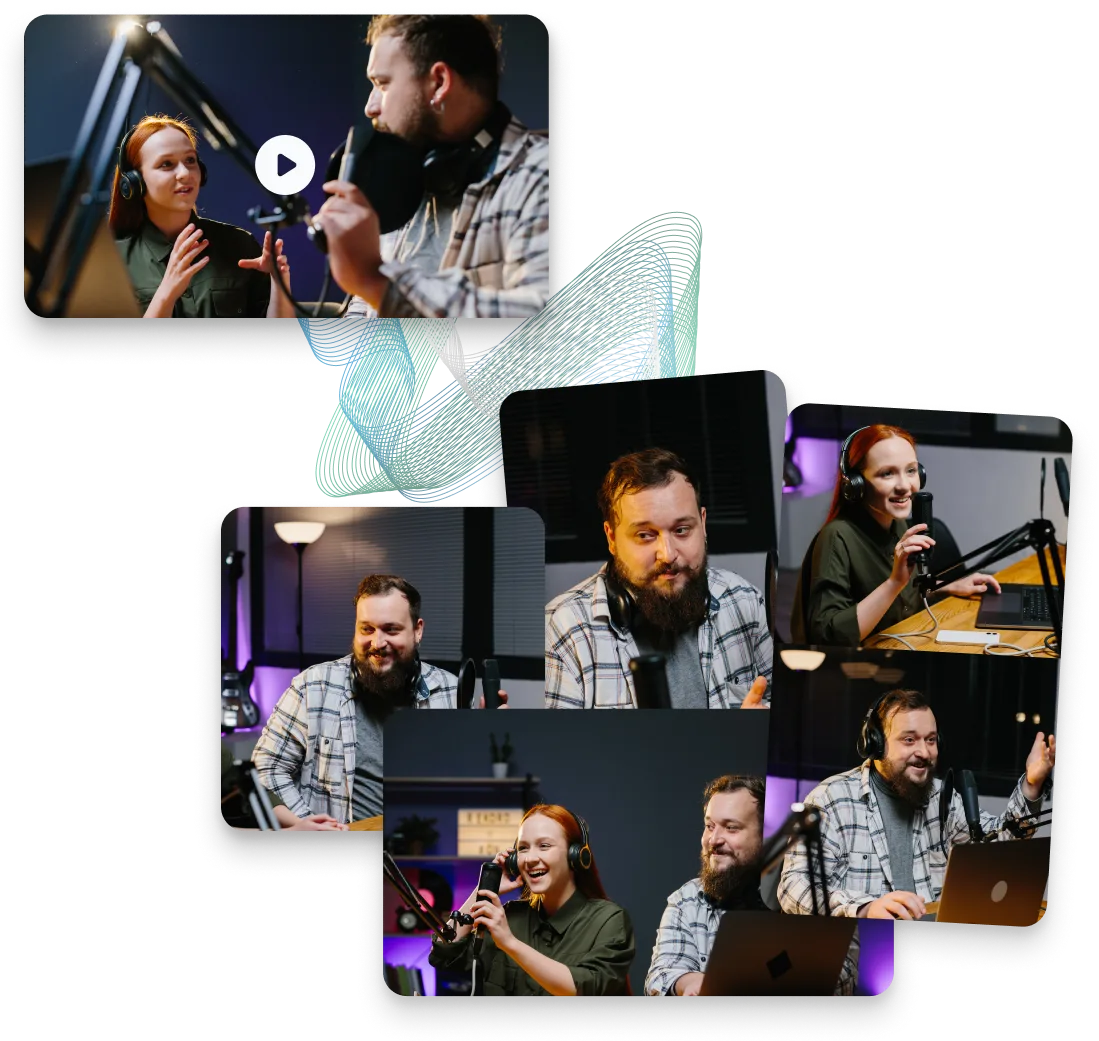
One episode. Every clip a feed needs.
- Episode clips From the full recording
- Guest moments The best of the interview
- Hot takes The line worth quoting
- Q&A cuts From listener questions
- Audiograms For audio-only episodes
- Trailer cuts The teaser for the next one
- Localized versions 100+ caption languages
Captions, translation, and dubbing are paid-plan capabilities. Every clip opens in the editor before it goes anywhere.
Video podcast or audio-only
How to make podcast clips with reap
Three steps either way. Video episodes become captioned clips that follow the speaker; audio-only episodes become audiograms.
Video podcast
- Upload the episode or paste a supported link
- Review the suggested clips, framed and captioned
- Trim in the transcript, then export or schedule

Powered by AI clipping with automatic portrait reframing.
Audio-only show
- Upload the episode as MP3, M4A, or WAV
- Pick an audiogram template and add captions and your logo
- Choose portrait, square, or landscape, then export
Built on the audiogram maker, with animated captions on top of the waveform.
Comparing tools? See our list of the best podcast clip generators.
The good parts are already in there
A podcast clip maker that finds the moments for you.
AI clipping surfaces the stories, opinions, and exchanges that stand on their own, then cuts them into captioned podcast clips. No scrubbing a 90-minute recording.
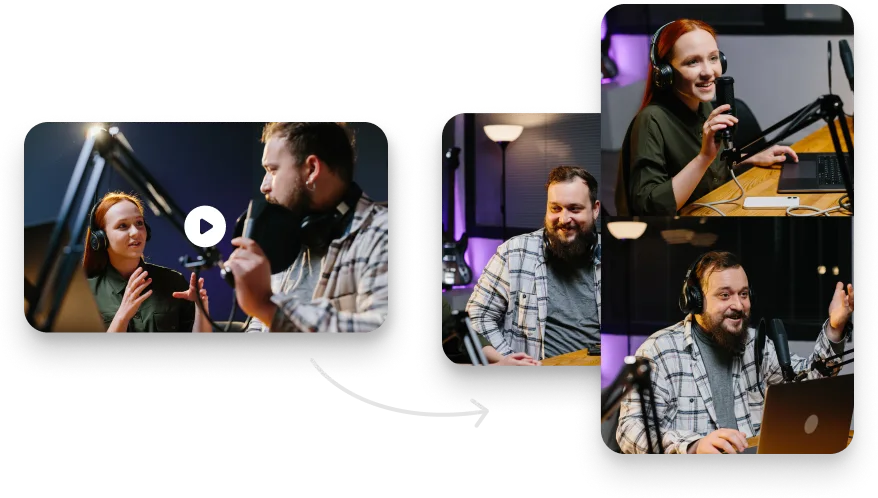
A podcast video editor that keeps the conversation in frame.
Every clip opens beside its transcript, and speaker tracking keeps whoever is talking in frame when a wide shot becomes 9:16.
- The host speaks, the host is in frame
- The guest answers, the framing follows
- Multi-speaker layouts for panels and co-hosts
- Trim a clip by selecting words in the transcript
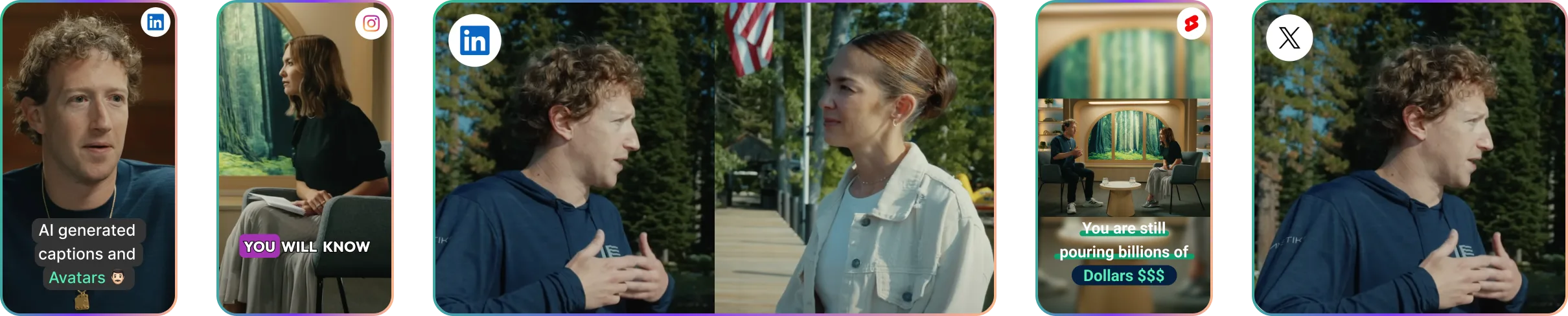
Make the idea clear before the sound comes on.
Most feeds start muted. Save one animated caption style to the show’s brand template and every clip carries it, timed word by word.
Podcast clips with reap vs. cutting them by hand
reap does not decide which moments deserve to travel or how the show should sound. It removes the production work that repeats every episode.
| Task | Doing it by hand | With reap |
|---|---|---|
| Finding the moments | Watch the full episode again and write down timestamps. | Review suggested moments, or prompt for the ones you want. |
| Cutting the clips | Cut every segment separately on a timeline. | Adjust clip boundaries in the transcript. |
| Framing the speakers | Keyframe crops for each speaker in every vertical clip. | Speaker tracking keeps the active voice in frame, then you check the crop. |
| Captions and branding | Style captions and re-add the show branding clip by clip. | A saved caption style and brand template apply to new clips. |
| Reaching other languages | Rebuild subtitles for each language, or skip those audiences. | Translate captions or dub selected clips into supported languages. |
| Next week's episode | Rebuild the whole workflow from scratch. | The same setup runs again on the next recording. |
Podcast video software, start to finish.
Clipping, captions, auto reframe, brand templates, dubbing, scheduling, and MCP, each with its own page.

Frequently Asked Questions
It depends on how you record. If your show is on video, reap is a strong fit: a podcast clip maker that finds the standalone moments in a full episode, then captions, reframes, and schedules the podcast clips. For audio-only shows it makes audiograms instead. If you need to record, mix, or host the episode itself, use a dedicated studio or audio editor alongside it.
Upload the episode or paste a supported link, and reap returns candidate clips cut for vertical and captioned, or you describe the moments you want. Paid plans take sources up to 180 minutes; uploads go up to 5 GB on Free and 10 GB on paid plans. There is no fixed number of clips per episode: it depends on what was said.
Yes. Speaker and face tracking keep the active speaker visible when a wide two-camera or panel recording becomes a 9:16 clip, so co-hosted shows and interviews stay readable as conversations. Treat the framing as a starting crop: check it before export, and adjust it by hand when two people talk over each other.
Yes, for clips. Every clip opens in reap's editor, where you trim by selecting words in the transcript, fix words, restyle captions, adjust the framing, and add text or B-roll. That covers video podcast editing at the clip level. It is podcast video software for the social cut, not a full-episode editor for the long recording.
No, not for the audio. reap clips and captions video episodes; it is not an audio editor or DAW, and it does not repair audio or remove background noise. It also does not record, host, manage an RSS feed, or distribute episodes to Spotify or Apple Podcasts. Edit and publish the full episode with your usual tools, then bring it to reap.
Yes. Upload an MP3, M4A, or WAV file and turn it into an audiogram: an animated waveform with captions, your logo, text, and a background, in portrait, square, or landscape. Audiograms give an audio episode a visual life for social feeds. They do not turn audio into camera footage.
Yes. Captions are generated in 100+ languages with word-level timing, and paid plans include 50+ animated presets with keyword highlighting. Save the show's caption style to a brand template and it applies to every new clip. Expect to fix the odd guest name; correcting the transcript fixes the captions too.
reap publishes to TikTok, Instagram Reels, YouTube Shorts, Facebook, and LinkedIn on Creator, and adds X on Studio. Pick the finished clips, choose connected accounts, and spread them across a week or month calendar. reap publishes clips to social accounts only; the full episode still goes out through your podcast host.
One episode in. A week of content out.
Clip your last episode free
Upload an episode and get captioned podcast clips you can edit, reframe, and schedule, or audiograms for audio-only shows. The free plan includes 1 hour of processing; plans are on the pricing page.
Start with reapSee how clipping works