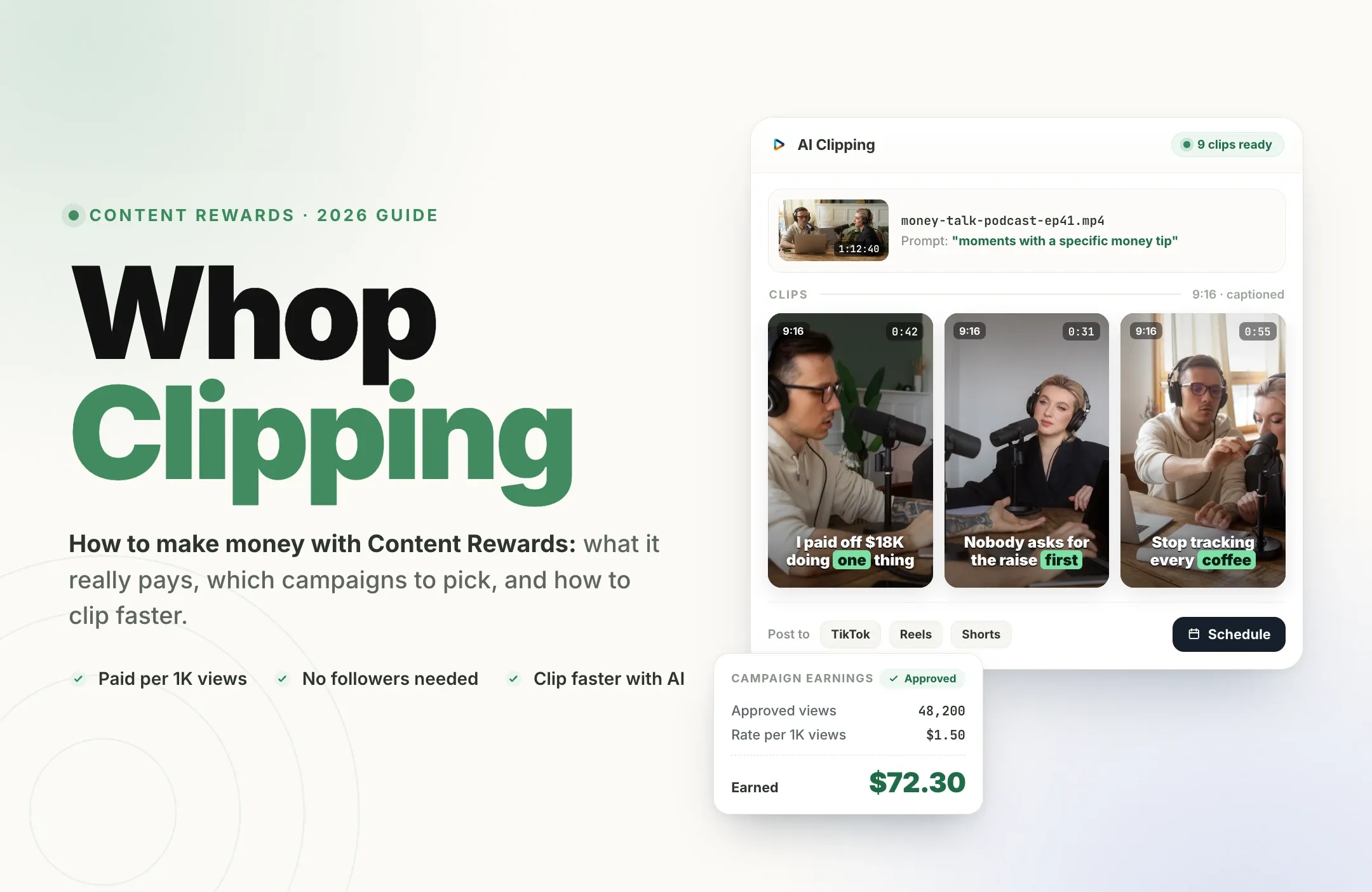
Whop clipping means getting paid to turn a creator's or brand's long-form videos into short clips that you post on your own TikTok, Instagram Reels, YouTube Shorts, or X accounts. On Whop's Content Rewards marketplace, the campaign owner sets a rate per 1,000 views, approves clips that follow its brief, and Whop pays you from the campaign budget for the views your approved clips earn.
It has become one of the most talked-about side hustles of 2026, and for good reason: you don't need followers, a camera, or your own content. You need a good eye for moments, a fast editing workflow, and the discipline to follow each campaign's rules.
This guide covers how Whop Content Rewards actually works, what it really pays (with the math), how to pick campaigns worth your time, why clips get rejected, and the workflow high-volume clippers use to produce more clips without burning out.
What is Whop clipping?
Whop is a marketplace for digital products and communities. Its Content Rewards app lets businesses run paid campaigns where creators make content about them and get paid by views. According to Whop's own documentation, there are two campaign types:
- Clipping campaigns: you turn existing long-form content (podcasts, livestreams, webinars, YouTube videos) into short clips.
- UGC campaigns: you create original content featuring the brand, such as testimonials or product demos. Whop notes UGC typically pays higher rates than clipping.
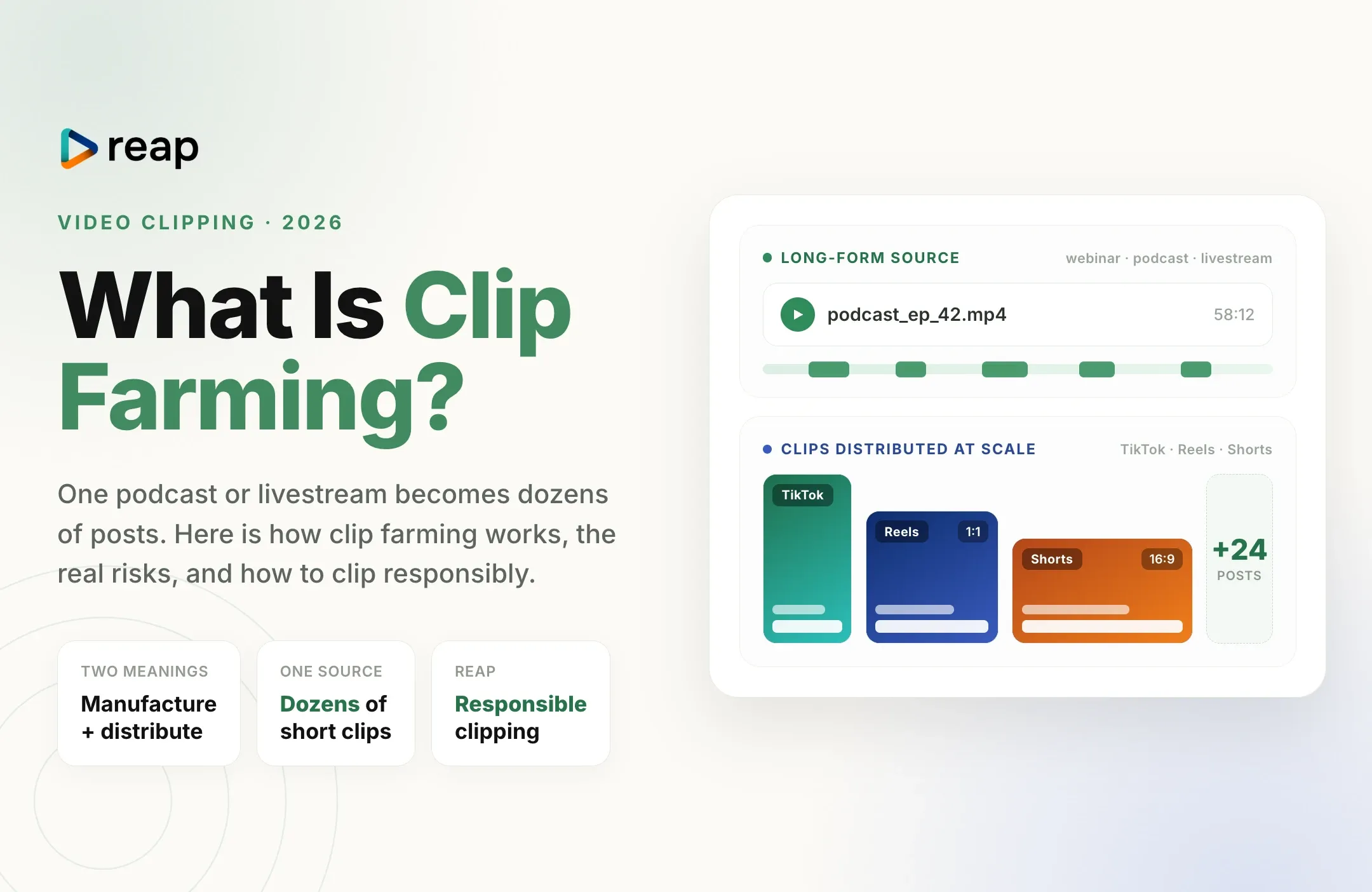
Campaign owners range from streamers and podcasters to course creators, apps, and consumer brands. They want reach, and paying many clippers per view is often cheaper and faster than producing every short themselves. The broader practice of distributing clips at scale is sometimes called clip farming; this guide focuses on the clipper's side: how to earn from it.
How Whop Content Rewards works, step by step
- Create a free Whop account and open Content Rewards. Joining is free and most campaigns have no follower requirement. Treat any "campaign" that asks you to pay to join as a scam.
- Browse campaigns. Each listing shows the reward rate per 1,000 views, accepted platforms, the remaining budget, minimum and maximum payouts, and the requirements.
- Join a campaign and grab the source content. Clipping campaigns provide the footage, often through a shared drive or a list of approved videos.
- Make your clips. Find strong moments, cut them to length, add captions, and reframe to vertical 9:16.
- Post natively on your own account on an allowed platform, following the brief's required tags, mentions, and disclosure.
- Submit the post link in the campaign so Whop can track its views.
- Reach the minimum payout. A clip only enters the owner's review queue once its views would earn the campaign's minimum payout.
- Get approved and paid. After approval, Whop pays you for the clip's views until it hits the per-clip maximum or the campaign budget runs out.
- Withdraw your earnings from your Whop balance.
The key mental shift: you are not paid for posting. You are paid for approved views. Everything in your workflow should serve one goal, which is producing clips that follow the brief and actually get watched.
How much does Whop clipping pay?
Each campaign sets its own rate. Most clipping campaigns pay somewhere around $1 to $5 per 1,000 views, with listings ranging from well under $1 to around $6. UGC campaigns usually sit at the higher end because they require original, on-camera work.
Here is what approved views are worth at common clipping rates:
Earnings math
What approved views pay at common rates
Before Whop's platform fee, and only up to each campaign's maximum payout per clip.
| Approved views | At $1 per 1K | At $2 per 1K | At $3 per 1K |
|---|---|---|---|
| 10,000 | $10 | $20 | $30 |
| 50,000 | $50 | $100 | $150 |
| 100,000 | $100 | $200 | $300 |
| 500,000 | $500 | $1,000 | $1,500 |
| 1,000,000 | $1,000 | $2,000 | $3,000 |
Three things shrink those numbers in practice:
- The platform fee. Whop deducts a fee from clipper payouts, widely reported at around 10%. Check the current terms before you budget.
- Payout limits. A clip below the campaign's minimum payout is never reviewed, and a clip that goes viral stops earning at the maximum payout.
- Hit rate. Most clips get modest views. Income comes from volume multiplied by the share of clips that break out, not from any single post.
A realistic way to think about it: if you post 60 clips in a month and five of them reach 100,000 approved views on a $1.50 campaign, those five earn about $750 before fees, while the rest may earn little or nothing. That is why speed and consistency matter more than perfecting any one edit.
How to pick a campaign worth your time
The highest rate is not always the best campaign. Before you clip anything, check these settings:
| Setting | What it means | What to look for |
|---|---|---|
| Reward rate | What you earn per 1,000 approved views | Compare it with the budget left. A $1 campaign with a big budget can beat a $4 campaign that is almost spent. |
| Budget remaining | Money left to pay all clippers | Plenty of headroom. Clips approved after the budget runs out earn nothing, even with real views. |
| Minimum payout | What a clip must earn before it is reviewed | A threshold you can realistically hit. At $3 per 1K, a $6 minimum means 2,000 views. |
| Maximum payout | The cap on what one clip can earn | A high cap, so a breakout clip keeps paying instead of stopping early. |
| Flat fee bonus | A fixed amount added to every approved clip | A nice boost when you post a lot of clips with steady, modest views. |
| Platforms | Where the clip must be posted to count | Platforms where you already have, or are building, an account in the right niche. |
| Requirements | The brief every clip must follow | Clear, specific rules. Vague briefs lead to surprise rejections. |
Also look at the source material itself. Long podcasts and livestreams with strong opinions, stories, and reactions are easier to clip than polished, scripted content. And pick a niche you understand: you will spot the good moments faster and build an audience that actually watches.
Why Whop clips get rejected (and how to avoid it)
A rejected clip is unpaid work, so learning the common reasons pays off quickly:
- Not following the brief. Missing a required tag, mention, hook, or call to action is the most common reason. Reread the requirements before every batch.
- Wrong platform or format. Posting where the campaign doesn't accept submissions, or clips that are too short or too long.
- Watermarks from other apps. Most briefs reject clips that carry another editing tool's watermark. Export clean files.
- Reposting or duplicates. Uploading the same clip twice, or reposting someone else's clip, usually fails review.
- Misleading edits or banned claims. Cutting a quote so it changes meaning, or adding claims the brand prohibits.
- Non-organic views. Bought views, engagement pods, and bot activity are filtered out and can get your account flagged or paused.
- Missing disclosure. Paid clips are promotional content. Use the platform's paid partnership or branded content setting where the campaign or local rules require it.
When a campaign is unclear about a rule, ask in the campaign's community before posting rather than guessing.
The workflow high-volume clippers use
Once you understand the rules, your real constraint is production. Finding moments in a two-hour stream, cutting, captioning, and reframing by hand can take 20 to 40 minutes per clip. At that pace you can't post enough to find the clips that break out.
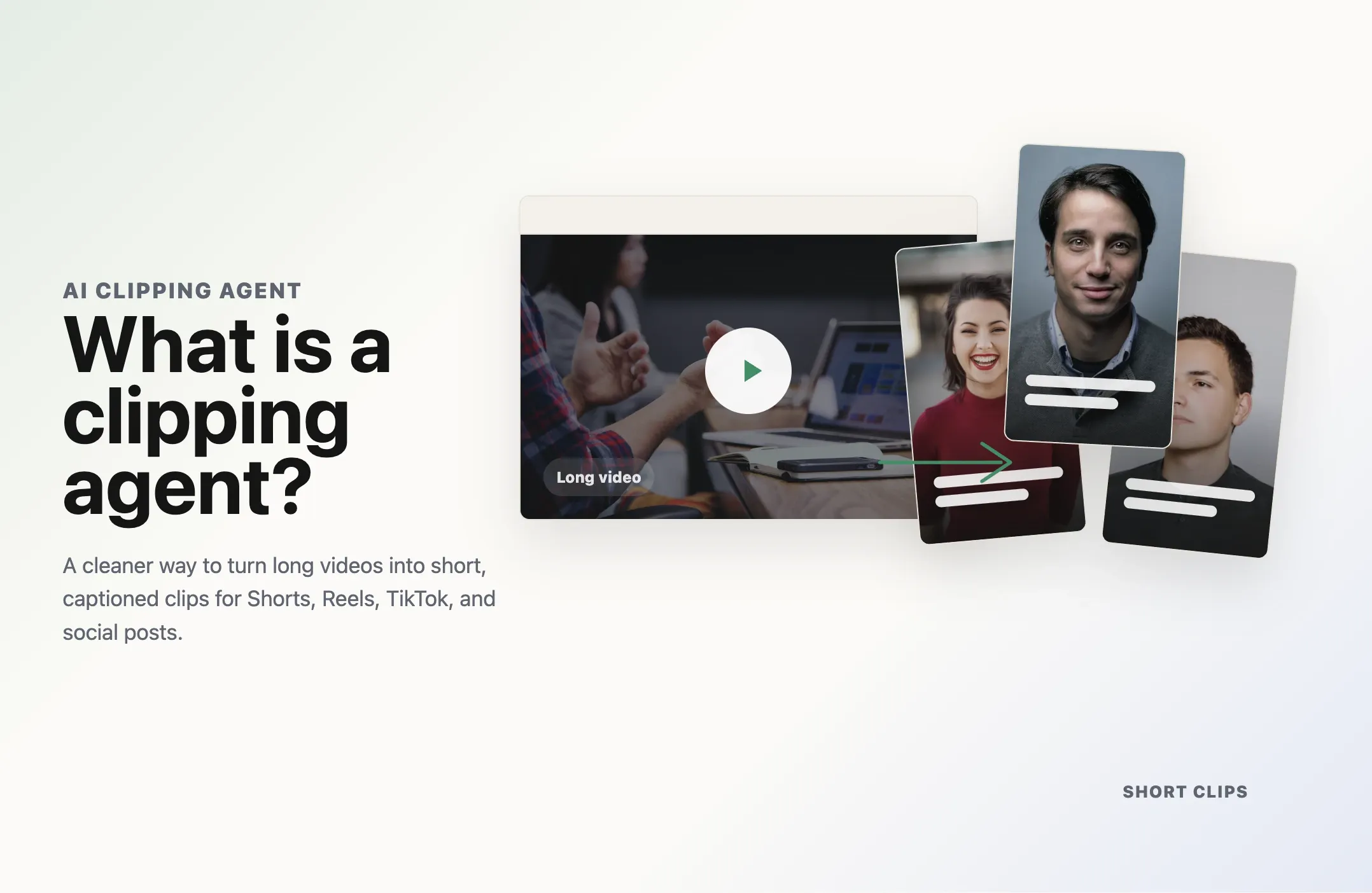
Most serious clippers use an AI video clipping tool for the repetitive parts and spend their own time on judgment: choosing which moments fit the brief and checking every clip before it goes live. A typical workflow looks like this:
- Drop in the source. Paste the campaign video link or upload the file.
- Let AI find candidate moments, or use prompt clipping to target the brief, for example: "find five moments where the host gives a specific money tip."
- Add captions. Most short-form views happen with sound off, and bold animated captions keep people watching. Keep them inside the safe zones so the platform interface doesn't cover them.
- Reframe to 9:16. Auto reframe keeps the speaker centered instead of cropping a wide shot by hand.
- Apply a template so every clip for a campaign has a consistent caption style and layout.
- Review against the brief, trim the hook, and fix any caption errors on names or numbers.
- Schedule or publish to your accounts and submit each post link to the campaign.
With Reap, that whole loop happens in one place: AI clipping, prompt-based clip selection, 50+ caption styles, auto reframe, brand templates, and a social media scheduler that publishes to TikTok, Instagram, and YouTube. One long video can become a full batch of campaign-ready clips in minutes instead of an afternoon.
One practical note for Whop clippers: Reap's free plan is useful for testing the workflow, but its exports are watermarked, and most campaign briefs reject watermarked clips. The Creator plan, from $9.99 per month billed annually, exports 1080p without a watermark and includes the scheduler. At a $1 rate, it pays for itself at roughly 11,000 approved views a month after a 10% fee. See Reap pricing for the current plans.
AI speeds up production, but it doesn't replace your judgment. You are still responsible for picking moments that respect the source, following the brief, and reviewing every clip before you post it.
Account setup tips for TikTok, Reels, and Shorts
- Use dedicated accounts per niche. A finance podcast clip account and a gaming clip account grow different audiences. Mixing niches confuses the algorithm and your viewers.
- Post consistently. Several clips a day across one or two niches beats an occasional burst.
- Hook in the first two seconds. Start on the line that makes someone stop scrolling, not on the setup.
- Match platform length norms. Shorter clips usually hold attention better; see the best video length for Shorts, Reels, and TikTok.
- Post natively and grow organically. Upload directly to each platform and never buy views or join engagement pods. Non-organic activity can get clips rejected and accounts flagged.
Is Whop clipping legit?
Yes. Content Rewards is a real marketplace run by Whop, and brands fund campaigns that pay clippers for approved views. But it is a performance-based gig, not a salary, and it comes with real risks:
- Budgets can run out before your clip is paid.
- Campaign owners can reject clips that don't meet their requirements.
- Payouts can be delayed while views are verified, and accounts flagged for suspicious activity can have earnings held.
- Scams exist around the ecosystem. Never pay to join a campaign or buy a "guaranteed income" course to get access.
Treat it like a small media business: track which campaigns, niches, and hooks actually earn, and drop the ones that don't.
How to scale beyond your first campaigns
Once you have a few accounts growing and a reliable workflow, the next steps are usually:
- Run several campaigns in parallel within the same niche so one account serves multiple briefs.
- Batch production. Clip a whole episode or stream at once, then schedule the clips across the week.
- Automate the repetitive steps. If you handle recurring sources, you can automate video clipping so new episodes become clip drafts automatically.
- Pitch creators directly. A track record of views on someone's content is the strongest pitch for a monthly retainer outside the marketplace.
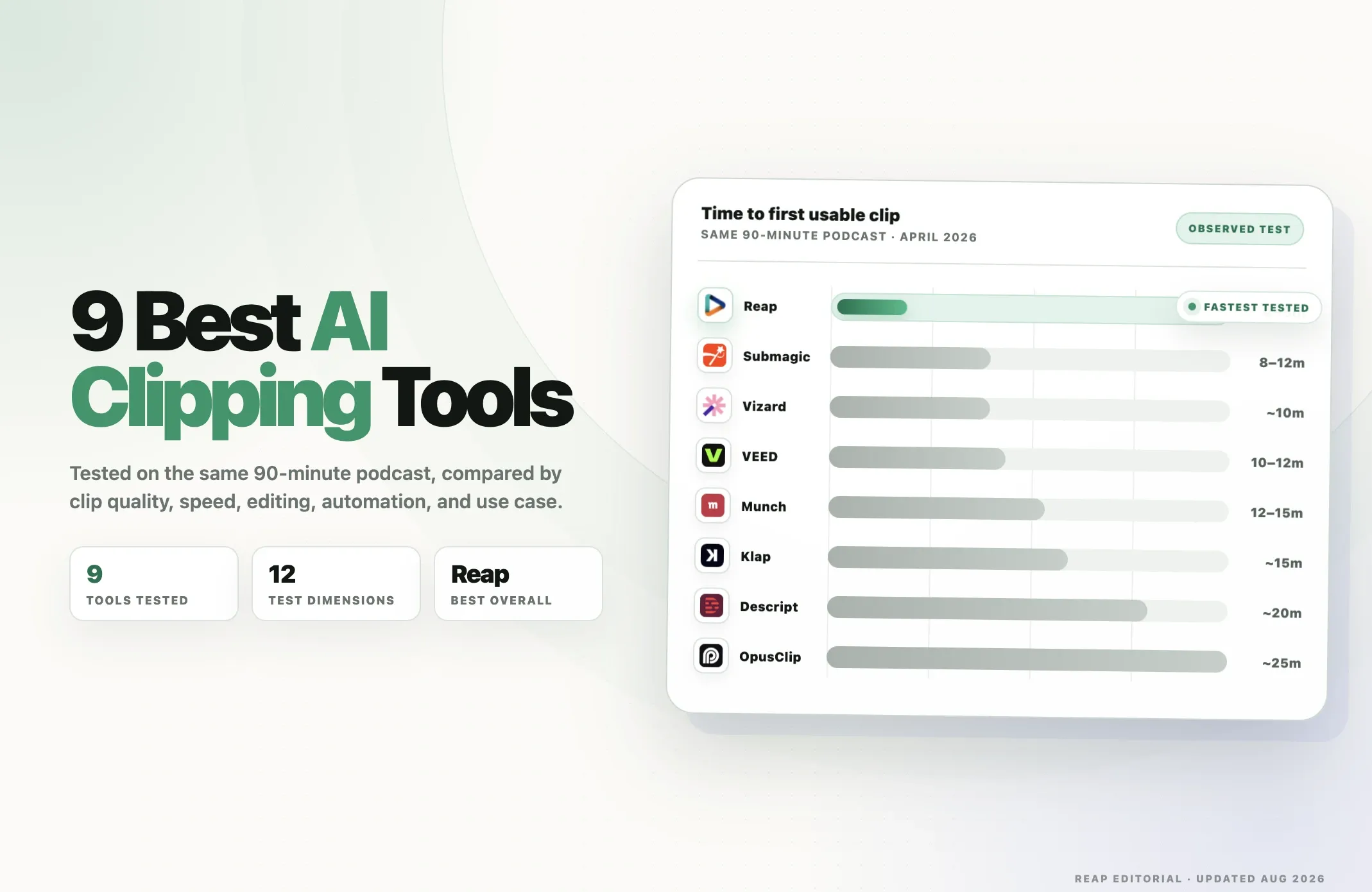
Comparing tools for this kind of volume work? See the top AI clipping tools in 2026.
Final thoughts
Whop clipping rewards a simple formula: pick campaigns with healthy budgets and clear briefs, produce a high volume of clips that follow the rules, post them natively on accounts built for the niche, and let the numbers tell you what to make more of.
The clippers who earn consistently are rarely the best editors. They are the fastest at turning long videos into compliant, watchable clips, every day. Get your workflow right first, and the views have a chance to follow.