AI video dubbing
Make every video speak your audience’s language
AI dubbing for video you have already made. Dub your videos into 80+ languages across 143 locales with natural AI voices, regional variants, and lip-aware timing, without recording again.
One source video. Audiences everywhere.
The script is only half the job.
A rewritten script still needs a voice, natural pacing, timing, audio editing, and a finished video. Repeating that workflow for every language makes localization slow and expensive.
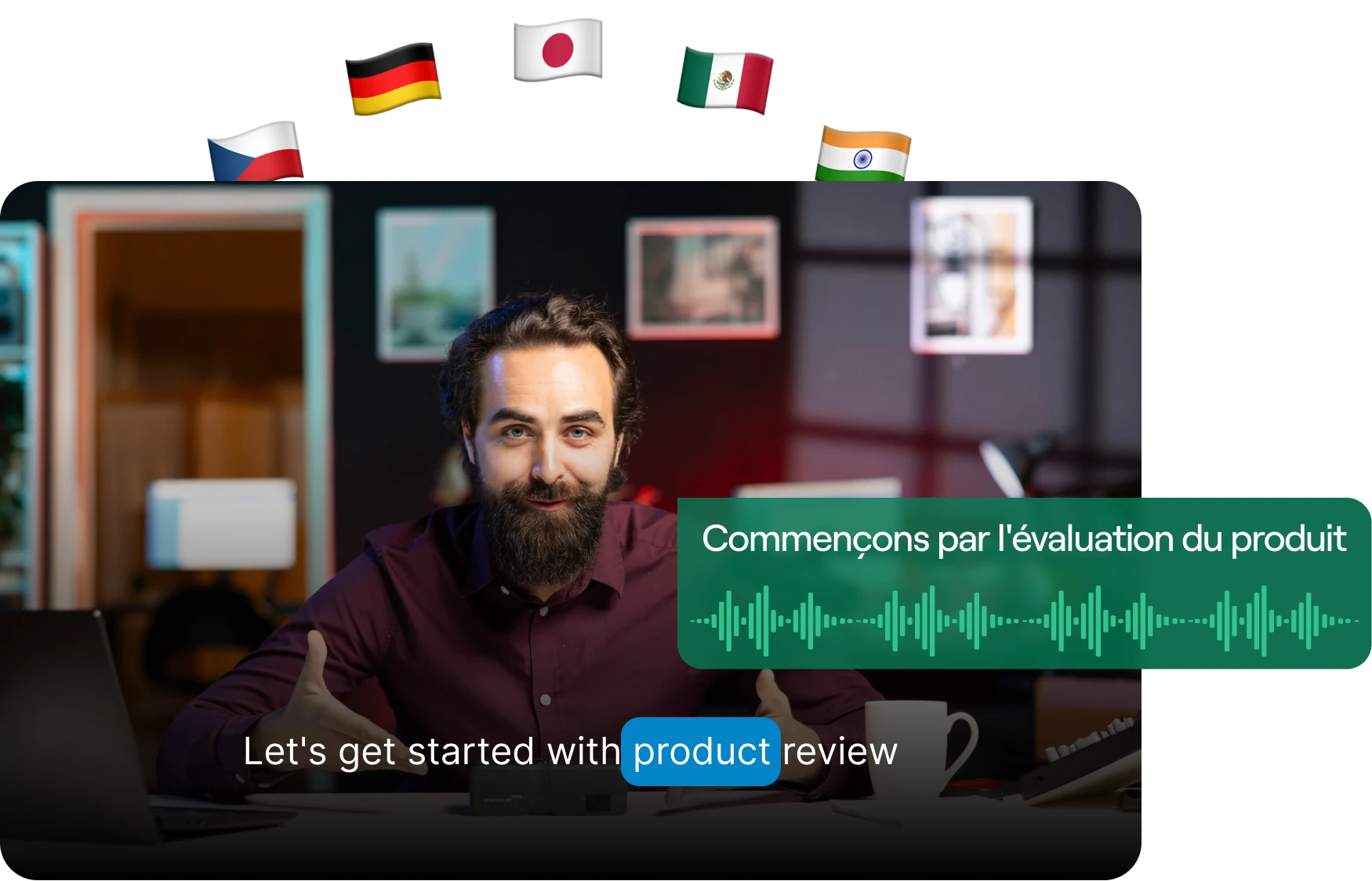
AI video dubbing replaces a video's spoken audio with an AI-generated voice track in another language, rendering the speech in that language and fitting it to the timing of the original footage so the video can be published for a different audience without re-recording it.
Traditional dubbing7 steps
- 1Transcribe the source audio
- 2Write the script in the new language
- 3Hire voice talent or record it yourself
- 4Edit and mix the audio
- 5Adjust timing against the footage
- 6Export the video
- 7Repeat for every language
Seven passes, and it starts over for language two.
With ReapAutomated5 steps
- 1Upload the video
- 2Select the source and target language
- 3Generate the dub
- 4Review the result
- 5Export or keep publishing
The recording workflow disappears. The review step does not, and it should not.
80+ dubbing languages
Reach audiences in the language they actually speak.
Video dubbing into 80+ languages, with the regional variant picked when the audience, pronunciation, or market calls for it. “Spanish” is 22 locales in Reap, not a single option.
en-USes-MXVoice regions per language
- Spanish22
- Arabic16
- English14
- Chinese5
- French4
- Tamil4
- German3
- Portuguese2
- Dutch2
- Kiswahili2
- Urdu2
The other 69 languages Reap dubs run as a single locale each: 143 target locales and 136 source locales across all 80. See the full list
Picking a locale sets the language and the voice region. It does not rewrite culturally specific examples, idioms, or references for you. That is still an editorial decision, and a good reason to review the output.
Natural delivery
AI voice dubbing that sounds natural in every language.
Reap generates a natural-sounding voice suited to the language and region you select, paced to the flow of the original video.
- Natural-sounding AI voice output rather than a flat read
- A voice chosen for the target language and region
- Language-aware pronunciation for the locale you select
- Pacing aligned with the original video
- Regional voice variants across 143 target locales
The dubbed track is a generated voice for the target language. It is not a copy of the original speaker’s voice. Results vary with audio quality, background noise, and the language pair, so listen before you publish.
Turn one video into a global content library.
The same source video becomes a set of localized versions, each with its own voice track and format, without going back to the camera.
The source
One product demo
A single English recording, uploaded once. Every version beside it is generated from that same footage.
- Spoken language
- English
- Source locale
en-US- Localized versions
- 5
- Re-recording
- Not required
- Spanish (Mexico)
es-MXDubbed audio · TikTok9:16 - French (Canada)
fr-CADubbed audio · Reels9:16 - Hindi (India)
hi-INDubbed audio · Shorts9:16 - Arabic (UAE)
ar-AEDubbed audio · LinkedIn1:1 - Portuguese (Brazil)
pt-BRDubbed audio · YouTube16:9
Each localized version is its own dubbing project: one source language, one target locale per run.
Dub your video in four steps.
The workflow is the same in the dashboard, over the API, and through an AI agent.
Add your video
Upload the source content you want to localize.
Choose the languages
Select the original language and your target language or regional variant.
Generate the dub
Reap works from the spoken content and creates the dubbed voice output.
Review and share
Check names, terminology, pronunciation, tone, and timing before exporting.
More than a dubbing tool
Localize the complete video, not just the audio.
Combine dubbed speech with captions, social-first framing, Brand Templates, and Reap’s publishing workflow, then fine-tune any language in the AI video editor.
- Source video
- AI clipping
- AI dubbing
- Captions
- Auto Reframe
- Brand Template
- Export or publish
Dubbing at scale
Dub from code, or from your agent.
Everything the dubbing workflow does is also a REST API, and the same actions reach Claude, Cursor, and any other MCP client through reap’s MCP server. API, CLI, and MCP draw the same plan credits as the dashboard, from $9.99/mo annual.
- Create a dub in one call
- Point at an uploaded file, name a source and target locale, and reap returns a project you can follow.
- Read the live language list
- Pull the current source and target locales from the API, so the codes in your pipeline never go stale.
- Track every project
- Check a project for queued, processing, completed, invalid, or expired, with a live estimate of the time left.
- Get told, instead of asking
- Register a webhook and reap posts to your endpoint the moment a dub reaches a final state, with no polling loop to run.
Each key runs at 10 requests per minute, and credits are shared 1:1 with the dashboard. Every endpoint and field is in the dubbing API reference.

 Claude
 Cursor
 ChatGPT
 VS Code
 OpenClaw
Who it’s for
Built for content that should travel.
The pattern is the same everywhere: content that already works in one language, and an audience that does not speak it.
Creators
Dub videos for viewers who don't speak your language, without recording again.
YouTube channels
Dub YouTube videos that already work, for regional channels and viewers.
Educators
Make lessons and training content easier to follow across languages.
Marketing teams
Adapt launches, interviews, and campaigns for the markets you sell into.
SaaS companies
Localize demos, webinars, onboarding, and product education.
Developers
Add dubbing to an automated pipeline over the REST API or MCP.
Agencies
Ship multilingual versions for every client through one workflow.
Podcasters
Give a back-catalogue episode a second life in a second language.
Course creators
One recorded module, understood in every market it is sold in.
Media companies
One story, filed in every language the audience actually reads.
Localization teams
Collapse transcribe, script, and re-record into a single upload.
Coaches
Film the answer once. Give it to five audiences in their own language.
AI dubbing FAQs
AI dubbing replaces the spoken audio in a video with a generated voice track in another language. Reap transcribes what is said, renders it in the target language, generates the dubbed speech, fits that speech to the flow of the original footage, and returns a video you can review and download. You do not write a script or record a voiceover.
Reap dubs into 80+ languages, offered as 143 target locales. Locales are counted separately because Spanish (Mexico) and Spanish (Spain) are different choices, which is why the locale number is the larger one. Coverage changes as languages are added, so the supported-languages reference and the get-dubbing-languages API endpoint are the authoritative lists.
Yes. Languages are selected as locales, so you can choose Spanish (Mexico) instead of Spanish (Spain), Portuguese (Brazil) instead of Portuguese (Portugal), or English (India) instead of English (United States). Arabic alone has more than a dozen regional variants. Selecting a locale sets the language and voice region; it does not rewrite culturally specific examples for you.
No. Reap generates a natural-sounding voice for the language and region you select. It does not clone or reproduce the original speaker's voice. The dubbed delivery is paced to the original video, but the voice itself will be a different one. Listen to the output before publishing.
No. Text-to-speech reads a script you supply. Dubbing starts from the video's own audio: Reap transcribes the speech, renders it in the target language, generates the voice in the target locale, and aligns the result to the original footage. The input is your video, not a script.
No, and we do not claim it. Reap uses lip-aware timing: the dubbed speech is paced and placed to stay aligned with the flow of the original footage rather than dropped on top of the original audio. Lip movements in the source video are not regenerated.
No. Dubbing replaces the spoken audio and nothing else. It does not generate or burn in subtitles. Captions and subtitles are a separate feature in the same Reap workflow, covering 100+ languages including romanized scripts such as Hinglish and Romanized Urdu, and you run that step yourself if you want them. Pairing a dubbed audio track with captions in the same language helps viewers who watch on mute.
Yes. Download the video from YouTube, upload it to Reap, and pick a source and target locale. YouTube dubbing works the same way as any other upload, and the dubbed file comes back for you to review and re-upload to your channel. Reap does not publish to YouTube on your behalf as part of dubbing.
No. Reap is AI dubbing software that runs in the browser, so there is nothing to install. The same dubbing is available over the REST API and to AI agents through Reap's MCP server, so you can dub video from the dashboard, from code, or from an agent.
The same limits apply in the dashboard and over the API: from 3 seconds up to 10 minutes, and a maximum of 2 GB. Reap accepts MP4 or MOV with clear audio. Processing is asynchronous, so poll for status or wait for the completion email. Dubbing is not a live or real-time feature. Current limits are in the dubbing walkthrough and the Create Dubbing API reference.
Yes. Dubbing is one step in Reap's workflow, not a separate product. The same source video can be clipped, dubbed, captioned, reframed to 9:16 or 1:1, styled with a Brand Template, and then exported or scheduled to your connected social accounts.
Yes. Upload a file, then POST to /automation/create-dubbing with an uploadId, a sourceLanguage, and a targetLanguage. The call returns a project you can poll with get-project-status, or you can configure a webhook and be notified when the project reaches a final state. The endpoint is rate limited to 10 requests per minute per API key. The same operation is available to AI agents as the dub_video tool on Reap's MCP server.
Yes. Automation removes the recording workflow, not your editorial judgement. Check people and company names, product terminology, technical vocabulary, regional pronunciation, tone, timing, and any on-screen text that still shows the original language before the video goes out.
One video. A world of new audiences.
Dub your content and prepare it for viewers everywhere
AI dubbing, reframing for every platform, and publishing, all from one source video and 80+ languages. Plans start at $9.99/mo annual on the pricing page.
Dub a videoView supported languages