AI Clipping
Turn long videos into viral clips with AI
reap’s AI video clipper analyzes facial expressions, vocal tone, and pacing to extract the most engaging moments from any video - then adds animated captions, reframes for vertical, and delivers publish-ready shorts for TikTok, Reels, and YouTube Shorts.




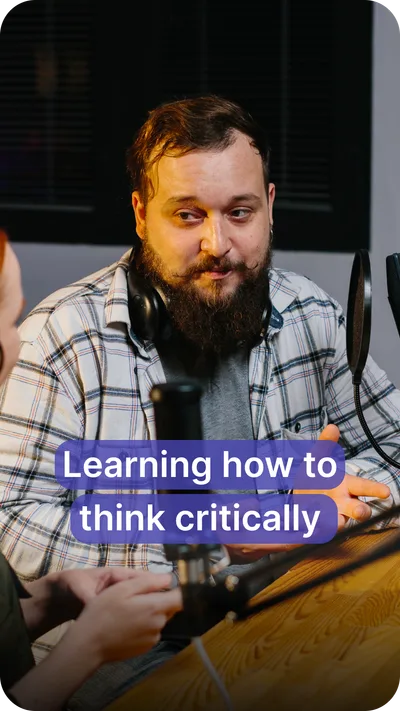
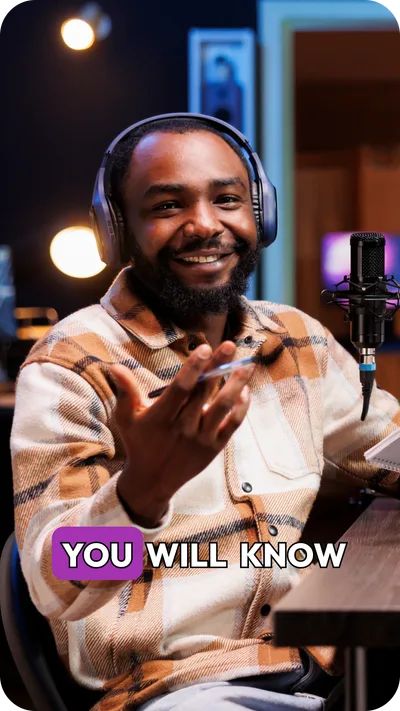
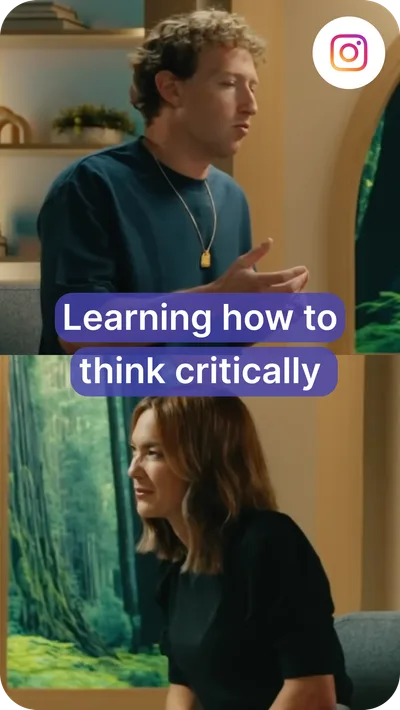
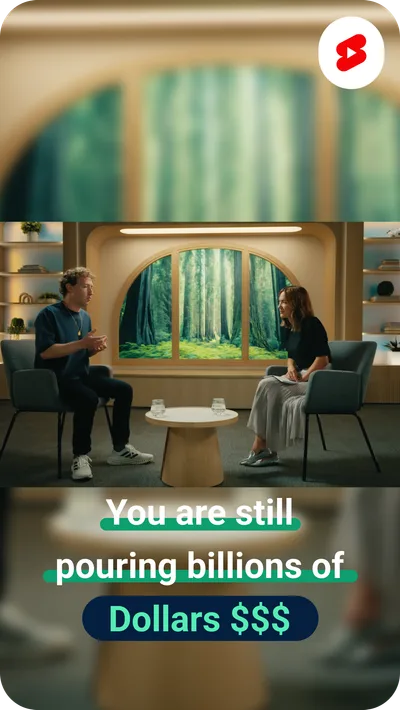
From raw footage to viral clips in 3 steps
Your all-in-one solution for producing sleek, dynamic, and engaging video content.
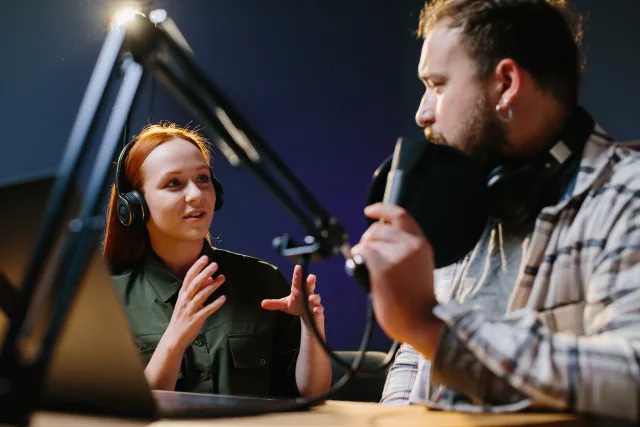 video name.mp4
Step 1Paste a link or upload your video
Drop a YouTube link, upload from your device, or connect via API. reap accepts any video - podcasts, interviews, webinars, vlogs, tutorials, gaming streams, sports highlights, and more.
Step 2AI extracts the best moments
Multi-signal AI analyzes faces, vocal tone, pauses, pacing, and topic relevance to find the clips that will actually go viral. Not keyword matching - real understanding of what makes content engaging.
Step 3Customize, and publish
Each clip gets animated captions, speaker reframing, and platform-ready formatting. Edit by text in the AI video editor, swap caption styles, or publish directly to TikTok, Instagram, YouTube, LinkedIn, and Facebook.
Works for every use case
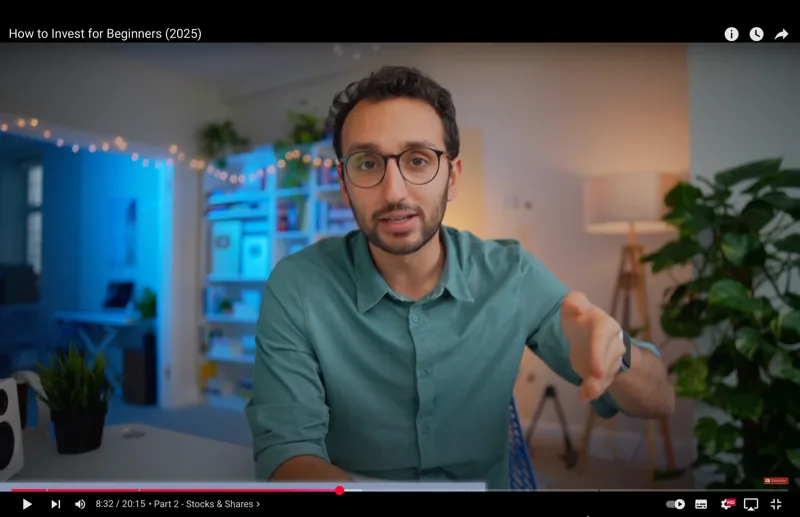
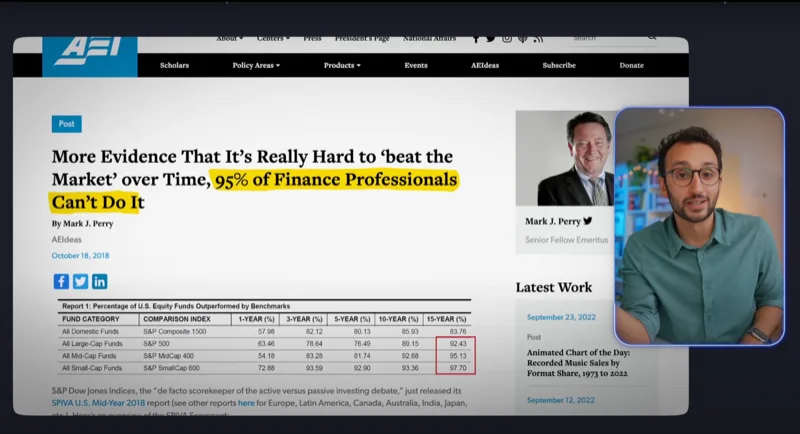
 Ali Abdaal
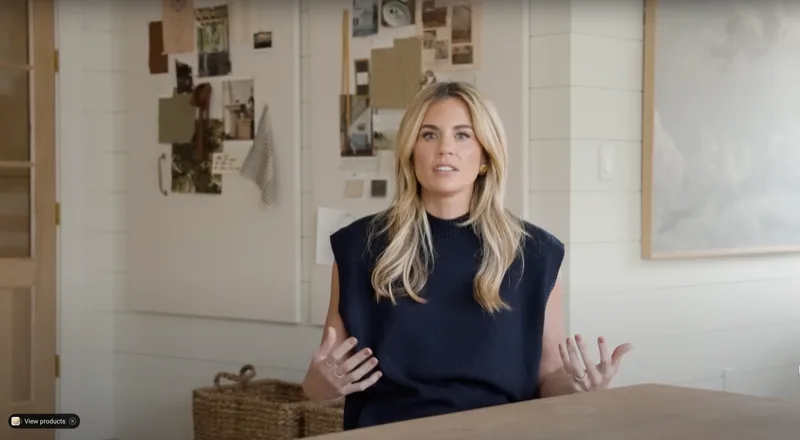
 Studio McGee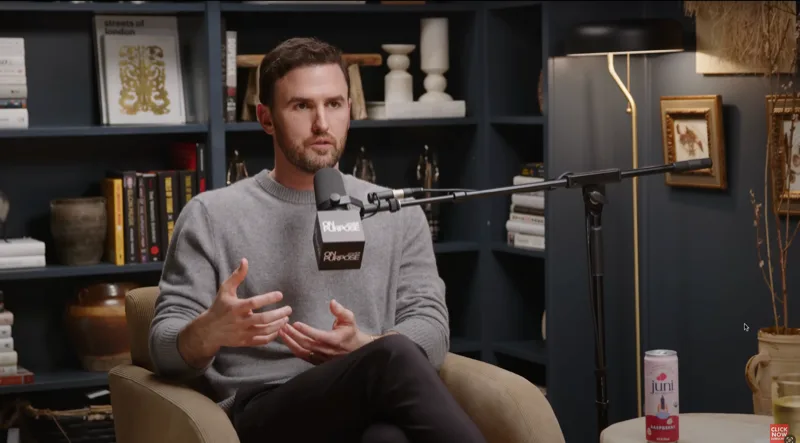

 Jay Shetty Podcast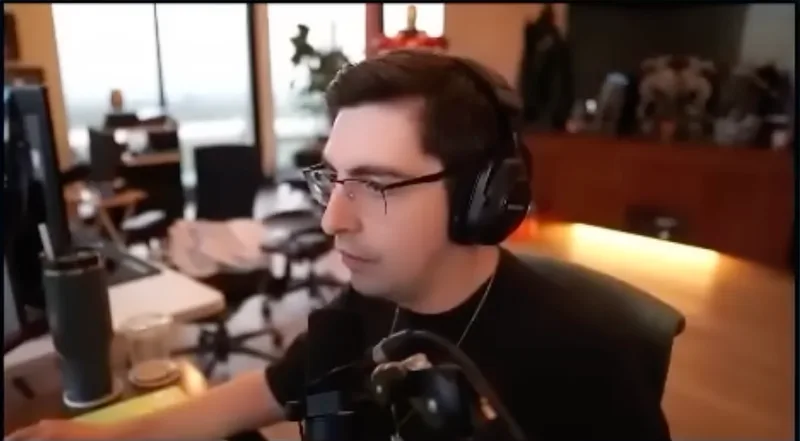
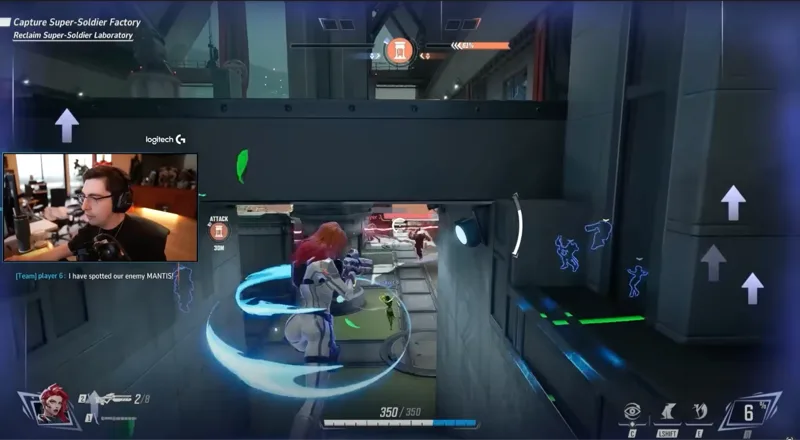
 Shroud
AI clipping that goes beyond highlight detection
Most AI clip generators just find loud moments or trending keywords. reap understands content - and lets you control exactly what you get.
Prompt-First Clipping
Tell the AI what you want. "Find every product mention." "Extract the controversial takes." "Pull the emotional moments." Generate clips by intent, audience, or topic - not just generic highlights.
50+ Animated Caption Styles
Choose from a library of scroll-stopping caption presets designed for different creators, brands, and campaigns. Accurate in 100+ languages including Hinglish and Romanized Urdu. One click to apply.

Auto Speaker Detection & Reframing
AI tracks every speaker in real-time and keeps them centered when converting to a vertical aspect ratio. Multi-speaker podcasts, interviews, panels - everyone stays in frame on every platform.

AI Virality Score
Every clip gets a virality prediction score based on engagement patterns, pacing analysis, and platform trends. Focus your time on the clips most likely to blow up.
Clip, schedule, and publish - all in one place
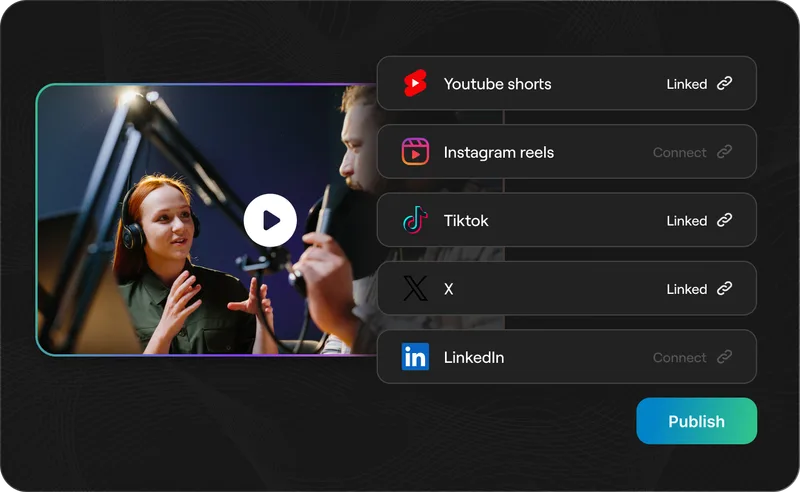
Connect your social accounts and post clips directly to TikTok, Instagram Reels, YouTube Shorts, LinkedIn, and Facebook. Schedule weeks of content in advance with a built-in social media scheduler.
One-Click Publishing
Post clips directly to all major platforms without downloading or re-uploading. Each clip is auto-formatted for the platform's requirements - aspect ratio, duration limits, and caption specs handled automatically.
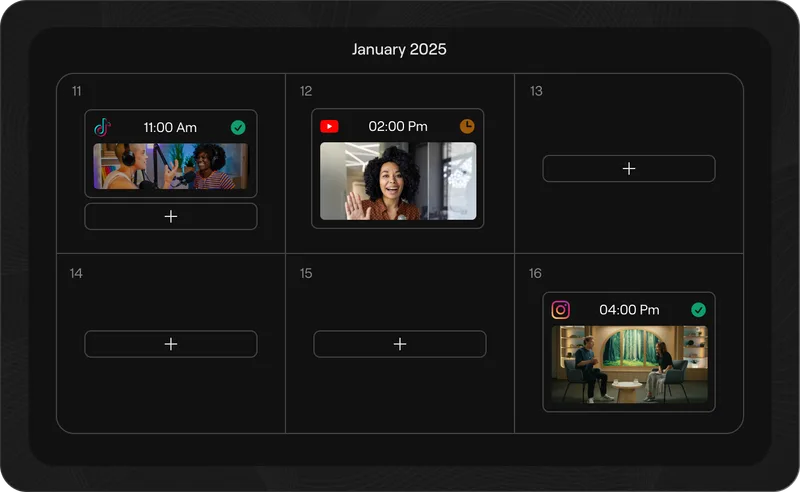
Content Calendar
Drag-and-drop scheduling across all connected accounts. Queue weeks of clips in one session and let autopilot handle the rest. See everything planned across TikTok, Reels, Shorts, and LinkedIn in a single view.
Clip once. Caption in 100+ languages.
Every clip gets accurate captions in 100+ languages - including romanized scripts like Hinglish, Romanized Urdu, and Arabizi. Add AI dubbing in 80+ languages to reach audiences worldwide without re-recording.

AI Dubbing in 80+ LanguagesEarly Access
Create language-ready versions without re-recording a word. AI clones your voice with natural intonation and pacing in 80+ languages. One video, global distribution.

Subtitles in 100+ Languages
Auto-translate clip captions into any of 100+ languages. Not just the top 20 - Thai, Swahili, Mongolian, and every major world language.

Hinglish. Romanized Urdu. Arabizi. And More.
The only AI video tool that supports romanized scripts, the way billions of people actually type. Hinglish, Romanized Urdu, Arabizi, Romanized Bengali, Tagalog-English, and dozens more.

Localized Content at Scale
Transform a single video into region-specific versions with localized captions, dubbed audio, and culturally relevant formatting. Reach new markets without starting from scratch.
Built for teams, not just solo creators
Keep every clip on-brand and every team member in sync with shared templates and a collaborative workspace.
TEXT STYLE
Brand Templates
Lock in fonts, colors, intros, outros, and caption styles into reusable templates. Every clip stays on-brand - whether it's made manually, by a teammate, or through the API.
Team Studio Workspace
Invite team members, assign roles, and manage projects in a shared workspace. Collaborate across clients, campaigns, and channels with shared assets, templates, and publishing queues.
Automate clipping at scale
Use reap's API or MCP to automate clip extraction, captioning, and publishing across dozens of videos. Content automation API access starts at $9.99/month.
REST API
Trigger repurposing workflows programmatically. Clip, caption, dub, translate, and export via simple API calls. Build video automation into your product, CMS, or internal tools.
MCP-Ready Workflows
Connect reap to AI assistants and agentic systems through Model Context Protocol. The first video tool with native MCP support.
Frequently asked questions
Any type. Podcasts, interviews, webinars, vlogs, tutorials, gaming streams, sports highlights, news segments, lectures, and more. Paste a YouTube link or upload directly. reap’s AI works with any video format and any genre.
Most AI clip tools use keyword matching or simple loudness detection. reap uses multi-signal AI that analyzes facial expressions, vocal tone, pacing, and topic relevance to find genuinely engaging moments. Plus, reap offers prompt-first clipping - tell the AI exactly what kind of clips you want instead of accepting random highlights.
100+ languages with industry-leading accuracy. This includes romanized scripts like Hinglish (Hindi in Latin letters), Romanized Urdu, and Arabizi - the way billions of people actually read on social media. Most other tools support only 20 languages with poor word error rates.
Yes. The REST API, CLI, and MCP let you automate the entire clipping workflow - from video ingestion to captioned, reframed clip delivery. Agencies use it to process dozens of client videos. Developers integrate it into products. All included from $9.99/month.
TikTok, Instagram Reels, YouTube Shorts, LinkedIn, and Facebook - directly from reap. Schedule posts, manage your content calendar, and publish across all platforms from one dashboard. Clips are auto-formatted for each platform’s aspect ratio (9:16, 1:1, 16:9).
Yes. The free plan includes 1 hour of AI clipping, animated captions, and 720p exports. Paid plans start at $9.99/month (billed yearly) and unlock higher resolution, API access, dubbing, translation, and all premium features.
Start turning long videos into viral clips
Prompt-first AI clipping. 100+ languages. API, CLI, and MCP automation.