AI-Powered Video Editor
The AI video editor that edits as fast as you type
reap is the AI video editor that starts from the transcript. Upload a video or paste a YouTube link and AI transcribes it. Cut words from the transcript and the video follows. Remove silent gaps, fix a word everywhere at once, add B-roll and voiceover, and caption in 100+ languages.



Edit the words. The video follows.
How to edit a video with AI in three steps
An online AI video editor that runs in your browser on desktop, phone, or tablet. Nothing to install.
1. Upload your video
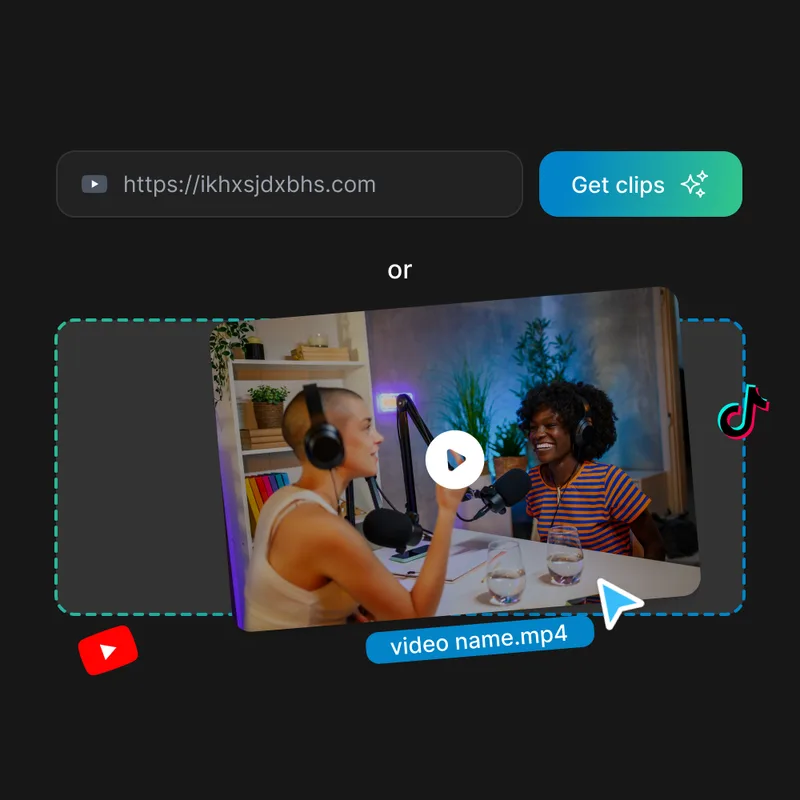
Upload an MP4, MOV, WebM, or MKV file up to 10 minutes long, or paste a YouTube link. Pick the spoken language and reap transcribes every word.
2. Edit the transcript
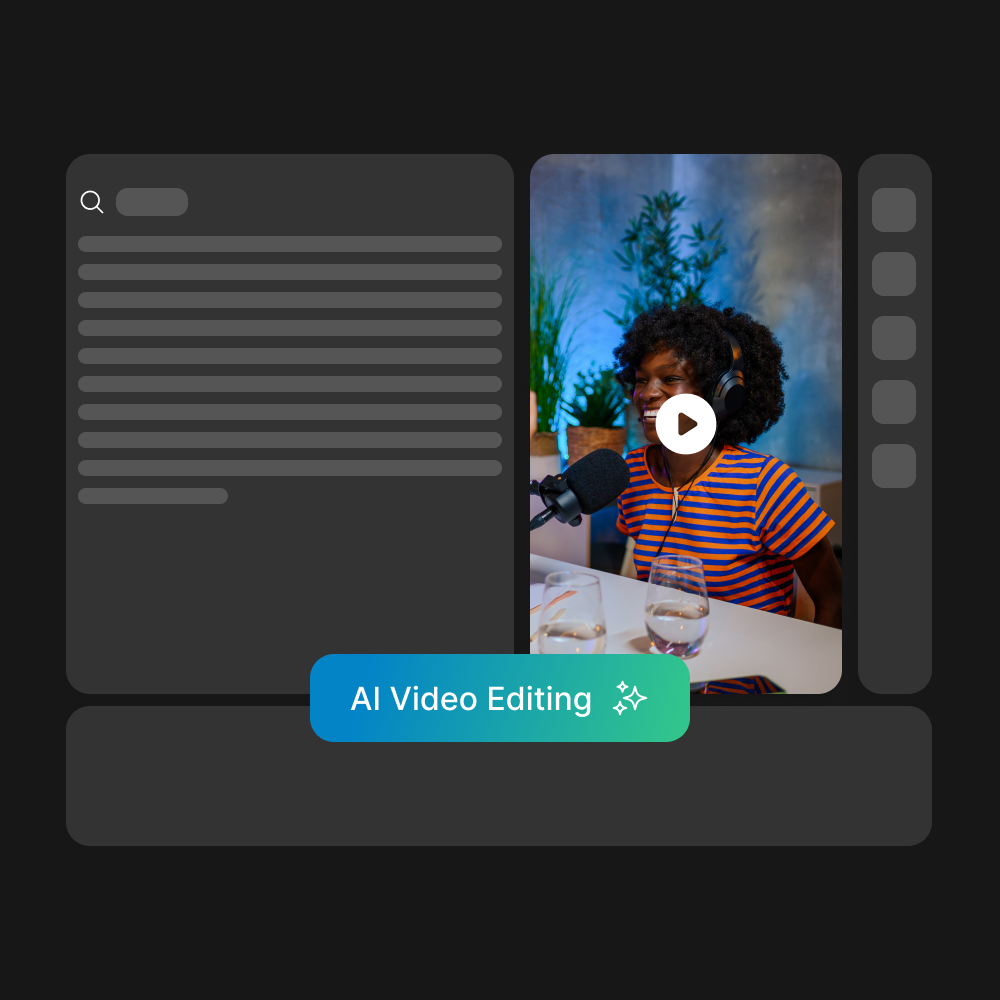
Cut words from the transcript and the video follows. Remove silent gaps, correct misheard words, then add captions, B-roll, text, and voiceover.
3. Export and publish
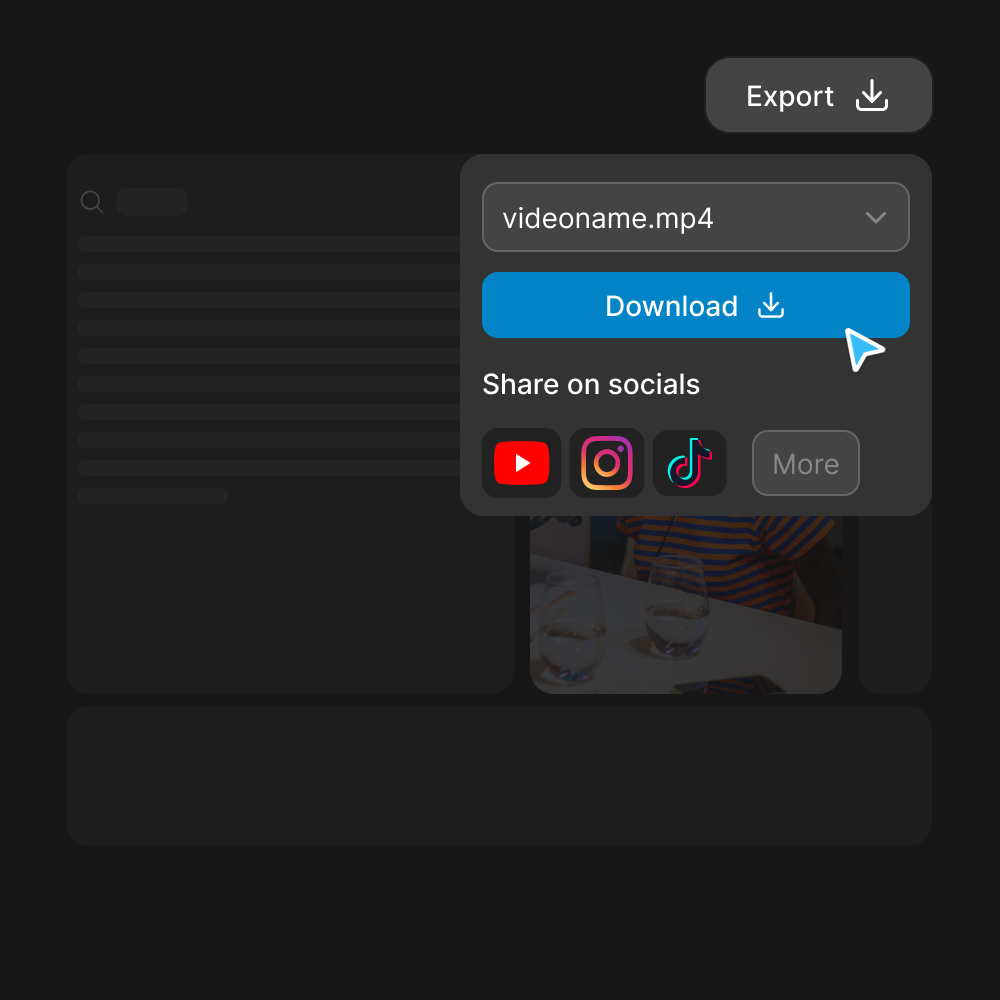
Download a 720p MP4 on the free plan. Paid plans export up to 4K without a watermark and can publish straight to YouTube, Instagram, and TikTok.
Your transcript is your timeline
Traditional video editing means scrubbing through timelines, setting in-points and out-points, and learning complex software. reap is an AI-powered video editor that starts from the text instead. Artificial intelligence video editing that works the way you think, with a timeline underneath for when you need it.

AI transcribes your video instantly
Upload a video or paste a YouTube link. reap's AI generates a transcript with word-level timestamps in 100+ languages, so every word lines up with the moment it was said.

Read the transcript. Edit the words.
See every word your video contains. Cut a sentence and that part of the video goes with it. Set where the video starts and ends from the text. Correct a misheard name once and it is fixed everywhere it appears.

If you can edit a Google Doc, you can edit a video.
No keyframes, no render queues. Most edits start in the text: select, cut, correct, done. A multi-layer timeline sits underneath for B-roll, overlays, and exact timing. reap's video text editor is designed for people who have something to say, not for people who learned Premiere Pro.
AI video editing tools that handle the tedious work
You focus on the story. AI handles the polish. Every tool below works inside the editor, one click away, while you are editing.

Remove Silences in One Click
Every pause shows up in the transcript with its length. Remove one gap, or remove every gap in the video at once. Dead air disappears and the delivery tightens up without manual trimming.

Cut, Correct, or Highlight Any Word
Select text in the AI transcript to cut it from the video, correct it, highlight it in the captions, or add an emoji. Find a word once and fix, highlight, or decorate every place it appears.

AI B-Roll Insertion
Describe the shot you need and pick from matching stock video, images, or audio, then drop it on the timeline over your footage. Keep viewers visually engaged without leaving the editor to browse stock sites.
Captions in 100+ Languages, 50+ Styles
AI generates accurate captions directly from your transcript. Choose from 50+ animated presets: word-by-word highlights, bold kinetic text, smooth lower-thirds. Customize fonts, colors, and position. Caption in 100+ languages, including Roman-script Hinglish and Romanized Urdu, or dub the video into 80+.
Reframe for Vertical With Face Tracking
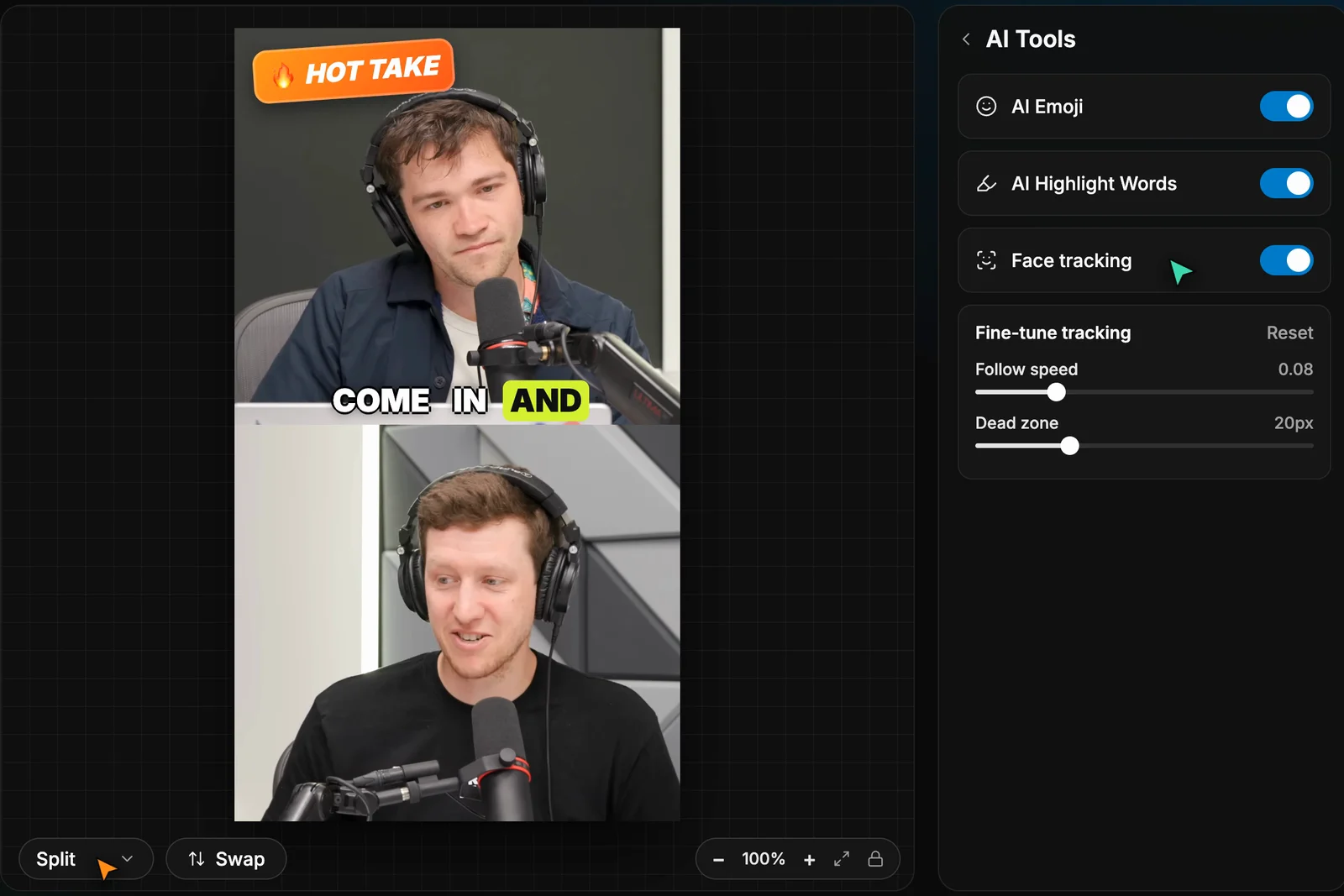
Turn on face tracking and the frame follows whoever is speaking, with controls for follow speed and dead zone. Switch between Fill, Fit, and Split layouts to show one speaker or both in 9:16. AI Emoji and AI Highlight Words decorate your captions automatically. The same tracking powers auto reframe and AI clipping.
From raw recordings to polished, publish-ready videos
reap’s AI video editor turns rough footage into professional content without a production team.
Podcasts and interviews, cleaned up in minutes
Use it as an AI podcast editor: cut the dead air, fix misheard names everywhere at once, and add animated captions. Take a raw Zoom recording and turn it into something you are proud to publish.
Talking-head videos that look produced
Drop image overlays and B-roll over talking-head footage, add animated captions, and switch to a Split layout for vertical. What used to take a freelance editor now takes a few minutes.
One edit, every language
Caption in 100+ languages, translate subtitles, and dub in 80+ languages. Edit your video once and distribute to global audiences. Write captions in Roman script for Hinglish, Romanized Urdu, and Arabizi, the way your audience actually types.
TEXT STYLE
Brand-consistent video, every time
Save your fonts, colors, logo, caption style, and intro and outro as a brand template, then apply it to any project in one click. Every video comes out on-brand without a design review.
Text-first editing, built for every language.
See how reap’s text-first AI editor compares to traditional and other AI video editors across key features.
| Feature | Traditional Editors | Other AI Editors | reap |
|---|---|---|---|
| Editing method | Timeline with tracks and keyframes | Transcript editing plus a timeline | Transcript-first, plus a multi-layer timeline |
| Caption languages | Manual or plugin | Varies widely by tool | 100+ languages, 50+ animated styles |
| Roman-script captions | Not available | Rarely offered | Hinglish, Romanized Urdu, Arabizi, and more |
| Dubbing | Not available | Fewer languages, where offered | 80+ languages |
| Automation | Not available | In a few tools, often on higher tiers | REST API, CLI, and MCP from $9.99/mo |
What creators say about the reap editor
Reviews from people who edit with reap
"A fresh, efficient alternative. The AI-powered clipping and captioning make turning long videos into social-ready clips much faster and easier. The text-based editing is intuitive, and multilingual support is a big plus."

"Reap is an incredibly efficient tool. Its AI-powered features, like text-based editing and automatic captioning, save me hours of work and deliver great results."

"I used to create clips by hand in FCPX. It literally would take 10-20 hours. No joke. But now the AI does it — and if you direct the AI, it's 90% there. Really impressive!"

"This is a gamechanger for me as a solopreneur that would rather focus on long form video. It has already saved me so much time — combining features of Canva, CapCut, Descript and DaVinci."

"I tried a 40 min video and it gave me all clips I needed within 10 min. I tried different similar tools — it took them almost 2 days. Reap does the job perfectly well and quite fast."
"The AI seamlessly identifies the most impactful segments from my videos, helping me create attention-grabbing shorts in a fraction of the time. If you're a content creator, Reap is a game-changer!"
"A fresh, efficient alternative. The AI-powered clipping and captioning make turning long videos into social-ready clips much faster and easier. The text-based editing is intuitive, and multilingual support is a big plus."
"Reap is an incredibly efficient tool. Its AI-powered features, like text-based editing and automatic captioning, save me hours of work and deliver great results."
"I used to create clips by hand in FCPX. It literally would take 10-20 hours. No joke. But now the AI does it — and if you direct the AI, it's 90% there. Really impressive!"
"This is a gamechanger for me as a solopreneur that would rather focus on long form video. It has already saved me so much time — combining features of Canva, CapCut, Descript and DaVinci."
"I tried a 40 min video and it gave me all clips I needed within 10 min. I tried different similar tools — it took them almost 2 days. Reap does the job perfectly well and quite fast."
"The AI seamlessly identifies the most impactful segments from my videos, helping me create attention-grabbing shorts in a fraction of the time. If you're a content creator, Reap is a game-changer!"
"Even at the entry level, it gave me powerful functionality that felt premium. What used to take hours, Reap helps me finish in minutes. The customer support is very fast and incredibly friendly."

"Excellent for converting long videos into shorter ones for YouTube. It offers many beautiful style captions, and the auto zoom and auto reframe features enhance the viewing experience."
"What I like most is how clean and practical the workflow is. The clip library is especially useful — clips can be reused, scheduled later, and managed across multiple channels."

"This is an excellent app. Works fast and reliable and is easy to use. I used it to create clips from 80-minute long videos and from shorter videos. Love the viral rating score."

"The text-based editing saved me a lot of time, and the automatic audio cleanup worked surprisingly well. It supports multiple languages and lets you add your own branding."

"Amazing software for clips. I love using this — it is a true game changer to save me countless hours."
"Even at the entry level, it gave me powerful functionality that felt premium. What used to take hours, Reap helps me finish in minutes. The customer support is very fast and incredibly friendly."
"Excellent for converting long videos into shorter ones for YouTube. It offers many beautiful style captions, and the auto zoom and auto reframe features enhance the viewing experience."
"What I like most is how clean and practical the workflow is. The clip library is especially useful — clips can be reused, scheduled later, and managed across multiple channels."
"This is an excellent app. Works fast and reliable and is easy to use. I used it to create clips from 80-minute long videos and from shorter videos. Love the viral rating score."
"The text-based editing saved me a lot of time, and the automatic audio cleanup worked surprisingly well. It supports multiple languages and lets you add your own branding."
"Amazing software for clips. I love using this — it is a true game changer to save me countless hours."
Frequently asked questions
Upload a video (MP4, MOV, WebM, or MKV, up to 10 minutes) or paste a YouTube link. reap transcribes it with word-level timestamps and opens it in the editor, with the transcript next to the video preview. Select words in the transcript and cut them, and the video is cut with them. Correct a misheard word everywhere at once, remove silent gaps in one click, then add captions, B-roll, text, voiceover, and sound effects. A multi-layer timeline sits underneath for when you want precise control.
It is full AI video editing software. Beyond text-based cutting, it has animated captions in 100+ languages, a stock B-roll library you search by describing the shot, text overlays, AI voiceover, sound effects, your own image, video, and audio assets, Fill, Fit, and Split layouts for vertical video, custom thumbnails, and a multi-layer timeline. Exports go up to 1080p on Creator and 4K on Studio.
Yes. reap is an online AI video editor, so there is nothing to install. Open app.reap.video in a current version of Chrome, Safari, Firefox, or Edge on a computer, phone, or tablet. Almost every feature works on mobile, including transcript and caption editing, the timeline, text, sound effects, and recording a voiceover. AI voice generation is desktop only.
Upload MP4, MOV, WebM, or MKV files from 3 seconds to 10 minutes long and up to 2 GB, or paste a YouTube link. Choose the spoken language before you submit so the transcript and captions come out right.
Yes. Every pause shows up in the transcript with its length. Click remove gap on any single pause, or use Remove all gaps to cut every pause in the video in one step. Play it back afterwards and undo if the pacing feels too tight.
Yes. Switch any segment between Fill, Fit, and Split layouts to frame it for 9:16, and turn on face tracking so the frame follows whoever is speaking. For long recordings, reap’s AI clipping can also find the strongest moments and cut them into short vertical clips for you.
reap is not a fully automatic video editor, but several edits are one click. Remove all gaps cuts every pause at once, AI Emoji and AI Highlight Words decorate captions automatically, face tracking keeps the speaker in frame, and AI voiceover turns a script into narration on paid plans. You stay in control: every change shows in the transcript and on the timeline, and undo is always there.
Transcription and captions in 100+ languages, subtitle translation into 100+ languages, and AI dubbing in 80+ languages. Captions can also be written in Roman script, so Hinglish, Romanized Urdu, and Arabizi read the way your audience types them. Translation, dubbing, and Roman-script captions are on paid plans.
Yes. On paid plans, save your fonts, colors, logo, caption style, and intro and outro as a brand template, then apply it to any video from the Brand panel in the editor. Every export comes out on-brand without rebuilding the style each time.
Like Descript, reap lets you edit a video by editing its transcript. CapCut starts from a timeline instead. reap is built for multilingual video: captions in 100+ languages, dubbing in 80+, and Roman-script captions for Hinglish, Romanized Urdu, and Arabizi. The same workflows are also available through a REST API, CLI, and MCP server from $9.99/month, so editing and captioning can run from scripts or AI agents.
Yes. You can start editing on the free plan, with 720p watermarked exports. Paid plans start at $9.99/month billed yearly ($16.99 month to month) and add watermark-free 1080p and 4K exports, more editor hours, subtitle translation, AI dubbing, brand templates, and API, CLI, and MCP access.
Stop scrubbing timelines. Start editing text.
Edit the transcript and the video follows. Try free.