AI caption generators turn spoken video into timed on-screen text for YouTube Shorts, TikTok, Instagram Reels, LinkedIn, podcasts, webinars, and marketing videos. In 2026, the best tools do more than transcribe speech. They create accurate auto captions, generate subtitles, style text for mobile viewing, support multiple languages, and let creators edit timing before publishing.
This guide compares the best AI caption generators for video based on caption accuracy, subtitle editing, animated styles, language support, short-form workflow, export options, and whether the tool works as a standalone caption app or a full AI video editor.
If you want the short answer: Reap is the best AI caption generator for creators and teams that want captions, clipping, reframing, translation, voiceover, and publishing in one workflow. Tools like CapCut, Kapwing, Opus Clip, and Quso can also work well depending on whether you need free captions, simple subtitles, or a broader short-form editing system.
What Is the Best AI Caption Generator for Video?
The best AI caption generator for video is the tool that can create accurate subtitles, sync captions to speech, let you edit words and timing, style captions for mobile screens, and export videos for the platforms you publish on. For short-form creators, Reap is the strongest all-in-one option because it combines AI captions with clipping, transcript editing, animated caption styles, multilingual captions, AI voiceover, and scheduling. For simple one-off captions, CapCut may be enough.
AI Captions vs Subtitles: What Is the Difference?
Captions usually refer to on-screen text that helps viewers follow spoken content, sound cues, and emphasis. Subtitles often refer to translated or transcribed dialogue. In social video workflows, people use both terms interchangeably: they search for AI captions, auto captions, subtitle generators, automatic subtitles, and video caption generators when they want speech turned into readable on-screen text.
What Is an AI Captioning Tool?
An AI captioning tool automatically converts speech into on-screen text using speech recognition and language models. In 2026, the best tools go beyond basic transcription by offering caption styling, animation, multilingual support, and precise timing control all optimized for short-form platforms.
Reap — The Most Complete AI Captioning Tool in 2026
Reap is an AI caption generator, subtitle editor, and short-form video clipping platform in one product. It is built for creators and teams that want to turn long videos into captioned clips for YouTube Shorts, TikTok, Instagram Reels, LinkedIn, and other social channels without switching between separate caption, editing, translation, and publishing tools.
Where most tools treat captions as a standalone feature, Reap treats them as part of a production system.
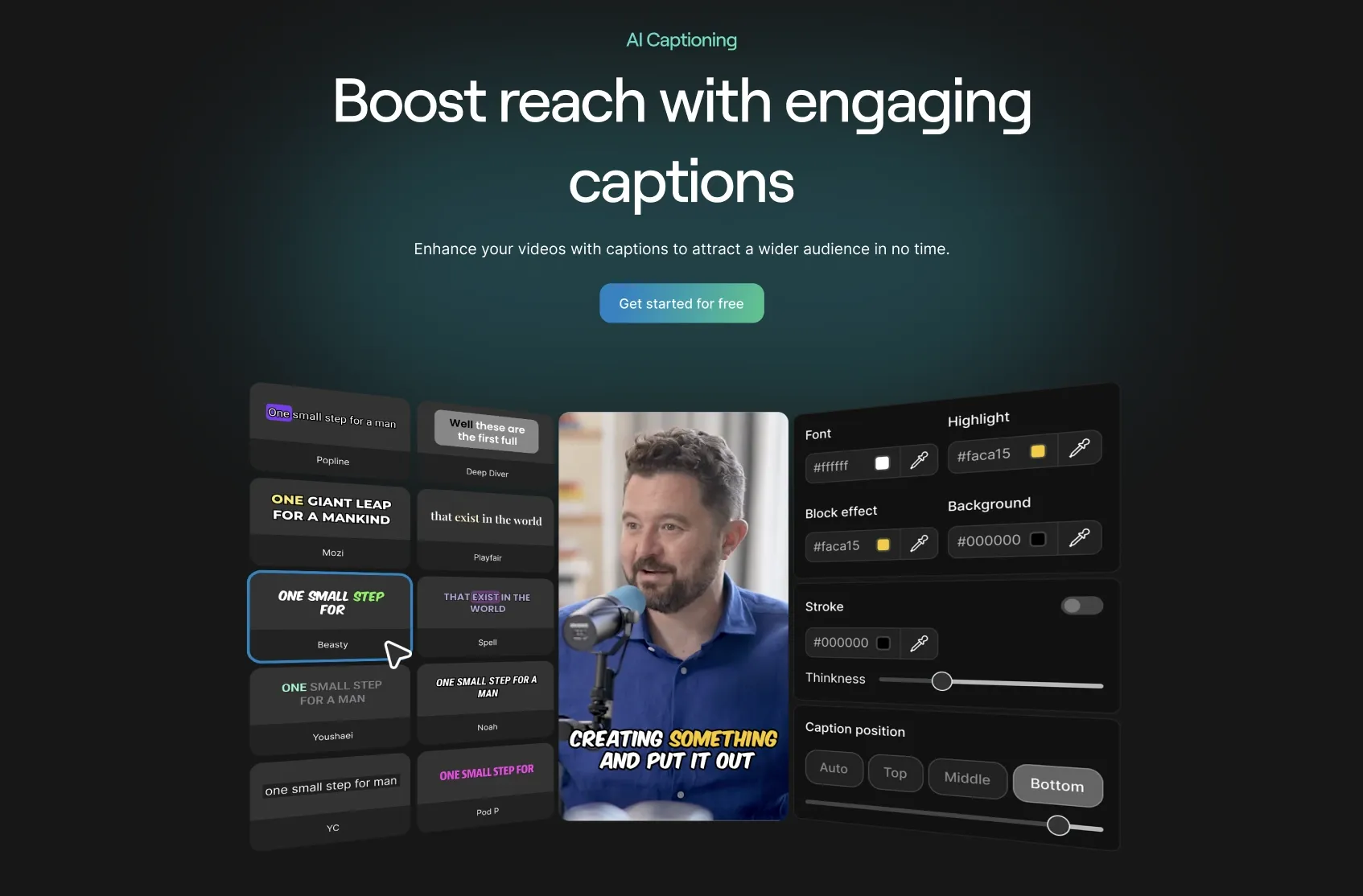
AI Caption Accuracy & Timing
Reap generates highly accurate captions with precise word-level timing. Instead of dumping text onto the screen, captions are aligned naturally with speech patterns, pauses, and emphasis which helps avoid the “out-of-sync” feeling common in basic subtitle tools.
This level of timing accuracy is critical for Shorts and Reels, where even small delays can hurt retention.
Animated Captions Designed for Shorts
Reap’s captions are built specifically for short-form content. You can use animated styles, highlights, emojis, and emphasis to guide viewer attention as the video plays.
Unlike rigid caption outputs, Reap lets you fine-tune styling inside the editor so captions match your brand and content style.
Multilingual Captions in 100+ Languages
Reap supports captions in 100+ languages, making it one of the most global-ready tools on this list. This is especially important in 2026, as creators increasingly reach audiences outside their native language.
Captions can be edited per language, giving teams full control over tone and phrasing.
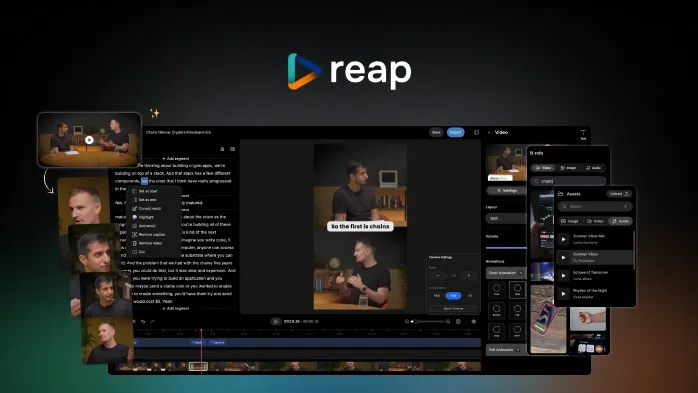
Caption Editing Inside a Editor
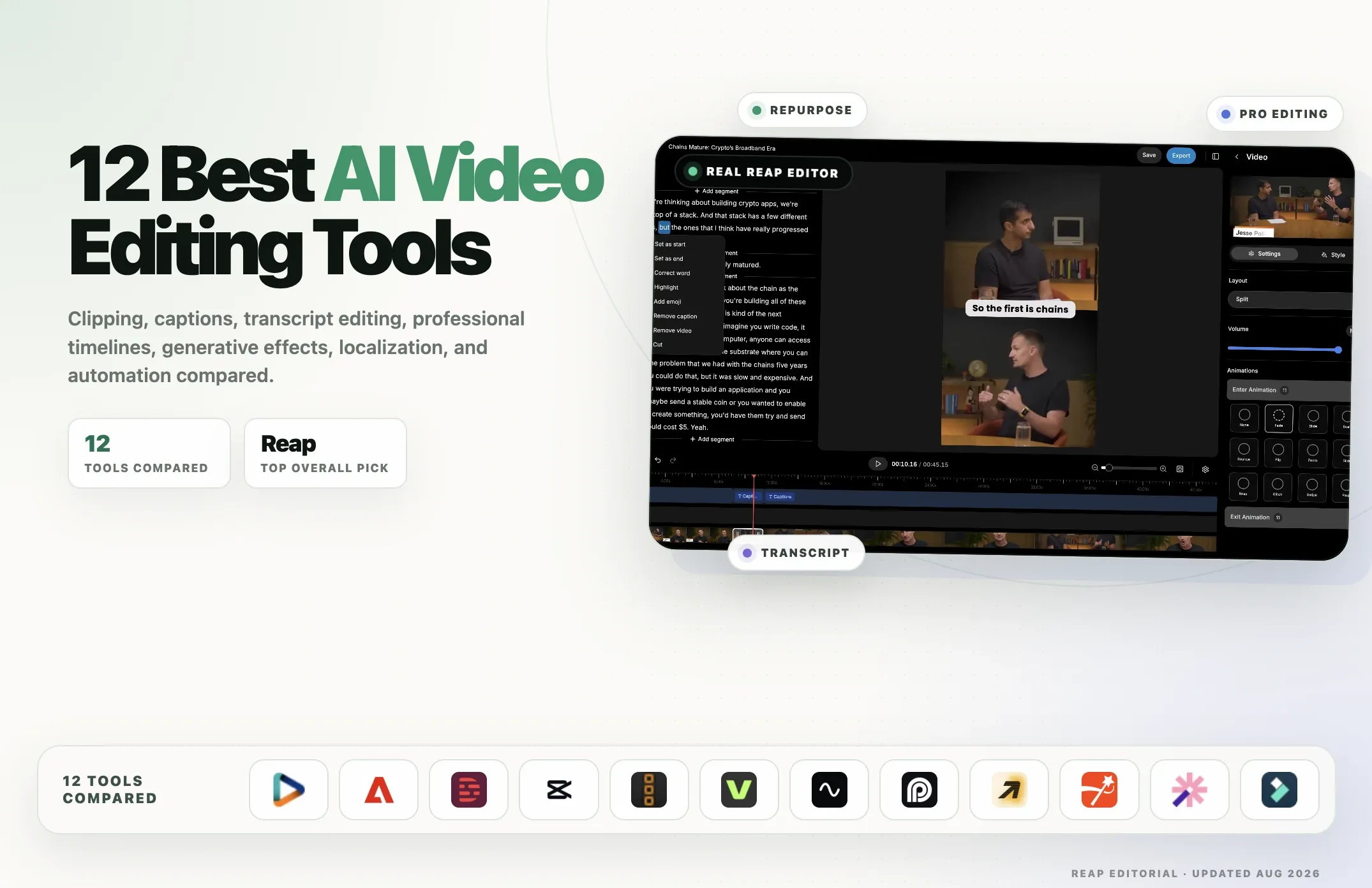
One of Reap’s biggest advantages is that captions live inside a editor. You can:
- Edit words directly on the transcript.
- Adjust timing using the timing sidebar.
- Fix names, terms, or phrasing instantly
- Add emoji and highlights
- Add assets like logos, intros, outros and music
Most caption tools force you into separate subtitle screens or exports. Reap keeps everything in one place.
AI Voiceover (Major Differentiator)
Reap goes beyond captions by offering AI voiceovers in the editor. This allows creators to:
- Turn scripts into narrated videos
- Localize content with translated voice + captions
- Scale content globally without re-recording
Very few captioning tools in 2026 offer this end-to-end capability.
Built for Scale, Teams & Publishing
Reap also includes B-roll support, a social media calendar, scheduling, and automation making it ideal for creators, agencies, and brands producing content at volume.
Bottom line: Reap is the most complete AI captioning solution in 2026.
Best for AI Captions at Scale
Reap is strongest when captions are part of a repeatable production workflow. You can generate captions, edit the transcript, apply branded caption styles, reframe clips for vertical formats, translate captions, add voiceover, and prepare videos for publishing from the same workspace. This makes it a better fit for agencies, SaaS teams, podcasters, educators, and creators publishing multiple clips per week.
Quso — Caption-First Automation
Quso is designed for creators who want a straightforward way to generate captions quickly. Its workflow centers around speed and automation, making it easy to upload a video and receive ready-to-use subtitles with minimal configuration.
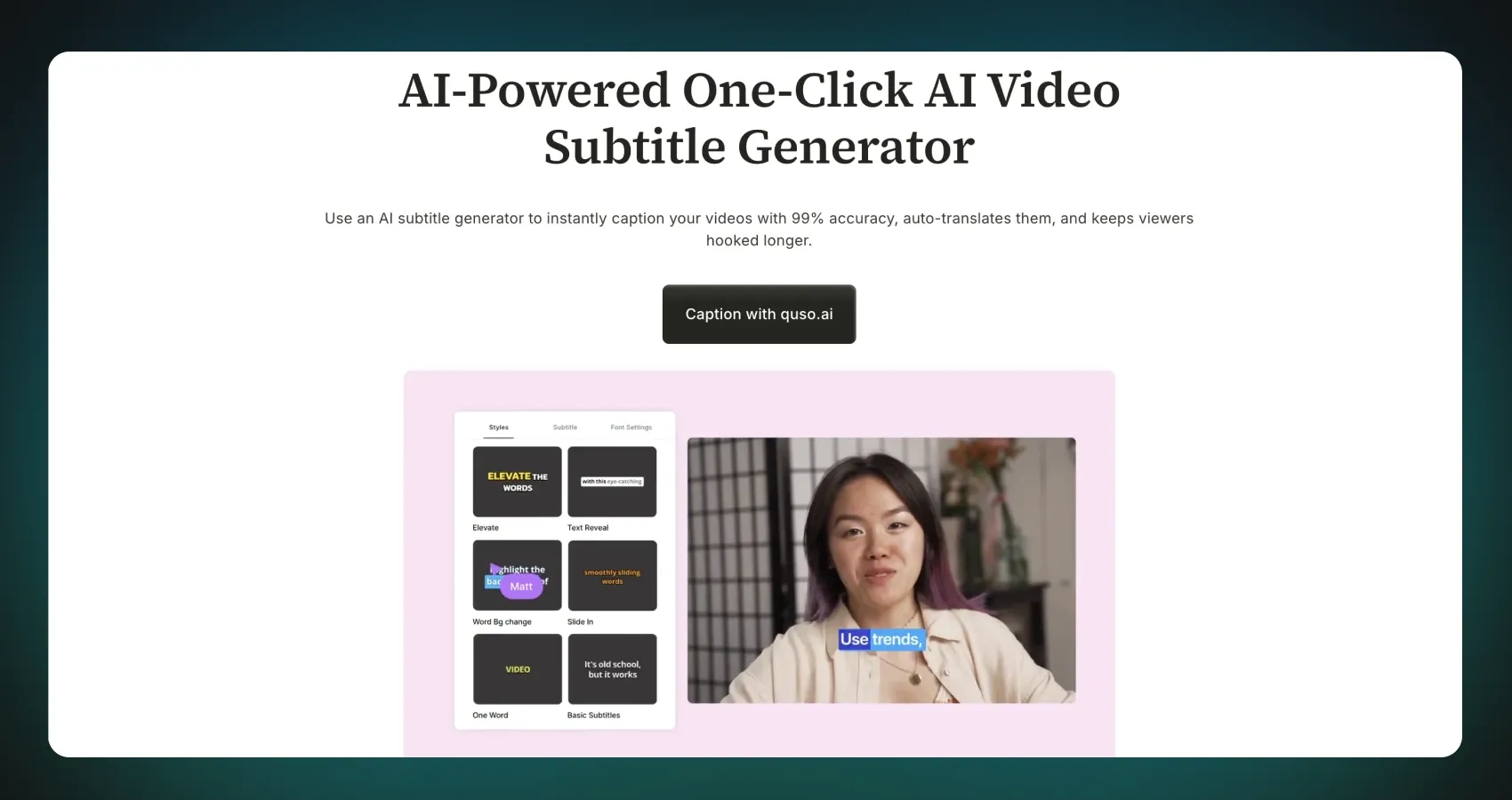
AI Caption Generation
Quso automatically transcribes spoken audio into captions with solid accuracy, particularly for clear, single-speaker videos. This makes it useful for talking-head content, tutorials, and short informational videos.
Caption Styling & Formatting
The platform includes basic styling options to adjust how captions appear on screen. Creators can apply simple visual treatments that work well for standard short-form formats.
Lightweight Workflow
Quso keeps the process simple and uncluttered, which can be appealing for creators who prefer not to work inside a full video editor and just want captions generated quickly.
Opus Clip — AI Captioning with Short-Form-Focused Styling
Opus Clip offers AI-powered captioning as a separate feature alongside its broader short-form video tools. This makes it useful for creators who want to apply captions to individual clips without necessarily running a full AI clipping workflow.
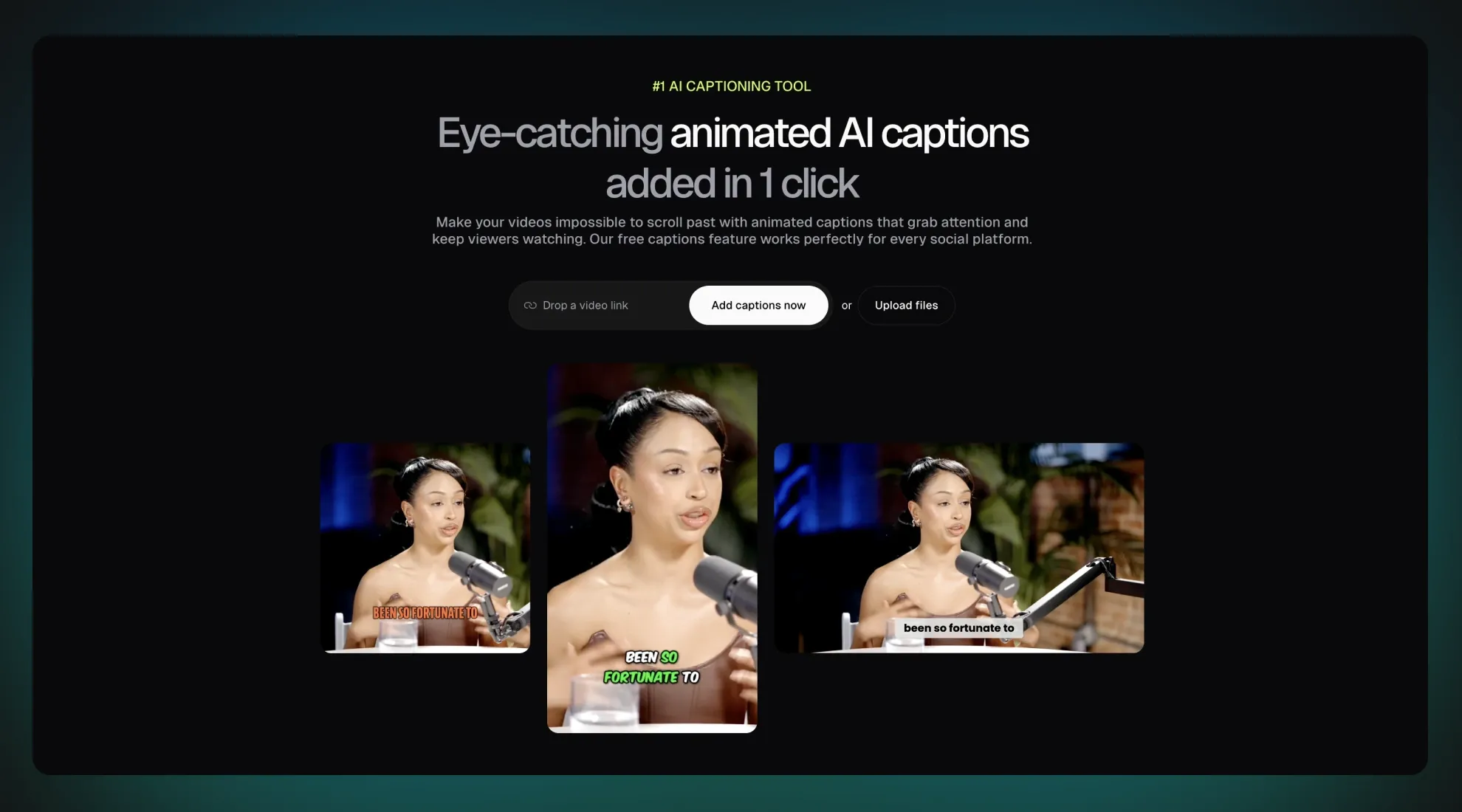
AI Caption Generation
Opus Clip converts spoken audio into captions with reliable accuracy, handling common short-form formats such as talking-head videos, interviews, and podcast excerpts. Captions are generated quickly and are suitable for fast publishing cycles.
Short-Form Caption Styling
Caption styles in Opus Clip are designed with short-form platforms in mind. Bold text, emphasis, and visual pacing help captions stay readable on mobile devices, which is especially important for TikTok, Reels, and Shorts.
Flexible Caption Use
Because captioning is not locked to AI-generated clips, creators can apply captions to manually selected videos or externally created clips. This provides flexibility for users who already have edited content and simply want to add captions.
Streamlined Workflow
Opus Clip keeps the captioning process straightforward, making it easy to move from upload to captioned output without extensive setup or configuration.
CapCut — Hands-On Caption Control Inside a Powerful Editor
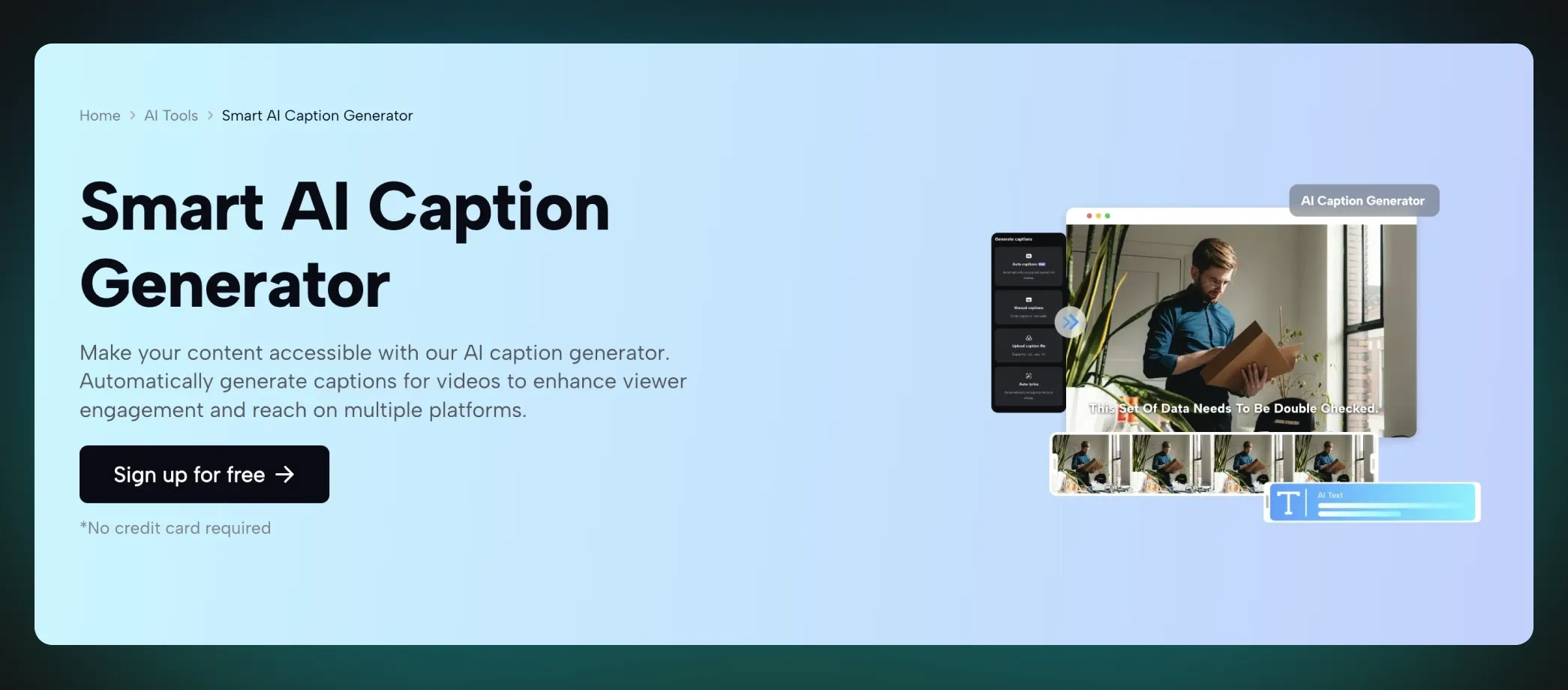
CapCut is a full-featured video editor that includes AI-assisted captioning tools, widely used by creators who enjoy hands-on editing.
Auto Captions with Manual Editing
CapCut can automatically generate captions and gives creators strong manual control to edit text, timing, and placement. This makes it popular among creators who like to fine-tune captions themselves.
Creative Styling Options
Captions in CapCut can be styled with fonts, animations, and effects, offering flexibility for visually expressive content.
Editor-First Workflow
Because CapCut is a general-purpose editor, captions fit naturally into broader creative workflows that involve transitions, effects, and manual polish.
Kapwing — General-Purpose Editor with Captions
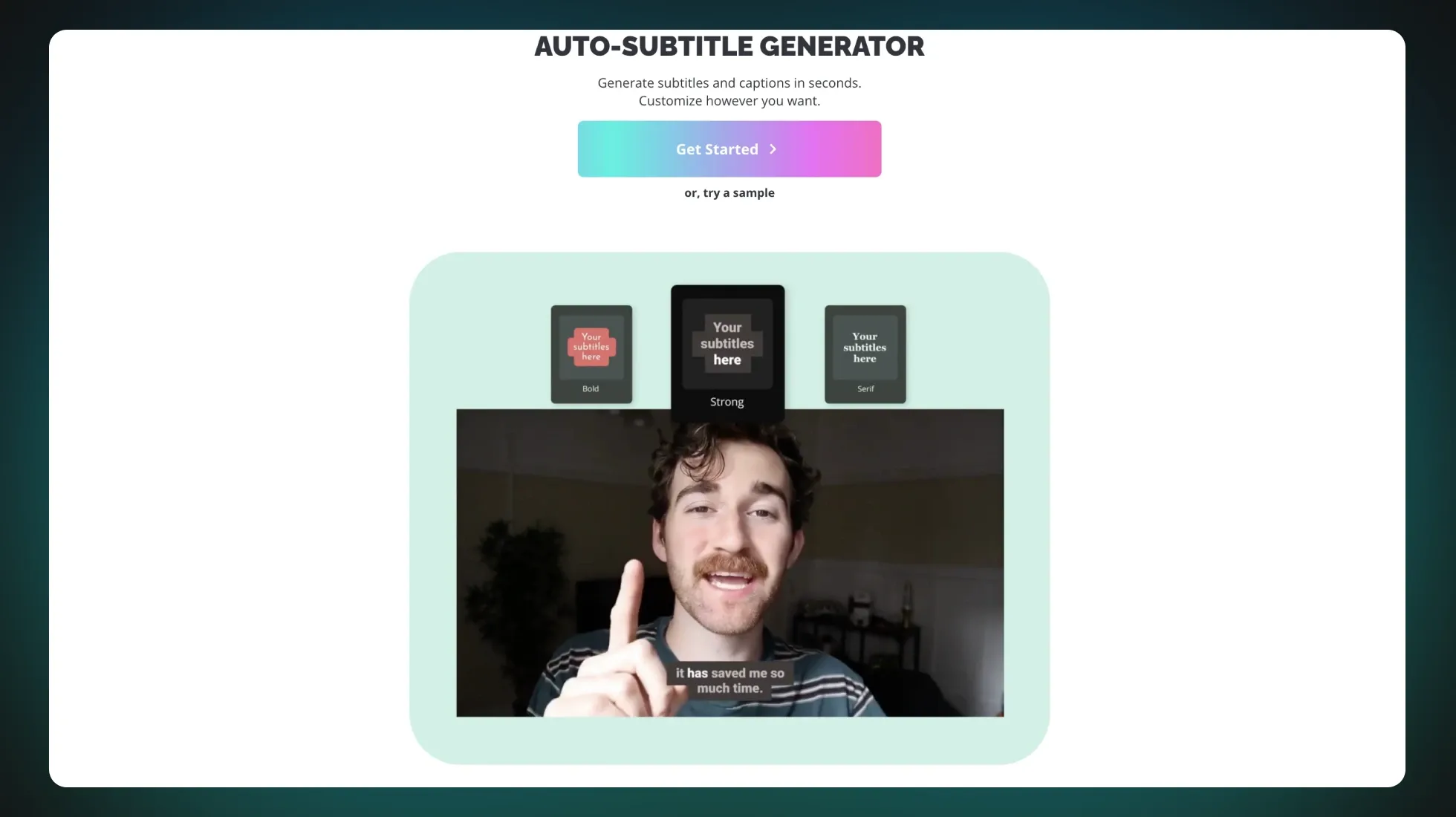
Kapwing is an online editor that offers AI captioning as part of an all-in-one creative toolkit. It’s often used by small teams, educators, and casual creators.
Automatic Subtitle Generation
Kapwing converts speech into captions reliably and supports basic editing, making it easy to add subtitles without specialized knowledge.
Simple Collaboration
Being browser-based, Kapwing works well for teams that want to collaborate quickly on videos and captions without installing software.
General-Purpose Editing Environment
Captions live alongside other editing features such as trimming, resizing, and overlays, which makes Kapwing a flexible option for a wide range of use cases.
Best AI Caption Generators Compared
A quick look at captioning, subtitle editing, multilingual support, and built-in editing workflows for video teams.
| Tool | Best for | Auto captions | Subtitle editing | Animated captions | Multilingual captions | Video editor included |
|---|---|---|---|---|---|---|
|
Reap
|
Short-form teams, creators, agencies, and repurposing workflows | Yes | Yes | Yes | 100+ languages | Yes |
|
CapCut
|
Creators who want manual editing control | Yes | Yes | Yes | Limited | Yes |
|
Opus Clip
|
Turning long videos into short clips with captions | Yes | Yes | Yes | 25+ languages | Partial |
|
Kapwing
|
Browser-based subtitle editing and team collaboration | Yes | Yes | Basic | 76 languages | Yes |
|
Quso
|
Fast caption-first social clips | Yes | Basic | Basic | 17 languages | Partial |
How to Choose an AI Caption Generator
Choose an AI caption generator based on the job you need it to do:
- For YouTube Shorts, TikTok, and Reels, prioritize word-level timing, animated captions, emoji or highlight support, and vertical video exports.
- For podcasts and interviews, prioritize transcript editing, speaker clarity, accurate punctuation, and fast correction of names or technical terms.
- For global content, prioritize multilingual captions, translated subtitles, and the ability to review each language before export.
- For agencies and teams, prioritize branded templates, shared assets, workflow repeatability, and publishing support.
- For occasional use, a free auto-caption tool may be enough, but it may not handle styling, translation, or high-volume exports well.
The biggest difference between basic subtitle generators and modern AI captioning tools is workflow depth. A subtitle generator can create text. A complete AI video editor can create captions, style them, sync them, translate them, and publish the finished video.
Are Free AI Caption Generators Good Enough?
Free AI caption generators can work for occasional videos, especially when the audio is clean and the caption style does not need much customization. The tradeoff is usually workflow depth. Free tools may limit exports, watermark videos, reduce language support, or require extra editing in another app. If captions are part of a regular content system, a full AI video editor usually saves more time than a standalone free subtitle tool.
The Best AI Captioning Tool in 2026
All of the tools covered in this guide are capable AI captioning solutions in their own way, and each serves a different type of creator or team in 2026.
Some tools focus on speed and simplicity, making it easy to generate captions quickly for individual videos. Others work best for creators who prefer hands-on editing, where captions are refined manually inside a broader video editor. There are also tools that pair captions closely with clipping workflows, helping creators turn long-form content into short-form clips with minimal setup.
Where these tools differ is not in whether they can generate captions, but in how much of the short-form workflow they cover.
Reap stands out because captions are not treated as a standalone step. They live inside a larger system that includes a timeline editor, visual overlays, B-roll, AI voiceover, and publishing tools. This makes it especially well-suited for creators, agencies, and brands that want captions to be part of a repeatable, scalable production process, rather than a one-off task.
For teams focused on volume, consistency, and reaching audiences across languages and platforms, having captions integrated into a complete repurposing workflow becomes increasingly valuable.
In that context, Reap emerges as the most comprehensive AI captioning platform in 2026 not because others lack capability, but because Reap brings more of the short-form creation process together in one place.
Try Reap for free today and add captions to your videos instantly.
reap functions as a complete AI video editor and repurposing platform. It automatically generates subtitles, supports branded templates, offers AI voice dubbing and transcript‑based editing to remove filler words, and reframes for different aspect ratios. With multi‑language captions and built‑in scheduling, Reap consolidates tools like reels maker, dubbers and voice‑cloning software into one simple workflow.