Open Netflix on your phone and the path to your next full-length watch can now begin with a short vertical clip.
Netflix introduced its new mobile experience in April 2026. An August 25 update confirmed that the design was available globally. Its Clips feed gives viewers another way to discover something worth watching. Netflix's mobile announcement makes the purpose clear: help people move from a quick moment of interest to a deeper experience.
For anyone working on short-form video marketing, that is a useful shift to study.
The same question faces a marketing team with a library of webinars, customer interviews and product demonstrations: how do you help someone discover the part that matters to them?
Creators answer that question every time they turn a longer conversation into a useful, self-contained clip. Businesses can apply the same editorial thinking to the content they already have.
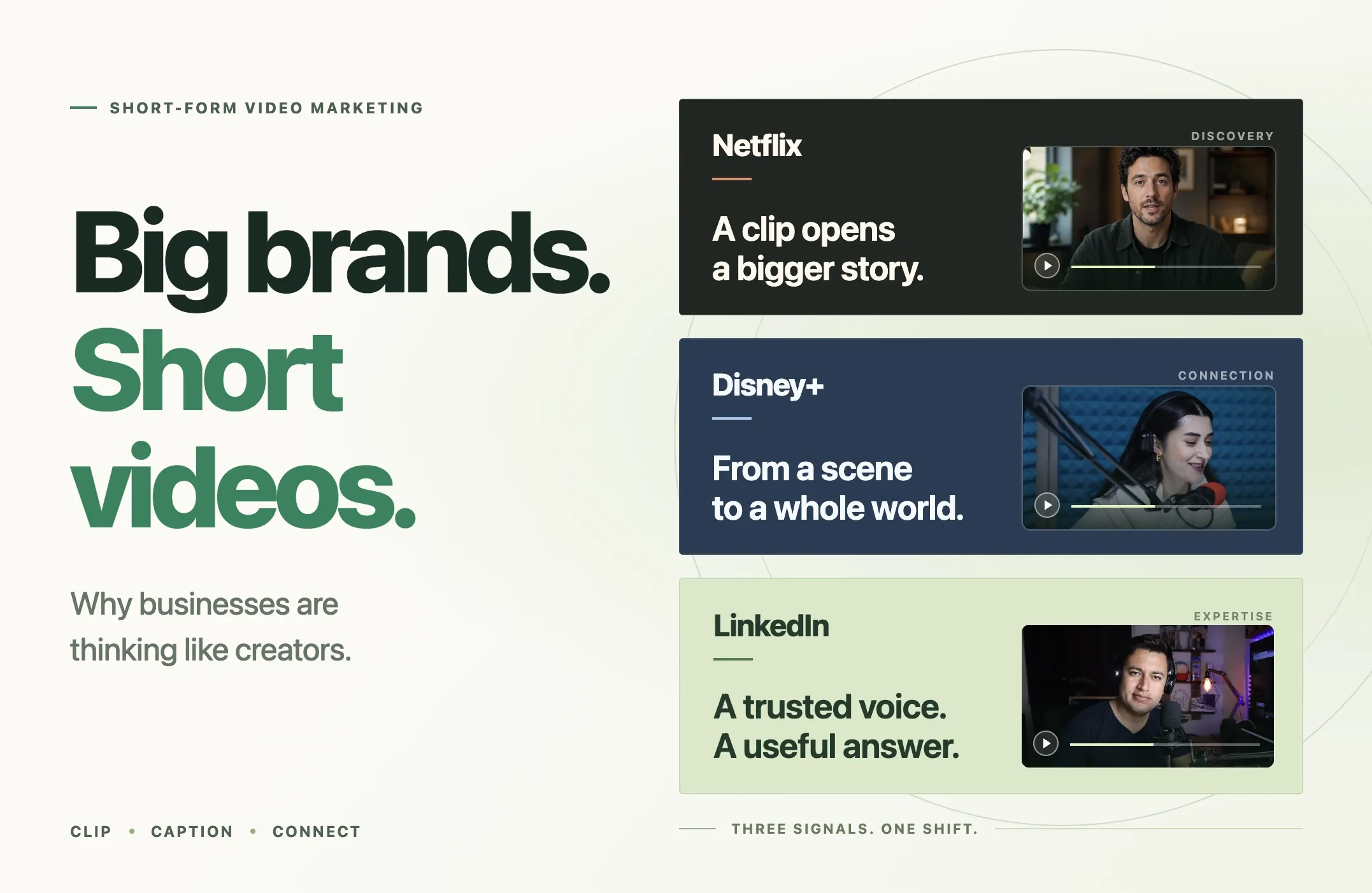
Here is what the latest moves from Netflix, Disney+ and LinkedIn tell us—and how to turn those lessons into a practical video marketing strategy with Reap.
Quick Answer: What Can Businesses Learn From Creator-Style Video?
Short-form video marketing uses brief videos to introduce a topic, answer a question, demonstrate value or encourage a next step. For a business, the strongest starting point is often a useful moment from an existing recording.
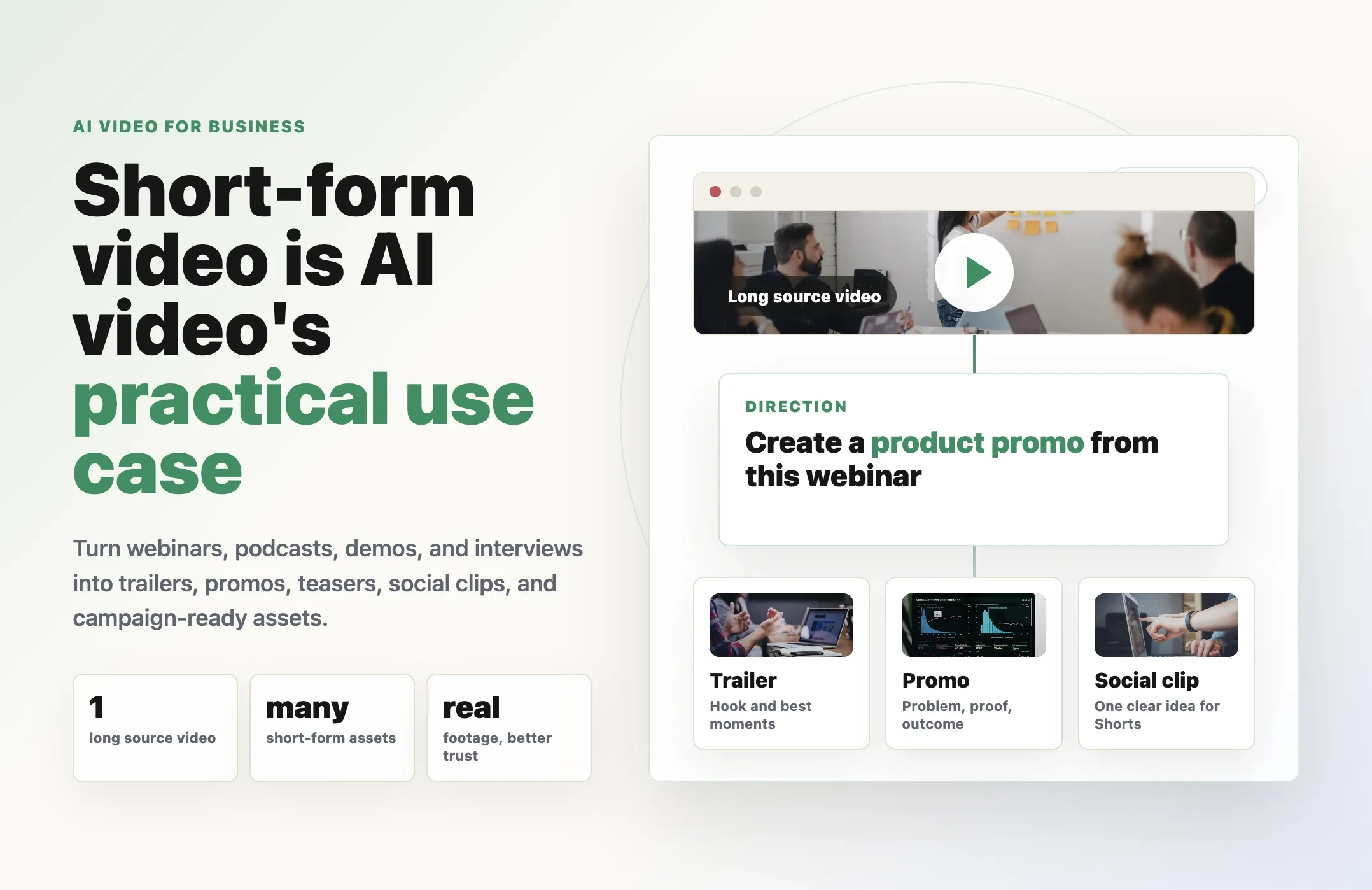
Choose a specific audience and question. Extract a complete answer, adapt the framing, add accurate captions and connect the clip to a relevant destination. That destination might be a tutorial, webinar replay, product page or conversation with your team.
Reap can help with AI video clipping, captions and editing. Your team supplies the judgment: which ideas matter to the audience, whether the edit preserves the meaning and what viewers should do next.
Netflix and Disney+ Are Making Short Clips Part of Discovery
Netflix connects a small moment to a larger story
Netflix's Clips feed features personalized excerpts from series, films and specials. Viewers can save titles to My List, share recommendations and explore something that catches their attention. These are deliberate paths from discovery toward further viewing. Source: Netflix.

For a marketing team, the useful parallel is the relationship between the clip and the destination.
A product demonstration can introduce a workflow before someone commits to a full tutorial. An interview excerpt can establish a customer's problem before a viewer reads the case study. A clear answer from a webinar can give someone a reason to watch the relevant chapter.
That suggests a practical question to ask before editing: what should this clip help the right person discover?
Disney+ is opening more doors into its catalog
Disney announced Verts for US Disney+ mobile subscribers in March 2026. The feed lets people swipe through scenes from movies and shows, add titles to a Watchlist or move directly into playback. Source: Disney's Verts announcement.

The lesson for businesses is that an existing library can have many points of entry.
A recording titled “September Product Webinar” means something to the team that hosted it. A clip answering “How do I move my existing projects into this tool?” gives a potential customer a much more specific reason to watch.
The material may already exist. The editorial work is finding the moment and making its usefulness visible.
Disney's TikTok deal adds the creator's perspective
On August 5, Disney and TikTok announced a content-sharing agreement. The plan calls for an initial US pilot that brings selected fan-created videos from participating, opted-in creators into Disney+ Verts. The announcement described the pilot as arriving in the coming months. Source: Disney and TikTok announcement.
That is a further step toward bringing a creator's interpretation into a company's own experience.
For smaller brands, a useful equivalent might be a customer explaining a workflow in their own words or a practitioner showing how they solve a problem. Those perspectives can reveal questions that a scripted product overview would never think to address.
The Same Shift Is Reaching B2B Video Marketing
Entertainment companies have obvious reasons to invest in video. LinkedIn provides a more direct signal for businesses selling software, services and professional expertise.
In March 2026, LinkedIn announced new creator sponsorship options and expanded BrandLink capabilities. Its accompanying research reported that 81% of B2B CMOs surveyed believe video accelerates sales cycles compared with other formats. That is a reported belief, rather than a measured sales lift. The wider YouGov study surveyed 1,299 B2B marketers across five countries. Source: LinkedIn's creator and video announcement.
For a B2B team, the opportunity is to make expertise easier to encounter.
Consider a founder discussing why customers struggle with implementation. The full conversation might run for half an hour. Within it, there may be a clear explanation of one mistake, a practical recommendation and a useful example.
Each idea could earn its own short video if it stands on its own.
An account manager can answer a recurring buying question. A product specialist can demonstrate one task. A customer can explain why their old process stopped working. This gives B2B video marketing a foundation in the situations buyers already recognize.
The speaker's specificity matters. “Here is what happened when we changed our approval process” gives the audience something concrete to evaluate.
What This Means for Your Video Content Strategy
The examples above point to an editorial opportunity: make the best parts of a larger library easier to find and understand.
Here are four ways to apply that idea.
1. Organize videos around audience questions
Start with the questions customers ask in demos, support conversations, community discussions and sales calls.
Then look for recordings that answer them. An onboarding session may contain an explanation that also belongs on a product page. A podcast conversation may contain a useful response to an objection.
A simple content inventory can include the audience question, source recording, relevant timestamp and intended destination. This makes clip selection part of the video content strategy from the beginning.
2. Make every clip understandable on its own
A viewer arriving through a feed may have no knowledge of the speaker, product or previous conversation.
Give them enough context to follow the point. Start where the subject becomes clear. Keep the example that makes the explanation useful. Include the qualification when it changes the meaning of a claim.
For example, “This saved us three hours” needs context about the task, conditions and person making the statement. A stronger edit preserves those details or adds a concise, accurate explanation on screen.
3. Give the viewer a relevant next step
Match the destination to the promise of the clip.
If a video explains a reporting problem, link to the guide or product workflow that addresses it. If it previews a useful interview, point people to the full conversation. A broad homepage may leave them searching for the answer all over again.
The next step can also be a save, a follow or a substantive reply. Choose the action that fits the viewer's level of interest.
4. Build a series your team can sustain
A repeatable format makes planning easier. Try one customer question each week, one product workflow per episode or one practitioner explaining a lesson from a real project.
Keep the format recognizable through consistent captions, framing and presentation. Let the substance change with each episode.
Over time, the series becomes a useful collection of answers that can support social publishing, sales conversations and customer education.
A Practical Video Marketing Plan for Small Business Teams
Video marketing for small business needs to fit the time and footage available. A useful first experiment is one source recording, one audience and a small group of distinct clips.
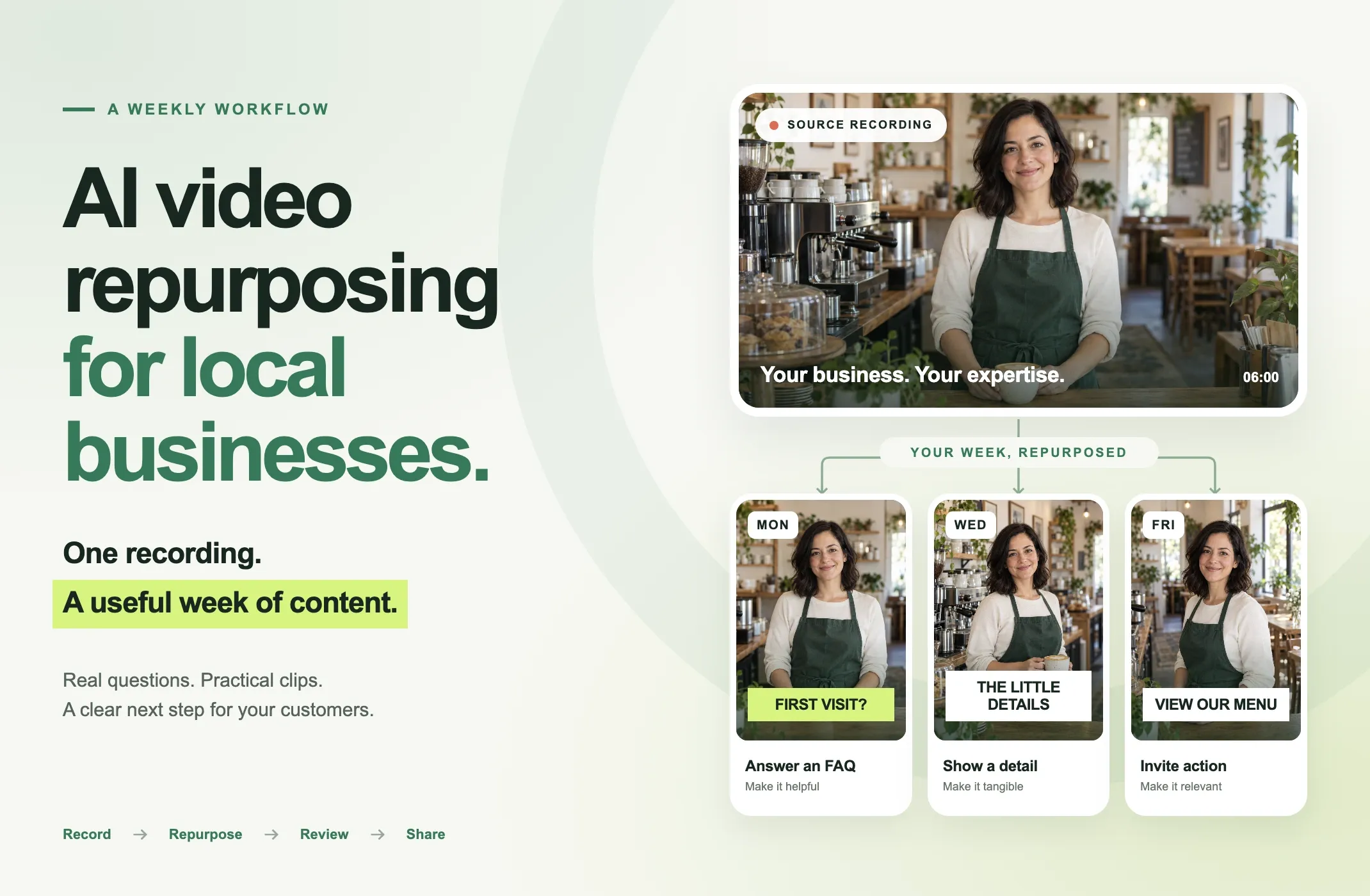
Imagine a software company has a recorded interview about customer onboarding. The following is an illustrative campaign plan; the final number of clips depends on the material.
|
Clip |
What the viewer learns |
Relevant next step |
|---|---|---|
|
A common onboarding mistake |
Why a familiar process creates confusion |
Read the onboarding guide |
|
One practical recommendation |
How to improve a specific step |
Save the checklist |
|
A short product demonstration |
How the task works in the software |
Watch the full tutorial |
|
A customer example |
What changed in a real workflow |
Read the approved case study |
|
A buying question |
What implementation requires |
Explore the setup guide or request a demo |
This keeps the campaign focused while allowing each clip to do a different job.
Choose an initial channel where your intended audience already engages with this kind of subject. Publish the strongest clips, observe the response and use the questions you receive to shape the next recording.
For a deeper production walkthrough, see our guide to repurposing a webinar into short video clips.
How to Build the Clipping Workflow With Reap
Once the campaign has a clear audience and purpose, the production decisions become easier.
Step 1: Choose a recording with useful material
Look for a webinar, interview, demonstration or conversation with clear answers and usable audio. For customer stories, choose footage already approved for the intended use.
Open Reap's clipping workflow and upload a supported file or paste a supported video link.
Step 2: Set the scope and output
Choose the genre that fits the source, the processing timeframe, clip-length range, orientation and caption style or Brand Template. Use Clip Topics to focus the selection on relevant subjects. These controls are documented in Reap's clipping guide.
For the onboarding example, useful topics could include setup, handoffs, common mistakes and implementation. The goal is to give the selection a clear connection to the campaign.
Step 3: Review the ideas before polishing the edit
Watch the candidate clips and ask whether each contains a complete, useful point.
Keep the candidates that fit the audience and campaign. If a clip depends on missing context, adjust its boundaries or choose a clearer passage. Several strong answers are enough for a useful first experiment.
Step 4: Refine the captions and framing
Use the editor to correct transcript words, adjust the start and end, refine caption timing and change the layout where needed. Reap's editing documentation covers these controls.
Check names, numbers and product terminology carefully. Keep captions readable and away from essential visual information. Our AI captions tool supports the captioning part of this workflow.
For vertical video marketing, portrait framing is a useful starting point. Review the actual content: a speaker, product interface and presentation slide may each need a different layout. Auto reframing helps adapt the frame, and a final visual check confirms that the important detail remains visible.
Step 5: Prepare the post and destination together
Write a post that names the specific question the clip answers. Choose a relevant next step and make sure the destination delivers on it.
Adapt the packaging to each channel. A product explanation for LinkedIn may need a different introduction from a short tutorial for YouTube. Our guide to short-form video SEO explores titles and discovery in more detail.
Step 6: Inspect the exported video
Watch the final file before publishing. Confirm that the audio, captions, framing and ending all work together. Read the accompanying post as though you are seeing the subject for the first time.
If you already know the exact passage to use, Reap's AI video editor gives you a direct route to refining it.
Measure Relevant Attention and the Next Action
A short-form campaign should have a definition of success before the first post goes live.
Views help you understand reach. Retention and completion help you see whether people stay with the idea. Saves, substantive comments and relevant profile visits can indicate that the subject resonates with the intended audience.
Then connect those observations to the action the campaign was designed to encourage.
|
Campaign goal |
Useful signals to review |
|---|---|
|
Introduce a topic to the right audience |
Relevant viewers, watch time, saves and questions |
|
Bring visitors to an educational resource |
Tagged link visits and engagement with that resource |
|
Explain a product workflow |
Tutorial visits, product-page engagement and follow-up questions |
|
Generate demand |
Qualified inquiries, demo requests and self-reported discovery sources |
|
Improve the production process |
Time spent per approved clip and the share of candidates worth publishing |
Use campaign-tagged links where the platform supports them. Review conversion events on the destination, and ask new leads how they found you. Each method gives you part of the picture; people may watch several clips before taking action.
Compare similar content and consistent time windows. If a video attracts attention but produces little relevant engagement, revisit the topic, audience fit and destination before increasing output.
Final Thoughts
The most useful idea to take from these corporate moves is the connection between a brief discovery moment and a deeper experience.
A business can build that connection with the recordings, expertise and customer questions it already has. Find an answer worth sharing. Make it understandable on its own. Give the interested viewer somewhere useful to go.
Start with one recording and one audience. Use Reap AI Clipping to generate candidates, refine the strongest ideas and build a small campaign you can learn from.
The next recording can begin with the questions that campaign helps uncover.