A single podcast, webinar, interview, course, or product demo can become far more than one video. With the right workflow, it can produce YouTube Shorts, Instagram Reels, TikToks, LinkedIn clips, translated versions, captions, social posts, and weeks of scheduled content.
The difficult part is no longer understanding why content should be repurposed. The difficult part is choosing software that handles the right parts of the process without creating more manual work.
Some tools are mainly AI clippers. Others add editing, captions, translation, publishing, analytics, or workflow automation. A few focus almost entirely on distributing finished content between platforms.
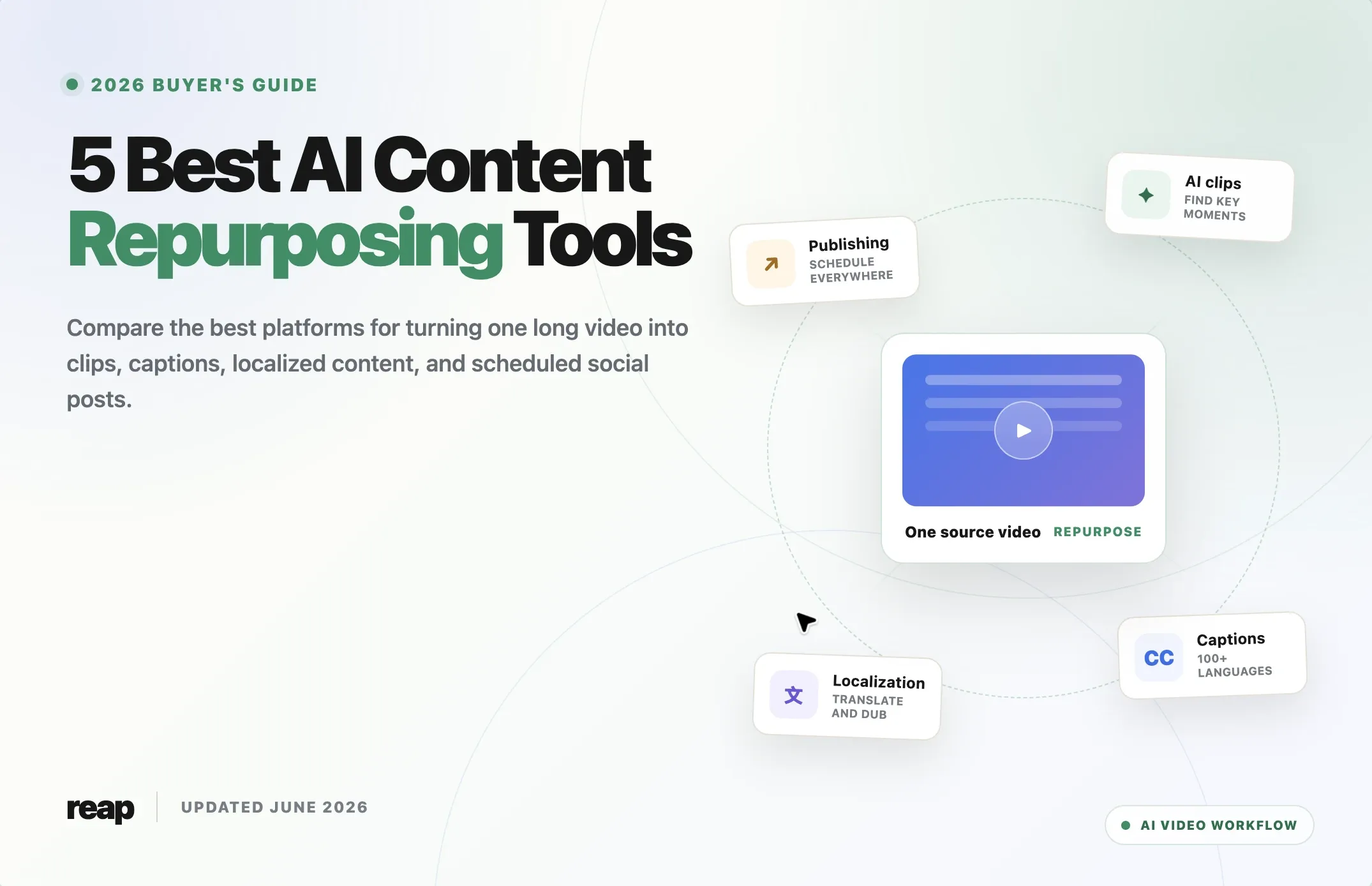
This guide compares five of the best AI content repurposing tools in 2026:
- Reap
- OpusClip
- Vizard
- Quso.ai
- Repurpose.io
If your main goal is specifically turning long videos into social clips, also read our AI video clipping tools comparison.
Quick Answer: What Is the Best AI Content Repurposing Tool?
Reap is the best overall AI content repurposing tool for creators and teams that want to move from a long source video to edited, captioned, localized, and publish-ready clips in one workflow.
OpusClip is a strong alternative when fast automatic clipping and social-style presentation are the main priorities. Vizard is useful for high-volume browser-based clip production. Quso.ai is a broader social media suite. Repurpose.io is best used as a distribution automation layer for content that has already been created or edited.
There is no universal winner for every workflow. The best choice depends on the bottleneck you are trying to remove.
Comparison: Best AI Repurposing Tools
Compare the workflow each platform handles best, from finding clips and localizing video to scheduling and cross-platform automation.
| Tool | Best for | AI clipping | Captions | Translation or dubbing | Scheduling | API or automation | Starting price |
|---|---|---|---|---|---|---|---|
|
R
Reap
Best overall
|
End-to-end video repurposing and localization | Yes | 100+ languages | 100+ subtitle languages and 80+ dubbing languages | Yes | REST API, CLI, MCP, and webhooks | Free; Creator from $9.99/month annually |
|
O
OpusClip
|
Fast social clip generation | Yes | 20+ languages | Limited compared with localization-first tools | Pro plan | Limited API on Pro; custom integrations on Business | Free; Starter $15/month |
|
V
Vizard
|
Browser-based, high-volume clip production | Yes | Yes | Subtitle translation | Paid plans | API with plan-based limits | Free; paid credit plans |
|
Q
Quso.ai
|
Clips plus social media planning and analytics | Yes | Yes | Subtitle tools available | Yes | Workflow automation within its social suite | Free; Lite from $24/month annually |
|
R.io
Repurpose.io
|
Cross-platform publishing automation | No dedicated highlight-ranking workflow | Keeps existing captions | No dedicated dubbing workflow | Yes | Automated platform-to-platform workflows | 10-video trial; Starter $35/month |
How We Evaluated These Tools
This comparison focuses on the full repurposing pipeline, not the number of AI features listed on a homepage.
We reviewed each tool using these criteria:
- Source handling: Can it accept long videos, uploads, or platform links?
- Clip discovery: Can it identify useful moments automatically?
- Editing control: Can users correct the AI output without starting over?
- Captions and formatting: Can it create mobile-friendly, platform-ready clips?
- Localization: Can it translate subtitles or dub content for new markets?
- Brand consistency: Can teams reuse fonts, layouts, logos, and templates?
- Publishing: Can it schedule or distribute finished assets?
- Automation: Does it offer an API, integrations, or agent-ready workflows?
- Team use: Can multiple people review, edit, or manage content?
- Value: Does the plan include enough source-video processing and exports for the intended workflow?
This is an editorial comparison based on the products' current official feature and pricing information. Teams should run the same source video through their shortlisted tools before making a final decision.
1. Reap: Best Overall AI Content Repurposing Tool
Reap is designed to handle more of the content repurposing pipeline inside one system. It can identify clips from long videos, add styled captions, reframe footage, support editing, localize content, and schedule finished assets.
That makes it especially useful when a team wants to turn one source video into multiple platform-ready outputs without moving files through separate clipping, captioning, translation, and publishing products.
Key Features
- AI clipping with multi-signal analysis
- Prompt-first clipping for finding specific topics or moments
- Clip-length options from under 30 seconds to three minutes
- More than 50 animated caption styles
- Captions and subtitle translation in 100+ languages
- AI dubbing in 80+ languages
- Romanized subtitle support, including formats such as Hinglish, Romanized Urdu, and Arabizi
- Automatic speaker tracking and reframing
- Transcript-based and timeline editing
- Brand templates, custom fonts, logos, and intro or outro cards
- Social publishing and bulk scheduling
- REST API, CLI, MCP-ready workflows, webhooks, and API key management
Best For
- Podcasts, webinars, interviews, courses, and talking-head videos
- Agencies managing repeatable client workflows
- Teams publishing in multiple languages
- Businesses that need an automated video editing workflow
- Developers or operators building repurposing into a larger content pipeline
Limitations
Reap covers a broad workflow, but teams seeking frame-by-frame motion graphics or advanced compositing may still need a specialist desktop editor. The free plan is intended for evaluation and includes watermarked exports.
Pricing
Reap offers a free plan with one hour of monthly clipping and captioning. Its Creator plan starts at $9.99 per month with annual billing, while Studio starts at $29 per month with annual billing. Higher plans add more processing, team features, 4K exports, localization capacity, and priority processing.
Verdict
Choose Reap when the goal is not merely to generate a few clips, but to create a repeatable video repurposing system that extends from source content to localized and published assets.
2. OpusClip: Best for Fast Social Clip Generation
OpusClip is one of the best-known tools for automatically turning long videos into short clips. Its workflow emphasizes speed, social presentation, and automatic ranking through features such as Virality Score.
It is a practical option for creators and marketing teams that want a high volume of Shorts, Reels, or TikToks and prefer the AI to propose the initial edit.
Key Features
- AI clipping with Virality Score
- Animated captions in 20+ languages
- AI reframing for multiple aspect ratios
- Filler-word and silence removal
- AI B-roll on paid plans
- Brand templates and custom fonts
- Social scheduling
- Exports for Adobe Premiere Pro and DaVinci Resolve on Pro
- Team workspaces and business integrations
Best For
- Creators producing frequent social clips
- Marketing teams prioritizing fast first drafts
- Agencies that want recognizable short-form styling
- Users who want to continue editing selected clips in Premiere Pro or DaVinci Resolve
Limitations
OpusClip's free plan does not include editing and applies a watermark. Its language and localization workflow is less extensive than platforms built around multilingual repurposing. API availability also depends on the plan.
Pricing
OpusClip offers a free plan. Starter costs $15 per month, while Pro is listed at $29 monthly or $14.50 per month with annual billing. Business pricing is customized.
Verdict
Choose OpusClip when automatic clip selection, social styling, and fast output matter more than deep localization or a broad agent-driven automation stack.
3. Vizard: Best for High-Volume Browser-Based Clip Production
Vizard combines AI clipping with a browser video editor, subtitling, reframing, B-roll tools, social publishing, and collaboration features.
Its credit model is based on uploaded source-video minutes, which makes it relatively straightforward to estimate how much long-form content a plan can process.
Key Features
- AI-generated clips
- Browser-based video editor
- Automatic subtitles and subtitle translation
- Automatic reframing
- AI B-roll and keyword highlighting
- Social post suggestions
- Direct publishing and scheduled posts
- Shared workspaces and brand kits on Business
- API access with plan-based rate limits
- Paid tiers supporting source uploads up to 600 minutes
Best For
- Creators processing a regular queue of webinars or podcasts
- Teams that want clipping and browser editing in the same interface
- Content operations that need direct publishing
- Businesses requiring shared projects and brand controls
Limitations
Vizard's official pricing page is highly dynamic, so exact paid prices and credit bundles should be checked in the product before purchase. Localization is centered more on subtitles and translation than full multilingual dubbing.
Pricing
Vizard offers a free plan with 60 monthly credits, 720p exports, and three-day storage. Paid Creator and Business plans add 4K export, longer source videos, scheduling, permanent storage while subscribed, larger credit allowances, and additional collaboration features.
Verdict
Choose Vizard when you want a fast browser workflow for producing many clips and still need enough editing control to refine the AI's selections.
4. Quso.ai: Best for Repurposing Plus Social Media Management
Quso.ai, formerly Vidyo.ai, combines AI video clipping with a wider collection of social media tools. In addition to creating clips, it supports planning, scheduling, analytics, captions, content ideas, and several writing utilities.
This makes it useful for smaller teams that want one subscription to cover both content production and day-to-day social media management.
Key Features
- AI clips and captions
- Long-video-to-short-video workflows
- Video resizing for 16:9, 9:16, and 1:1
- AI filler-word and silence removal
- Social media scheduling
- Social media analytics
- Video-to-blog and writing tools
- Support for YouTube, TikTok, Instagram, Facebook, LinkedIn, Pinterest, and X
Best For
- Solo creators handling both editing and publishing
- Small marketing teams
- Coaches, consultants, and podcasters
- Users who want clips, social planning, and analytics in one interface
Limitations
Because Quso.ai covers many social media functions, it may not offer the same depth in every individual editing or localization task as a more specialized platform. Teams should also check credit limits carefully when processing long videos frequently.
Pricing
Quso.ai offers a free plan with 75 monthly credits and watermarked 720p output. Its Lite plan starts at $24 per month with annual billing, and Essential starts at $32 per month with annual billing.
Verdict
Choose Quso.ai when social media planning and management are as important as creating the repurposed clips themselves.
5. Repurpose.io: Best for Automated Cross-Platform Distribution
Repurpose.io solves a different part of the content repurposing problem. It focuses on moving and adapting existing content between social platforms through automated workflows.
For example, a creator can publish on one platform and use a workflow to resize, remove watermarks, back up, schedule, or publish that content elsewhere.
Key Features
- Automated platform-to-platform publishing workflows
- Video resizing and platform optimization
- Watermark removal
- Scheduled or automatic publishing
- Backups to Google Drive or Dropbox
- Support for video, images, carousels, slideshows, and Stories
- Multiple connected accounts for creators, teams, and agencies
Best For
- Creators already producing finished content
- Businesses distributing the same asset across many social networks
- Agencies managing multiple client accounts
- Teams that need a publishing automation layer after editing
Limitations
Repurpose.io is not primarily an AI highlight detector or full video editor. It will not replace a tool such as Reap, OpusClip, or Vizard when the main task is finding the best moments inside a webinar or podcast.
Pricing
Repurpose.io offers a 14-day trial that allows up to 10 published videos. Starter costs $35 per month, Pro costs $79 per month, and Agency costs $179 per month.
Verdict
Choose Repurpose.io when content creation is already handled and the main bottleneck is distributing assets across channels without repetitive uploading.
AI Repurposing Tools vs Video Repurposing Services
Searchers often use "video repurposing tools" and "video repurposing services" as though they mean the same thing, but the buying decision is different.
An AI repurposing tool provides software that your team operates. A repurposing service usually includes people who select clips, edit them, manage revisions, and sometimes publish the content for you.
Choose software when:
- You publish frequently enough to create a repeatable internal workflow.
- Your team can review AI-generated clips.
- Brand templates and editing rules are already defined.
- You need fast turnaround or API automation.
- You want the cost per asset to decrease as volume grows.
Choose a managed service when:
- Nobody internally has time to review clips.
- The content requires detailed narrative judgment.
- Executive or regulated content needs a heavier approval process.
- You need strategy, editing, thumbnails, copywriting, and publishing handled together.
Many teams use a hybrid model. Software creates candidate clips and first drafts, while an editor or content manager performs the final review.
How to Choose an AI Content Repurposing Tool
1. Identify the actual bottleneck
Do not buy a broad platform if the only problem is distribution. Do not buy a publishing automation tool if the real problem is finding good clips.
Map your workflow:
Source video -> clip discovery -> editing -> captions -> localization -> approval -> publishing -> measurement
The slowest step should determine which tool you evaluate first.
2. Compare usable output, not generated output
A product may generate 30 clips, but the useful metric is how many can be published after review. Test the same source video in each shortlisted platform and record:
- Number of usable clips
- Time to the first usable clip
- Caption correction time
- Reframing errors
- Editing time per clip
- Number of exports or posts completed
3. Check source-video limits
Plans may be based on minutes, hours, credits, uploads, exports, or published posts. Translate each plan into the amount of source content your team processes monthly.
4. Review localization separately
Transcription, subtitle translation, and AI dubbing are different capabilities. A tool advertising many languages may support those languages only for one stage of the workflow.
For global publishing, verify:
- Transcription languages
- Subtitle translation languages
- Dubbing languages
- Romanized script support
- Whether translations can be manually edited
- Whether each language creates a separate publishable asset
5. Verify the final publishing workflow
Check which social channels are supported, how many accounts can be connected, whether drafts require manual approval, and whether scheduled posts preserve captions, titles, thumbnails, and privacy settings.
6. Consider automation and ownership
Teams building a content pipeline should assess API access, webhooks, export formats, storage periods, team permissions, and whether projects remain accessible after downgrading.
Final Verdict
The best AI content repurposing tool is the one that removes the largest amount of repetitive work while still producing assets your team is willing to publish.
For the broadest end-to-end workflow, Reap is the strongest overall option because it combines AI clipping, captions, editing, localization, scheduling, and automation. OpusClip is compelling for fast social clips. Vizard fits high-volume browser production. Quso.ai works well for creators who also need social media management. Repurpose.io is a useful distribution layer for teams that already have finished content.
Start with one representative long video and test two or three tools against the same publishing brief. The best result is not the platform that generates the most files. It is the platform that produces the most usable content with the least review and correction time.
For a deeper look at automating the entire workflow, read our guide to video editing automation tools, workflows, and APIs.