Reels are where Instagram hands out reach in 2026, and the editor you use decides how fast you can feed it. The options have quietly gotten very good: Instagram now has its own standalone editing app, the big mobile editors all export clean 9:16, and AI reel makers can turn one long recording into a week of ready-to-post Reels. The catch is that "best" depends on your workflow. A creator editing on a phone, a brand team working from templates, and a podcaster repurposing hour-long episodes need different tools.
This guide covers the 10 best Instagram video editors and Reels editing apps in 2026, organized by the job you need done: quick mobile edits, desktop and browser editing, and AI-powered clipping for long-form video.
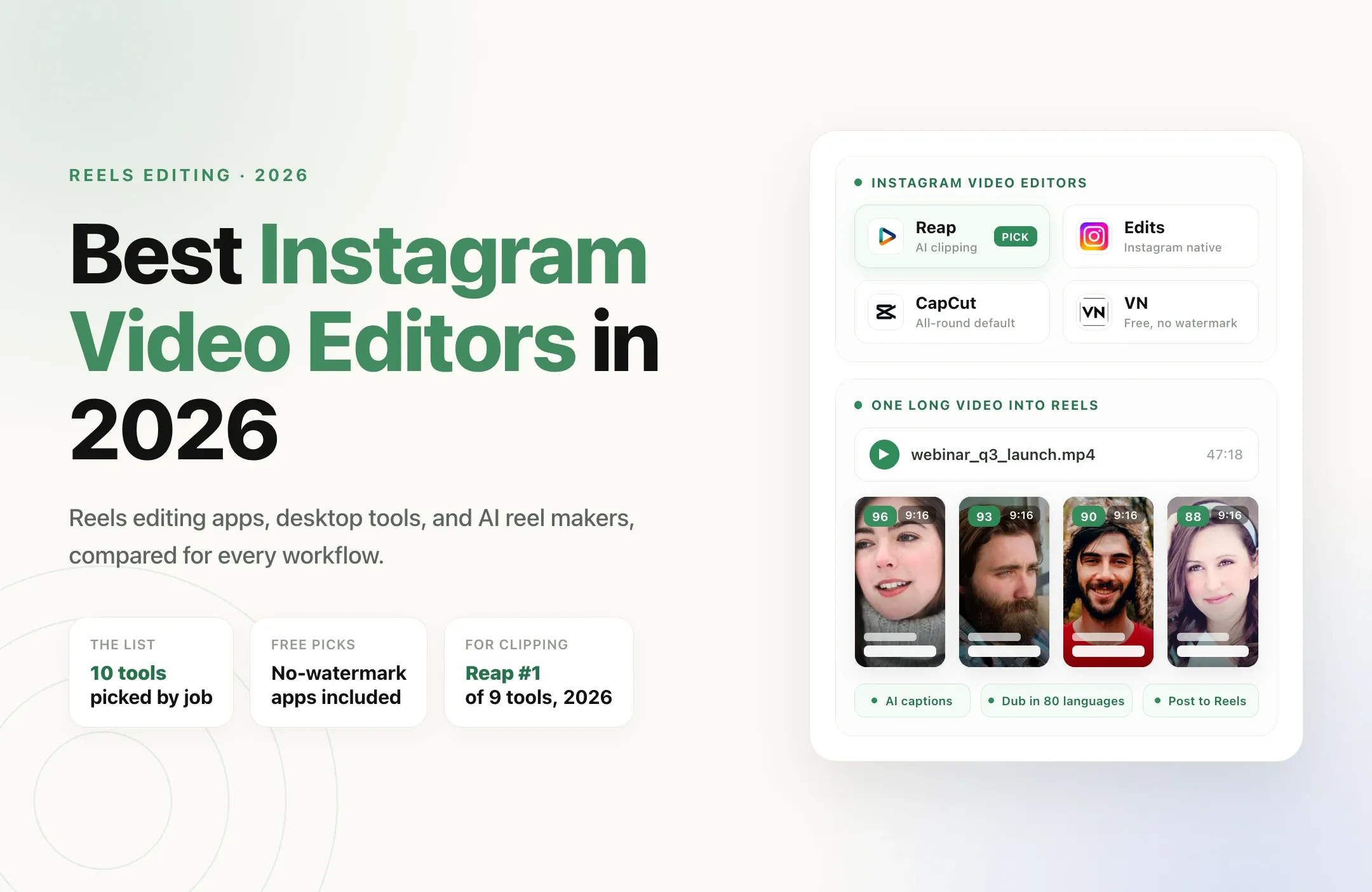
Short on time? For native Instagram editing, Edits. For all-round editing, CapCut. For free with no watermark, VN. And for turning long videos into Reels, Reap.
What makes a good Instagram video editor in 2026
Instagram has its own rules, so the checklist is not the same as general video editing:
- Native 9:16 with safe zones. Reels overlay the caption, audio label, and action buttons on your video. A good editor keeps text inside the safe area so nothing important hides behind the UI.
- Clean exports, no watermark. Instagram has said it reduces distribution of recycled videos with visible watermarks. Exporting clean is not cosmetic, it protects reach.
- Fast, styled captions. Most Reels are watched with sound off at first. Burned-in animated captions that you can restyle quickly are the difference between a scroll-past and a watch.
- Multi-format output. The same content often needs a 9:16 Reel, a 1:1 feed cut, and a Story version. Editors that resize intelligently save real time.
- Repurposing power. If your source material is long-form video, the hours go into finding moments, reframing, and captioning every clip. That is an AI clipping job, not a timeline job.
| Tool | Best for | Free tier | Watermark on free | Platform |
|---|---|---|---|---|
| ReapTop pick for clipping | Turning long videos into Reels (AI clipping) | Yes | None | Web, API, CLI, MCP |
| Edits | Instagram's own editing app | Yes | None | iOS, Android |
| CapCut | All-round editing, trend templates | Yes | None | iOS, Android, Desktop, Web |
| VN Video Editor | Free mobile editing with no watermark | Yes | None | iOS, Android, Desktop |
| InShot | Simple, fast social edits | Yes | Yes (removable) | iOS, Android |
| Videoleap | Creative effects and transitions | Yes | Limited free tier | iOS, Android |
| Descript | Podcast and talking-head Reels | Yes | Yes (free tier) | Win, Mac, Web |
| Kapwing | Editing Reels in the browser | Yes | On some exports | Web |
| Canva | Templates and brand teams | Yes | On some exports | Web, Mobile |
| Filmora | Beginner-friendly editing with AI tools | Yes | Yes (free tier) | iOS, Android, Win, Mac |
The 10 best Instagram video editors and Reels editing apps
1. Reap, best for turning long videos into Reels
If your Reels start life as something longer, a podcast, webinar, stream, or talking-head video, Reap automates the part that eats your week. Feed it one long video and it finds the strongest moments, cuts them into vertical clips with the speaker tracked in frame, adds animated captions in up to 100 languages positioned inside the Reels safe zones, can dub into 80 more, and schedules the results straight to Instagram. In an April 2026 benchmark of nine paid AI clipping tools run on the same 90-minute podcast, Reap ranked #1 overall with the fastest time-to-first-clip.
- Best for: podcasters, founders, coaches, and anyone repurposing long-form video into Reels.
- Why it wins for Instagram: clips are chosen and framed for you, captions ship styled and in-safe-zone, exports are watermark-free on the free tier, and the pipeline runs from a browser, API, CLI, or MCP server so it can be automated end to end.
2. Edits, Instagram's own editing app
Meta's standalone Edits app is the native answer, built specifically for Reels. You get a real timeline, auto captions, green screen, a clean no-watermark export, and drafts that flow straight into Instagram, plus performance insights on what you publish. If you live entirely inside Instagram, it is the lowest-friction serious editor available.
- Best for: Instagram-first creators who want native tooling and direct publishing.
- Watch out for: it is built around Instagram, so it is lighter on advanced effects than CapCut and less useful if you post across many platforms.
3. CapCut, the all-round default
CapCut is still the most complete mobile editor: multi-layer timeline, keyframes, auto captions, background removal, and a huge template library synced to trending audio. Two caveats for 2026: CapCut Pro's price reportedly doubled with some AI features moving behind the paywall, and a 2025 terms-of-service change gave its parent company broad rights over uploaded content, which matters for client and brand work. Our CapCut vs Reap comparison covers the trade-offs in detail.
- Best for: creators who want one app for templates, effects, and manual editing.
- Watch out for: paywalled AI features and content-rights terms.
4. VN Video Editor, best free app with no watermark
VN gives you a genuine multi-track timeline, keyframe animation, and curve-based speed ramping, free and with no watermark. For Reels built around velocity edits and transitions, it is the strongest no-cost option on a phone, and it runs on desktop too.
- Best for: mobile-first creators who want serious control for free.
- Watch out for: a smaller template and effects library than CapCut.
5. InShot, best for simple, fast social edits
InShot keeps the basics fast: trim, add music, drop in text and transitions, export in 9:16, 1:1, or 4:5 for feed. It is the lowest-friction way to turn raw phone footage into a postable Reel.
- Best for: quick, on-the-go edits with minimal learning curve.
- Watch out for: the free tier adds a watermark, though it is removable.
6. Videoleap, best for creative effects and transitions
Lightricks' Videoleap is where Reels with cinematic transitions, AI effects, and layered composites tend to come from. It pairs a capable timeline with an effects library that leans artistic rather than trend-template.
- Best for: creators whose Reels compete on visual craft.
- Watch out for: the best effects and AI tools sit behind the Pro subscription.
7. Descript, best for podcast and talking-head Reels
Descript lets you edit video by editing the transcript: delete a sentence in the text and it disappears from the video. With filler-word removal and Studio Sound, it is a natural fit for turning podcast moments into talking-head Reels.
- Best for: podcasters and creators who think in words, not timelines.
- Watch out for: the free tier is limited and watermarked, and it is desktop-first.
8. Kapwing, best Reels editor in the browser
Kapwing runs entirely in the browser on any OS, with a proper timeline, auto subtitles, translation, and team collaboration. It is the practical pick when you edit on a work laptop or hand projects between teammates.
- Best for: browser-based editing and small teams.
- Watch out for: the free tier limits exports and watermarks some of them.
9. Canva, best for templates and brand teams
Canva approaches Reels from the design side: thousands of 9:16 templates, brand kits, batch resizing across formats, and scheduled publishing. Marketing teams that value consistency and volume over deep editing control get the most from it.
- Best for: brand and marketing teams producing Reels at volume.
- Watch out for: watermark-free, higher-quality exports sit on the paid plan.
10. Filmora, best beginner-friendly editor with AI tools
Filmora hits a friendly middle ground on both mobile and desktop: drag-and-drop editing, beat-sync trimming, auto captions, and a growing set of AI tools with a gentle learning curve.
- Best for: beginners who want AI assists without complexity.
- Watch out for: free exports carry a watermark, so budget for the paid tier.
How to choose the right Instagram video editor
Match the tool to your main job:
- You repurpose long videos into Reels: Reap.
- You want the native Instagram experience: Edits.
- You want one all-round app with trend templates: CapCut.
- You want free with no watermark: VN.
- You want the fastest possible edit: InShot.
- Your Reels compete on visual craft: Videoleap.
- You edit podcasts or talking-head video: Descript.
- You edit in a browser or with a team: Kapwing.
- You run a brand account from templates: Canva.
If you also post to TikTok, our guide to the best TikTok video editors covers the same jobs for that platform, and the best AI clipping tools for short-form content compares the automation-first options across both.
Turn one long video into a week of Reels with Reap
Most Reels editing time is not spent polishing one clip. It is the repetitive middle: scrubbing a long recording for moments, cropping each to vertical, captioning it, and queuing it for the right posting time. That is the part Reap automates, working as an automatic reel maker rather than another timeline.
Give Reap one long video and it will:
- Find the strongest moments and cut them into vertical clips, with the speaker tracked so faces stay centered in 9:16.
- Caption every clip in your style, inside the Reels safe zones, in up to 100 languages. Captions matter even more on Instagram, where most viewers start with sound off; see how tools compare in our caption apps guide, or how creators add Arabic captions to Reels.
- Dub clips into 80 languages so one recording can reach audiences in multiple markets.
- Schedule and publish to Reels, TikTok, Shorts, and LinkedIn from one place.
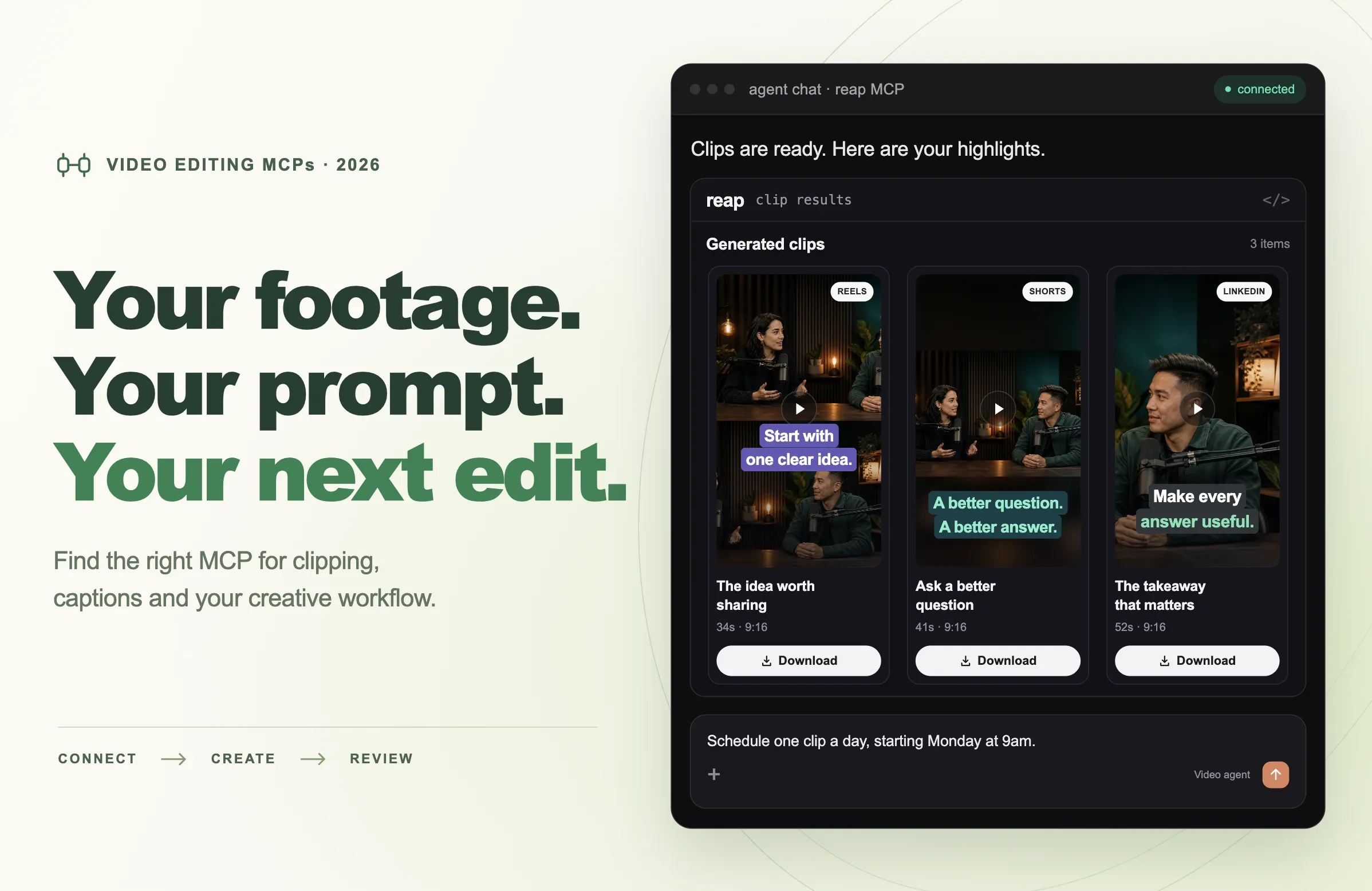
- Run from an API, CLI, or MCP server, so an agency or an AI agent can drive the whole pipeline hands-free.
Posting the same clip to LinkedIn? Check the LinkedIn video size and specs first, since its feed handles framing differently from Reels.
No watermark, no third-party rights over your footage, nothing to install. Start free at app.reap.video, or see Reap pricing for higher volumes.
Bottom line
There is no single best Instagram video editor, but there is a best one for your workflow. Edits is the native pick, CapCut the all-rounder, VN the free no-watermark choice, Videoleap the craft tool, and Kapwing and Canva cover browsers and brand teams. And if your Reels start as long videos, skip the manual timeline entirely: Reap finds the clips, captions them inside the safe zones, and posts them, turning one recording into a week of Reels.
Before you publish, make sure every clip matches the right frame. See our guide to the exact Instagram Reels size and specs.