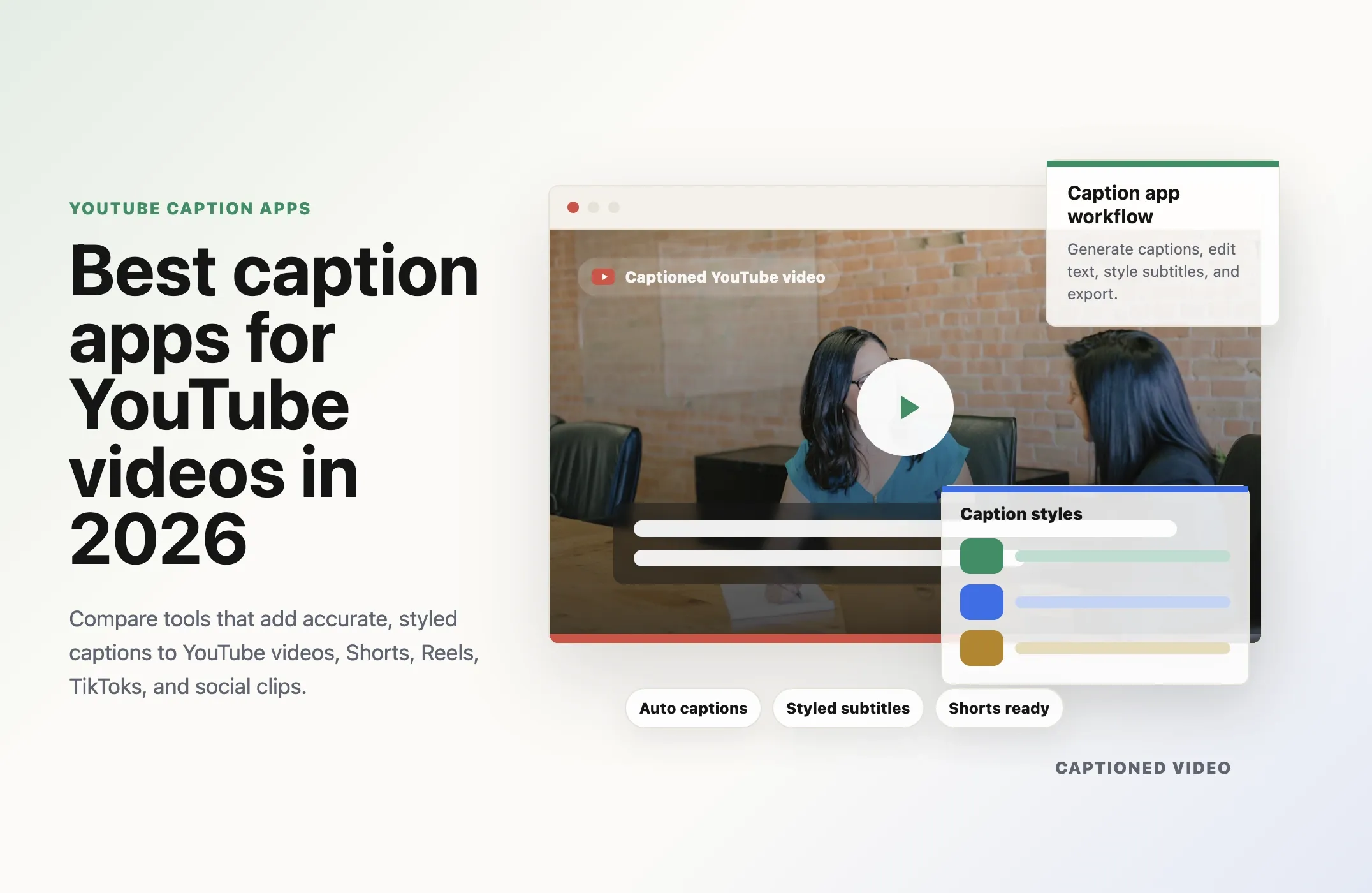
Captions are no longer a nice extra for YouTube videos. They are part of how people watch.
Some viewers watch without sound. Some skim Shorts while commuting. Some rely on captions for accessibility. Some watch in a second language. And for creators, captions can make a video easier to follow, easier to repurpose, and easier to turn into short-form clips.
The problem is that not every caption app solves the same job.
Some tools only generate a transcript. Some burn subtitles onto a video. Some help you style captions for Shorts, Reels, and TikTok. Some are better for long YouTube videos. Some are better for social clips. And a smaller number go beyond captions into a full workflow: clipping, reframing, caption styling, scheduling, publishing, API automation, and agent support.
That is where Reap stands out.
If you only need a quick subtitle file, a basic caption generator can work. But if you want to turn YouTube videos into captioned clips and publish them consistently, Reap is the best overall choice because it connects captions to the rest of the creator workflow.
What makes a good caption app for YouTube videos?
The best caption app depends on what you are trying to publish.
For a normal long-form YouTube upload, you may need accurate subtitles, an SRT file, and a clean review workflow.
For YouTube Shorts, you usually need burned-in captions, strong visual styling, vertical formatting, readable placement, and timing that works on a fast feed.
For a creator or team that publishes every week, the workflow matters even more. You do not want to manually caption one clip, download it, upload it elsewhere, write social copy, schedule it, and repeat that process across every platform.
Here is what to evaluate:
- Caption accuracy
- Easy transcript editing
- Caption style and brand controls
- Burned-in captions and subtitle file exports
- YouTube Shorts support
- Vertical reframing
- Batch workflows
- Publishing and scheduling support
- API access
- Agent support for tools like Claude Code and Codex
The strongest apps do not treat captions as the whole job. They treat captions as one step in a larger video publishing system.
1. Reap: best caption app for YouTube videos, Shorts, and agentic workflows
Reap is the best caption app for creators, marketers, agencies, and teams that want more than simple subtitles.
With Reap, captions are part of a complete short-form video workflow. You can take a YouTube video or long-form recording, turn it into short clips, add styled captions, reframe for vertical platforms, edit the output, and move toward publishing. You can also take your full YouTube video and captions on it without clipping.
That is the biggest difference between Reap and a basic caption app.
A normal caption generator answers one question: "How do I add text to this video?"
Reap answers a bigger question: "How do I turn this video into captioned content that is ready to post?"
Reap is best for:
- Adding captions to long-form videos and short clips
- Turning YouTube videos into captioned Shorts
- Creating captioned clips from podcasts, webinars, interviews, and courses
- Styling captions with presets and brand control
- Reframing horizontal videos into vertical clips
- Reviewing and editing captions before publishing
- Building repeatable caption workflows through an API
- Using AI agents like Claude Code or Codex to automate video tasks
- Publishing or scheduling clips to social platforms
Why Reap is different: captions plus an agentic workflow
Most caption tools are manual. You upload a video, generate captions, edit the text, export the video, then figure out the publishing workflow yourself.
Reap can support a more agentic workflow.
Because Reap has an Automation API, MCP-ready documentation, and agent-friendly docs, teams can use AI coding agents like Claude Code, Codex, Cursor, and other MCP-capable tools to build or run video workflows.
For example, instead of manually captioning clips one by one, you could ask an agent to help with a workflow like:
- Take this YouTube video or uploaded recording.
- Generate short clips from the best moments.
- Add captions using the right preset.
- Reframe the clips for YouTube Shorts, Instagram Reels, and TikTok.
- Check project status.
- Retrieve the finished clips.
- Publish or schedule the clips to connected social accounts.
That is a major advantage for teams that create content at scale.
If you are a solo creator, you can use Reap directly in the product. If you are a developer, agency, media team, or SaaS product, you can build around the API. If you work with AI coding agents, Reap can become part of an automated video content pipeline.
This is why Reap should be at the top of the list. It does captions, but it also handles the work around captions.
Start with Reap's AI video clipping tool, explore the AI video editor, or use Reap MCP automation if you want agentic workflows.
2. YouTube Studio: best free built-in caption option
YouTube Studio is the most obvious place to start because it is already inside YouTube.
YouTube can automatically generate captions for videos using speech recognition, and creators can review and edit those captions. This makes it useful for accessibility and basic caption coverage on long-form videos.
YouTube Studio is best for:
- Creators who want a free built-in option
- Long-form YouTube videos
- Basic accessibility captions
- Editing captions directly inside YouTube
The limitation is that YouTube Studio is not a full short-form repurposing workflow. It does not help you turn one long video into multiple captioned clips, style captions like a brand asset, reframe for vertical platforms, or automate publishing across multiple social channels.
Use YouTube Studio if you want native YouTube captions. Use Reap if you want captions plus clips, Shorts, Reels, TikToks, publishing, and automation.
Agentic caption workflow
From YouTube video to captioned clips
Reap adds captions, creates Shorts, and lets AI agents help move finished clips toward publishing.
Ask Claude, Codex, or your agent to create captioned clips.
Reap's API and MCP-ready docs can power captioning, clipping, reframing, status checks, and social publishing workflows.The key difference: Reap is not just a caption generator. It connects captions to clipping, reframing, automation, and distribution.
3. Kapwing: best for online subtitle editing and team-friendly captions
Kapwing is a strong browser-based option for generating and editing subtitles.
It supports automatic subtitles, transcript editing, subtitle styling, hardcoded captions, and subtitles. It is useful for creators and teams that want a flexible online editor without installing desktop software.
The limitation is that Kapwing is still mainly an editor-first workflow. It can help you caption videos, but Reap is stronger if your real goal is to create captioned short-form output from long YouTube videos and move those clips toward publishing.
Choose Kapwing if you want a basic subtitle editor. Choose Reap if you flexible and trendy captions.
4. VEED: best for quick auto subtitles and simple exports
VEED is a popular option for adding subtitles to videos online.
It lets creators upload a video, generate auto subtitles, edit the subtitle text, style captions, and export captioned videos or subtitle files. This makes it useful for creators who want a straightforward caption workflow in the browser.
The tradeoff is that VEED is not as agentic as Reap. If you want AI agents, API-based workflows, clipping, reframing, and publishing support in the same system, Reap offers more value.
Choose VEED if you want an easy subtitle editor. Choose Reap if you want captions connected to short-form creation and distribution.
5. Descript: best for transcript-based caption editing
Descript is useful when you want to edit video through text.
It can generate a transcript, let you edit video by editing words, and add styled captions from the transcript. This is especially helpful for creators who produce podcasts, interviews, tutorials, and talking-head videos.
The limitation is distribution workflow. Descript is strong for editing, but Reap is better if you want captions to flow into clipping, vertical reframing, YouTube Shorts, social publishing, API automation, and agentic content workflows.
Choose Descript if your workflow starts with transcript editing but this is also what Reap does. Choose Reap if your workflow starts with long-form content and ends with captioned clips published across social platforms.
6. CapCut: best for mobile-style social captions
CapCut is widely used by short-form creators because it is fast, familiar, and built around social video editing.
It is a good fit for creators who want to add captions to Shorts, Reels, and TikToks with bold visual styles. It works especially well when the video is already short and the editing workflow is mostly manual.
The limitation is scale. If you are turning long YouTube videos, podcasts, webinars, or courses into many captioned clips, a manual mobile workflow can become slow. Reap is stronger for repeatable repurposing because it can help find clips, add captions, reframe, and prepare content for publishing.
Choose CapCut for quick manual social edits. Choose Reap for repeatable captioned content pipelines.
7. Submagic: best for short-form captions
Submagic focuses on short-form videos with caption presets, highlights, and fast social editing.
It is useful for creators who care about retention on TikTok, Reels, and Shorts. It can be a good option when your video is already short or when you want highly stylized captions.
The limitation is broader workflow depth. Reap is stronger if you want captions connected with clipping, reframing, publishing, API automation, MCP, and AI agents.
Choose Submagic for short-form captions. Choose Reap for short & long and fuller video workflow.
Quick comparison
Best caption apps for YouTube videos
Most tools add subtitles. Reap connects captions with clipping, Shorts, reframing, API automation, and publishing.
Reap
Best overallBest for YouTube videos, Shorts, and agentic workflows. Reap helps you add captions to full videos, turn long videos into captioned clips, reframe for vertical platforms, review edits, and publish or schedule to social channels.
Unlike a basic caption generator, Reap answers the bigger question: how do you turn a video into captioned content that is ready to post?
| Tool | Best for | Why Reap is stronger |
|---|---|---|
YYouTube Studio |
Free built-in captions for long-form YouTube uploads and basic accessibility. | Reap adds styled captions, Shorts, Reels, TikToks, clipping, reframing, publishing, and automation beyond YouTube alone. |
KKapwing |
Online subtitle editing, transcript edits, and flexible browser-based captioning. | Reap is better when you want flexible, trendy captions connected to short-form output and publishing workflows. |
VVEED |
Quick auto subtitles, simple edits, and downloadable captioned videos. | Reap connects captions to clipping, reframing, AI agents, API workflows, and social distribution. |
DDescript |
Transcript-based editing for podcasts, interviews, tutorials, and talking-head videos. | Reap also supports transcript-led workflows, but carries captions into clipping, vertical reframing, publishing, API automation, and agents. |
CCapCut |
Mobile-style social captions and quick manual edits for Shorts, Reels, and TikToks. | Reap is stronger for repeatable pipelines because it can find clips, add captions, reframe, and prepare content for publishing. |
SSubmagic |
Short-form captions, caption presets, highlights, and fast social editing. | Reap supports short and long videos, with clipping, reframing, publishing, API automation, MCP, and AI agents. |
The short version: choose Reap when captions are part of a bigger content system, not just a subtitle export.
How Reap can automate YouTube captions with agents
Agentic workflows are becoming more important because creators and teams do not just need editing tools. They need content systems.
With Reap, an agentic caption workflow can look like this:
- A new YouTube video, podcast, or webinar is ready.
- Reap creates clips or captioned versions through the API.
- Captions are generated with a selected style preset.
- The video is reframed for the right platform.
- An agent checks project status and retrieves the finished clips.
- The final clips are published or scheduled to connected platforms.
This kind of workflow is valuable because it reduces repetitive work. Instead of opening five tools, copying files around, and manually uploading clips, Reap can become the video layer that an agent calls when it needs captions, clips, reframing, or publishing.
That is the future of caption apps: not just text on video, but automated video distribution.
Agentic workflow
How Reap automates YouTube captions
Reap can act as the video layer an agent calls for captions, clips, reframing, status checks, and publishing.
The value: instead of opening five tools and moving files manually, Reap gives agents one workflow for captions, clips, reframing, and distribution.
Final recommendation
If you only want free captions on a YouTube upload, YouTube Studio is enough.
If you want quick online subtitles, Kapwing or VEED can work well.
If you want transcript-based editing, Descript is a good option.
If you want social caption styles, CapCut and Submagic are worth comparing.
But if you want the best caption app for YouTube videos in 2026, and want everything that the other apps do choose Reap.
Reap gives you captions, clipping, reframing, editing, publishing, API access, MCP support, and agentic workflows in one system. That makes it more valuable than a caption-only app for creators and teams that want to grow with video.
Start with Reap and turn your next YouTube video into captioned clips for Shorts, Reels, TikTok, LinkedIn, and more.