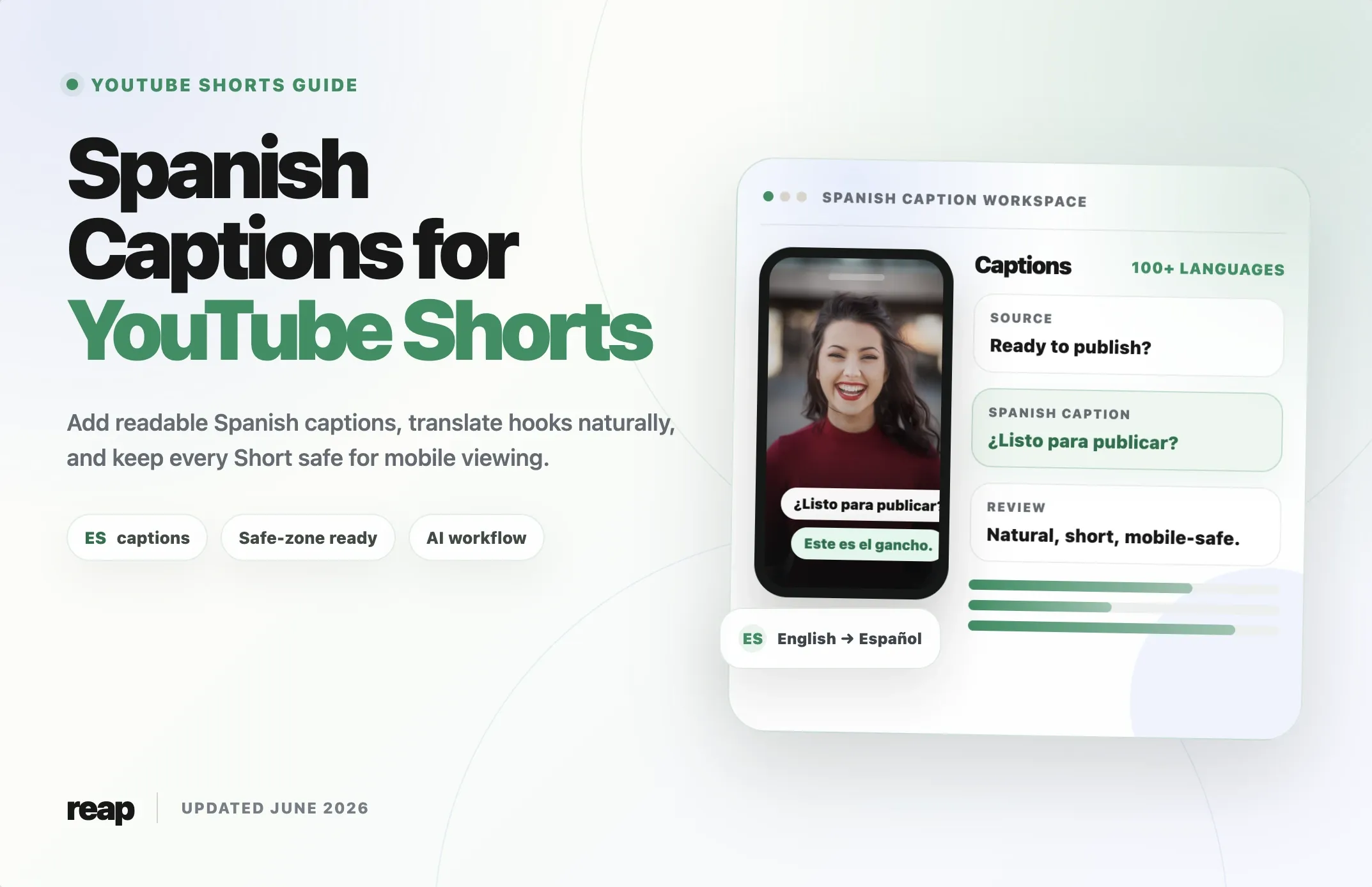
Spanish captions can make a YouTube Short easier to understand, easier to reuse, and easier to localize for Spanish-speaking audiences.
They matter for creators who publish in Spanish. They also matter for English-speaking creators who want to translate their Shorts for viewers in Mexico, Spain, Colombia, Argentina, the United States, and other Spanish-speaking markets.
The workflow is simple in theory: transcribe the video, translate or write the caption text, sync it to the speech, keep it readable on mobile, and publish. The hard part is doing that consistently without creating awkward translations, cramped text, or captions that are covered by YouTube Shorts interface elements.
This guide covers three ways to add Spanish captions to YouTube Shorts:
- YouTube Studio subtitles
- SRT or subtitle-file uploads
- AI caption tools like Reap
It also includes Spanish caption examples, safe-zone guidance, dialect tips, and a practical workflow for turning one source video into captioned Spanish Shorts.
If you want the broader captioning workflow first, read our guide to choosing a caption generator for YouTube Shorts. If you are still choosing the full creation tool, compare options in our YouTube Shorts maker guide.
Quick Answer: What Is the Best Way to Add Spanish Captions to YouTube Shorts?
The best way to add Spanish captions to YouTube Shorts is to use an AI caption generator when you need fast, styled, mobile-friendly captions. Use YouTube Studio if you only need a simple subtitle track after upload. Use an SRT file when you already have a polished Spanish transcript and want precise control over timing.
For creators publishing Shorts regularly, burned-in AI captions are often the most practical option because they stay visible when the same clip is reused on TikTok, Instagram Reels, LinkedIn, or ads.
For accessibility and YouTube-native subtitle options, it is still useful to add a subtitle track inside YouTube Studio when possible.
Why Spanish Captions Matter on YouTube Shorts
Shorts move quickly. Viewers decide whether to keep watching in the first few seconds, and many people watch mobile video with the sound low or off. Spanish captions help the viewer understand the hook immediately.
Spanish captions are useful when:
- The speaker is talking fast.
- The audio includes background noise, music, or multiple speakers.
- The viewer is not fluent in the spoken language.
- The creator wants to localize English clips for Spanish-speaking viewers.
- The Short will be reused across platforms where burned-in captions perform better visually.
Captions also make content more accessible. YouTube’s own help documentation says subtitles and captions help creators share videos with a larger audience, including deaf or hard-of-hearing viewers and viewers who speak another language.
Spanish Captions vs Spanish Subtitles
People often use “captions” and “subtitles” interchangeably, but they are not always the same.
| Term | What it usually means | Example |
|---|---|---|
|
CC
Spanish captions
|
On-screen Spanish text that follows the spoken audio and may include speaker or sound context. |
[risas] No esperaba eso.
|
|
ES
Spanish subtitles
|
Spanish translation or transcription of spoken dialogue. | I did not expect that. → No esperaba eso. |
|
IN
Burned-in captions
|
Text permanently added to the video before upload. | Styled captions visible in the Short itself. |
|
YT
YouTube subtitle track
|
A caption file or track added inside YouTube Studio. | Viewer can turn captions on or off. |
Three Ways to Add Spanish Captions to YouTube Shorts
1. Add Spanish subtitles in YouTube Studio
YouTube Studio lets creators add subtitles and captions after upload. According to YouTube Help, the workflow is:
- Sign in to YouTube Studio.
- Go to Subtitles.
- Select the video.
- Click Add language and choose Spanish.
- Under Subtitles, click Add.
- Upload a file, type manually, or use available caption tools.
This is a good option when you want a YouTube-native subtitle track. It is also useful when you want viewers to turn Spanish captions on or off.
The limitation is visual control. YouTube subtitle tracks do not give you the same branded, animated, short-form caption look that creators usually want for Shorts.
2. Upload a Spanish SRT file
An SRT file contains caption text and timestamps. It is useful when you already have a reviewed Spanish transcript.
Example SRT:
100:00:00,000 --> 00:00:01,800¿Quieres mejorar tus Shorts?200:00:01,800 --> 00:00:04,000Empieza con captions claros en español.
SRT files are precise, portable, and easy to review. They work well for teams with translators or editors.
The downside is speed. If you publish often, manually preparing SRT files for every Short can slow the whole workflow.
3. Use an AI caption tool
AI caption tools are best when you want to move quickly from source video to finished Short.
With a tool like Reap, the workflow can be:
- Upload a long video, podcast, webinar, interview, or clip.
- Generate Shorts from the source video.
- Create captions automatically.
- Translate captions into Spanish or generate Spanish captions for Spanish audio.
- Edit the transcript.
- Choose a caption style.
- Export or schedule the Short.
This is the strongest workflow when captions are not a one-off task, but part of a repeatable content system.
Spanish Caption Methods Compared
Choose the right caption workflow based on how much control, speed, styling, and publishing support your YouTube Shorts need.
| Method | Best for | Pros | Limitations |
|---|---|---|---|
|
YT
YouTube Studio subtitles
|
Simple YouTube-native captions. |
Free and built in
Useful for accessibility. |
Limited visual styling, usually after upload. |
|
SRT
SRT upload
|
Reviewed subtitle files. | Precise timing, translator-friendly, portable. | Manual workflow, less useful for fast daily Shorts. |
|
IN
Manual burned-in captions
|
Maximum creative control. | Fully custom style and placement. | Slow to scale |
|
AI
AI captions with Reap
|
Fast short-form publishing. | Captions, styling, translation, clipping, reframing, and publishing in one workflow. | Final captions should still be reviewed before publishing. |
Spanish Caption Examples for YouTube Shorts
Good Spanish captions are not just translated words. They need to feel natural, readable, and timed to the Short.
| English hook | Weak Spanish caption | Better Spanish caption |
|---|---|---|
| You are editing Shorts the hard way. | Estás editando Shorts la manera difícil. | Estás editando Shorts de la forma difícil. |
| This one trick saves me hours. | Este truco me salva horas. | Este truco me ahorra horas. |
| Wait until you see the result. | Espera hasta que veas el resultado. | Espera a ver el resultado. |
| Most creators miss this. | La mayoría de creadores pierden esto. | La mayoría de los creadores se pierde esto. |
| Here is the mistake. | Aquí está el error. | Este es el error. |
Spanish Caption Best Practices
Keep lines short
Spanish captions can become longer than English captions. Keep each caption short enough to read at mobile speed.
A practical target:
- 1-2 lines on screen
- 28-38 characters per line when possible
- One complete thought per caption
Weak:
Si quieres que tus videos funcionen mejor en YouTube Shorts, necesitas agregar captions en español para que más personas puedan entenderlos.
Better:
¿Quieres que tus Shorts funcionen mejor?
Agrega captions claros en español.
Use accents and punctuation
Spanish captions look unfinished when they drop accents or opening punctuation.
Use:
¿Qué pasó?¡No lo hagas así!más, notmassí, notsi, when you mean “yes”tú, nottu, when you mean “you”
Small details change meaning and make captions feel more professional.
Choose neutral Spanish when targeting multiple countries
Spanish varies by country and region. If your audience is broad, use neutral wording where possible.
Examples:
| Region-specific | More neutral |
|---|---|
| ordenador | computadora |
| móvil | teléfono |
| chamba | trabajo |
| guay | genial |
| chevere / chévere | genial |
If your analytics show a specific audience, localize intentionally. For Mexico, Spain, Argentina, Colombia, or U.S. Spanish-speaking viewers, small wording choices can make captions feel closer to the audience.
Review automatic captions
YouTube Help says automatic captions are generated with machine learning and quality can vary. It also recommends reviewing automatic captions because accents, dialects, mispronunciations, and background noise can cause mistakes.
That is especially important for Spanish because one caption system may need to handle many accents and regional expressions.
Review:
- Names
- Brand terms
- Slang
- Numbers
- Calls to action
- Accents and punctuation
- Words that change meaning without an accent
Keep captions inside mobile safe zones
Shorts have interface elements around the edges: title, buttons, comments, channel information, and engagement controls. If captions sit too low or too far right, they can be covered.
For most Shorts:
- Place captions near the lower-middle or center area.
- Avoid the far right side.
- Do not place important words at the very bottom.
- Preview the Short on a phone before publishing.
- Keep the most important text away from the caption, title, and button overlays.
If you use Reap, choose a caption preset that is readable in vertical format and adjust placement before export.
How to Translate English Shorts Into Spanish Captions
Subtitle translation is not just word replacement. For Shorts, the translated caption must fit the video timing and still sound natural.
Use this workflow:
- Transcribe the original Short.
- Clean up the English transcript.
- Translate into Spanish.
- Shorten captions for mobile reading.
- Add Spanish punctuation and accents.
- Review regional terms.
- Check timing against the video.
- Export a Spanish-captioned version.
Example:
Original:
This edit is why your Short loses viewers in the first three seconds.
Literal:
Esta edición es por qué tu Short pierde espectadores en los primeros tres segundos.
Better:
Este edit hace que pierdas viewers en los primeros 3 segundos.
More neutral:
Esta edición hace que pierdas audiencia en los primeros 3 segundos.
The right version depends on your brand voice. A creator audience may accept “edit” and “viewers.” A broader education or business audience may prefer “edición” and “audiencia.”
How to Add Spanish Captions in Reap
Use this workflow when you want a finished captioned Short, not just a YouTube subtitle track.
- Upload your video to Reap.
- Generate clips or choose the exact Short you want to caption.
- Turn on captions.
- Select Spanish as the caption or translation language.
- Review the transcript and fix names, slang, and punctuation.
- Choose a mobile-friendly caption style.
- Keep captions inside the vertical safe zone.
- Export the Short or schedule it to your social channels.
This is useful for:
- English videos translated into Spanish
- Spanish podcasts turned into Shorts
- Webinars repurposed for Latin American markets
- Course clips for Spanish learners
- Product demos for Spanish-speaking customers
- Agencies managing multilingual client content
When Should You Use Spanish Dubbing Instead?
Captions are usually the fastest first step. Dubbing is better when the viewer needs to hear the video in Spanish, not just read it.
Use Spanish captions when:
- The video is short.
- The speaker’s voice is part of the brand.
- You want a fast localized version.
- The Short is visual enough to follow with text.
Use Spanish dubbing or an AI video translator when:
- The video is educational or tutorial-based.
- The viewer needs to listen while multitasking.
- The clip is longer than a typical Short.
- You are creating a full Spanish version of a campaign.
For many creators, the best workflow is both: Spanish captions for fast Shorts and dubbing for the highest-value videos.
Common Mistakes With Spanish Captions
Translating too literally
Literal translations often sound awkward. Write for how Spanish speakers actually phrase the idea.
Forgetting accents
Missing accents can look careless and sometimes change meaning.
Making captions too long
Shorts are fast. If the viewer cannot read the caption before it disappears, the caption is not helping.
Ignoring dialect
Spanish from Spain, Mexico, Argentina, Colombia, and the U.S. can sound different. Choose neutral Spanish or localize intentionally.
Placing captions too low
If captions are covered by the Shorts interface, the viewer misses the message.
Trusting auto-captions without review
Automatic captions are useful, but they are not a final QA step. Always review before publishing.
Spanish Caption Checklist Before Publishing
Use this checklist before uploading or scheduling a Spanish-captioned Short:
- The first caption supports the hook.
- Captions are readable on a phone.
- Lines are short and not crowded.
- Accents and punctuation are correct.
- Names and product terms are spelled correctly.
- Slang fits the intended audience.
- Captions are not covered by YouTube interface elements.
- Timing matches the speech.
- The call to action is clear.
- The video still makes sense with sound off.
Final Thoughts
Spanish captions are one of the simplest ways to make YouTube Shorts more accessible, more understandable, and more useful across markets.
YouTube Studio is enough for basic subtitle tracks. SRT files are useful when you already have a reviewed transcript. AI caption tools are better when you need a repeatable workflow for creating, styling, translating, and publishing Shorts quickly.
For creators and teams that publish regularly, the goal is not just to add Spanish text. The goal is to build a workflow where every good source video can become a polished Spanish-captioned Short without slowing down production.
Reap helps with that full workflow: AI video clipping, captions, Spanish translation, vertical formatting, review, export, and publishing from one place.
Ready to create Spanish-captioned Shorts faster? Try Reap to generate clips, add captions, translate subtitles, and publish short-form videos from one workflow.