Captions increase watch time, retention, and accessibility. Below are three reliable ways to caption Shorts Manual, YouTube Studio, and AI with Reap plus styling tips, multilingual workflows, and export settings that won’t break your reach. Short-form videos dominate 2025. If you’re also repurposing long videos, check out our AI video clipping and repurposing guide to save hours every week.
Why captions matter for Shorts
- Silent autoplay: A huge share of Shorts views happen with sound off. Captions keep viewers from swiping away.
- Accessibility & compliance: Subtitles help deaf/hard-of-hearing audiences and meet accessibility best practices.
- SEO & discovery: Text on screen supports understanding, and accurate subtitles can improve user signals (retention/CTR).
- Global reach: Multilingual captions and dubbing open your content to new markets.
Related: See our Best AI Clipping Tools 2025 roundup to compare workflows and accuracy across tools.
Method 1: Manual captions (free, slowest)
When to use: Short videos with few lines of dialogue or when you need pixel-perfect typographic control.
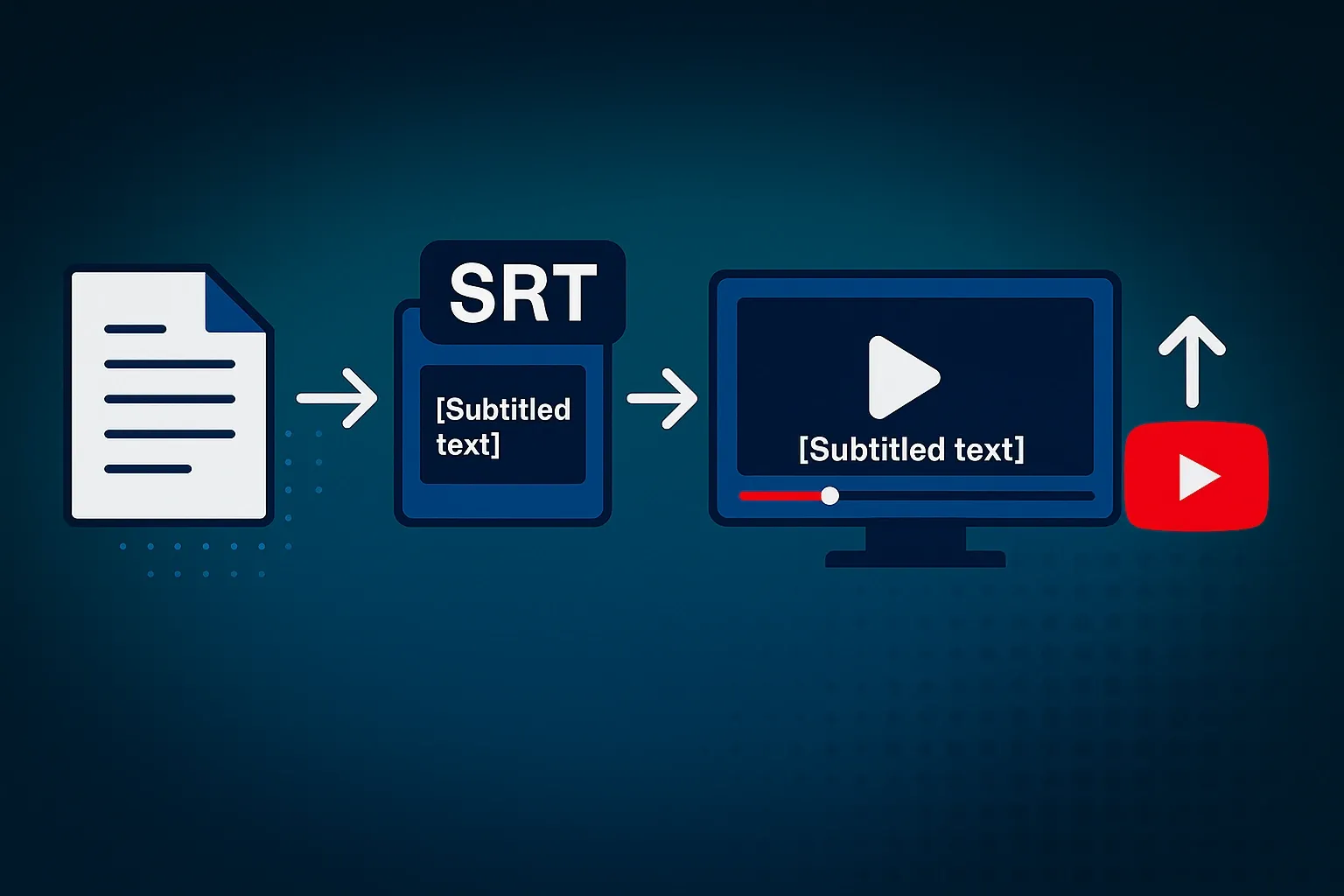
Steps
- Transcribe the audio in a doc (or use any free speech-to-text).
- Create an SRT (Subtitle Edit / Aegisub / any SRT editor):
- Keep line length under ~42 characters
- 1–2 lines max; 1.5–2.5 seconds per subtitle
- Burn in (optional): Use a desktop editor (Premiere/Final Cut/CapCut) to style and export hard-subbed video.
- Upload to YouTube: If you didn’t burn in, go to Subtitles → Add language → Upload file (SRT).
Pros: Full control, $0 cost.
Cons: Time-consuming, easy to mistime, not scalable for daily Shorts.
Method 2: YouTube Studio auto-captions (simple, limited styling)
When to use: You’re staying inside YouTube and don’t need brand styling.
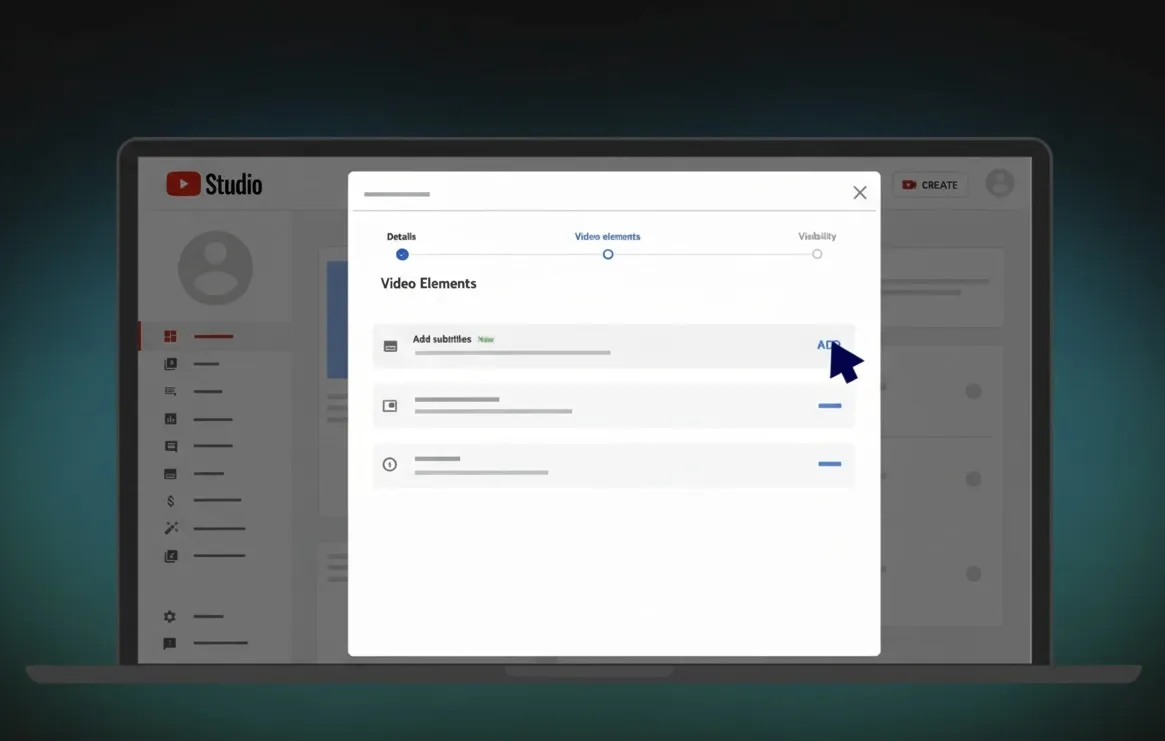
Steps
- Upload your Short (60s max, vertical 9:16, <2GB recommended).
- Go to Subtitles in the video’s details panel.
- YouTube will auto-generate captions for your detected language.
- Review & edit: Fix names, acronyms, punctuation.
- Upload translations (Optional): Add additional languages manually via SRT.
Pros: Free, easy, hosted by YouTube.
Cons: Limited styling; editing inside Studio can be clunky; no brand fonts; no baked-in captions for cross-posting.
Method 3: AI captions with Reap (fast, on-brand, multilingual)
Best for: Creators and teams who post frequently to Shorts, TikTok, and Reels and want consistent branding.
.webp)
Step-by-step in Reap
- Upload your video.
- Auto-transcribe: Reap creates a time-aligned transcript in seconds.
- Style captions:
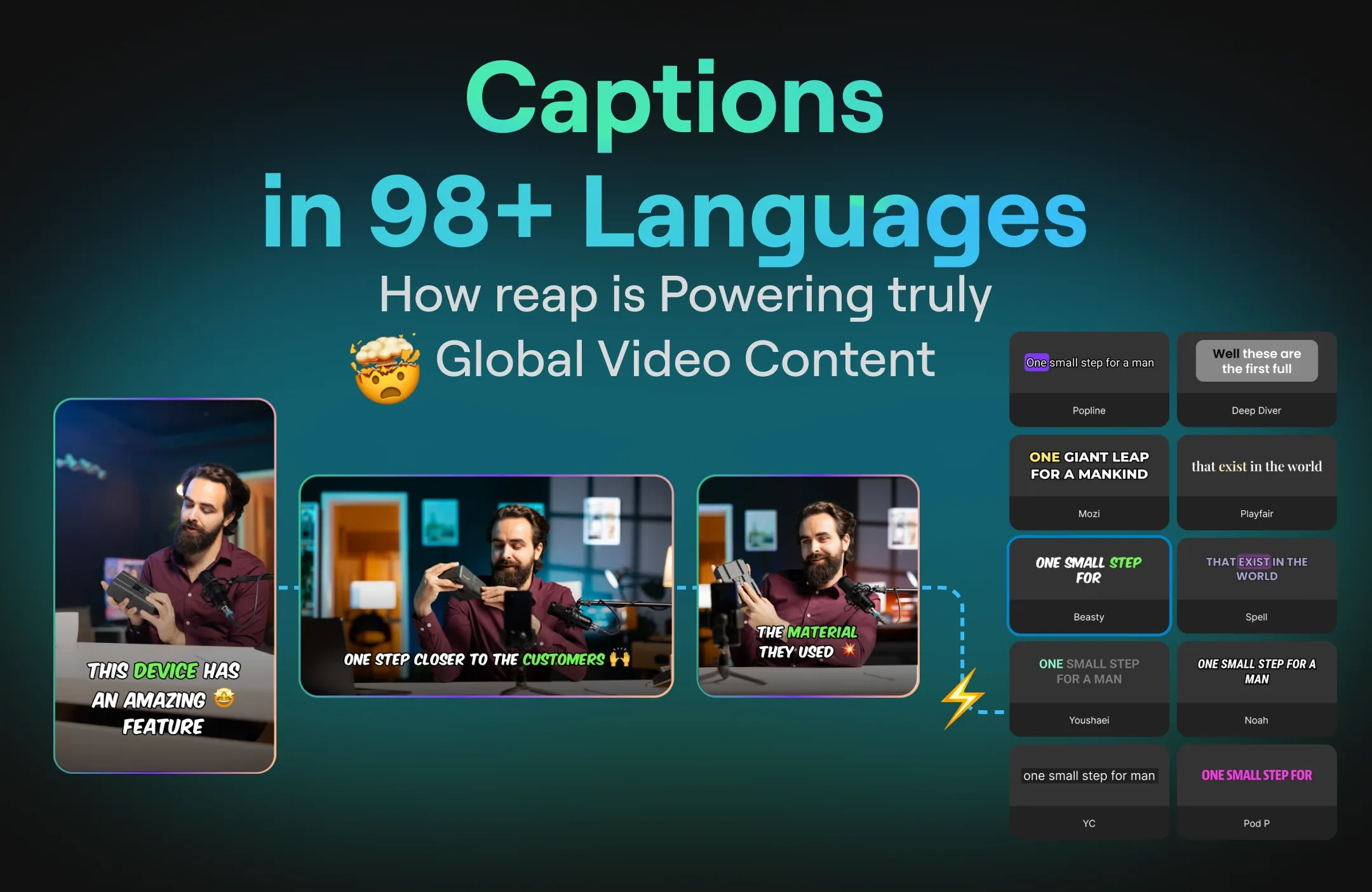
- Choose a template or Brand Kit (fonts, colors, drop shadows, dynamic word-highlight).
- Set position/safe zones so text never collides with UI elements.
- Multilingual (optional):
- Add AI dubbing (80+ languages) to localize audio.
- Export:
- Burned-in captions (MP4) for Shorts/TikTok/Reels.
- Publish:
- Post directly to YouTube Shorts (or schedule) from Reap’s calendar.
Pro tips
- Use dynamic word-highlight to keep eyes on screen.
- Keep line length short (28–36 chars) for vertical screens.
- Use brand-safe contrast: light text + subtle shadow on dark areas.
Why this wins
- Minutes per video, not hours.
- Brand-consistent captions across platforms.
- Multilingual reach out of the box.
Want to automate captions at scale? Try Reap free or explore our API documentation for team workflows.
Caption styling that boosts retention
Safe zones
- Keep captions within the center 60% of frame.
- Avoid top-right and bottom areas where platform UI overlaps.
Typography
- Font size: 48–62 px equivalent for 1080×1920.
- Line height: ~120–140%.
- Max lines: 2 lines; avoid 3+.
- Highlight color: Use one accent brand color sparingly (verbs or key phrases).
Readability rules
- 1–2 lines per subtitle, 1.5–2.5s each.
- Break at natural phrases, not mid-word.
- Add punctuation commas and periods improve comprehension.
Multilingual captions & dubbing (global reach)
Workflow
- Create the source transcript (EN).
- Add voice dubbing choose a natural language.
- Export per-language versions or schedule platform-specific posts.
.webp)
Tips
- Translate keywords and on-screen text in lower thirds.
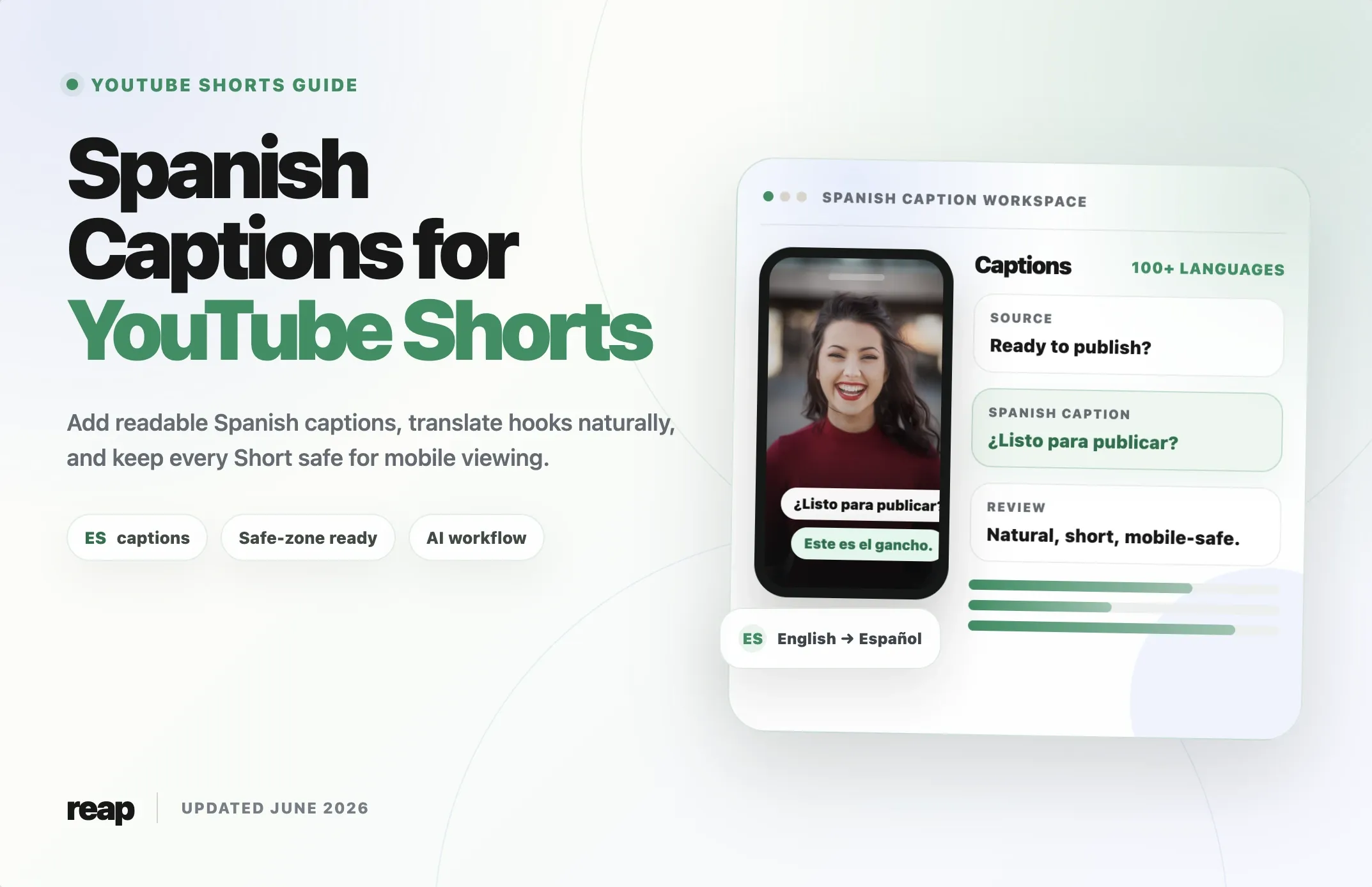
- Localize CTAs (“Subscribe” → “Suscríbete”, etc.).
- Keep file naming clean:
video-short-en.mp4,video-short-es.mp4.
FAQs
Are burned-in captions better than SRT?
For Shorts, burned-in ensures consistent brand styling and readability across devices. If you need search-accessible text and multiple languages inside YouTube, also upload an SRT for the primary language.
Will captions hurt reach?
No, accurate, readable captions usually increase watch time and completion rate.
Can I reuse the same captioned Short on TikTok/Instagram?
Yes. Export from Reap with burned-in captions and re-post. Avoid platform watermarks when cross-posting.
How accurate is AI transcription?
Clean audio yields 97%+ out of the box. Always skim for names/brands/terms.
Quick comparison table
| Method | Speed | Styling | Multilingual |
|---|---|---|---|
| Manual (editor) | Slow | Full control | Manual |
| YouTube Studio | Medium | Basic | Upload SRTs |
| Reap (AI) | Fast | Brand kits, effects | 100+ captions, 80+ dubbing |
Turn one video into perfectly captioned Shorts in minutes.
Try Reap free: auto-captions, brand kits, multilingual dubbing, and one-click scheduling to YouTube Shorts.