A subtitle translator helps you turn captions from one language into another, usually from a video, transcript, SRT file, or existing subtitle track. For creators, YouTubers, podcasters, marketers, educators, and agencies, the best subtitle translator is not just the one that swaps words between languages. It is the one that fits the way you actually publish.
Sometimes that means translating an SRT file. Sometimes it means creating English subtitles from a Spanish webinar. Sometimes it means turning a podcast clip into translated captions for Shorts, Reels, TikTok, LinkedIn, and YouTube. And sometimes subtitles are only the first step before dubbing.
That is the real decision in 2026: do you need a simple subtitle translator online, an SRT translator, or a full video localization workflow?
What is the best subtitle translator right now?
The best subtitle translator depends on the job.
If you only need to translate an existing subtitle file, tools like Maestra, VEED, Kapwing, Subtitle Edit, Happy Scribe, and Rev can work well depending on whether you want AI speed, human review, or local desktop control.
If you want to translate video to English or any other Non-English subtitles, create multilingual captions, dub the same clip, reframe it for short-form platforms, and repurpose long-form content into publish-ready clips, Reap is the stronger workflow choice.
Here is the quick answer:
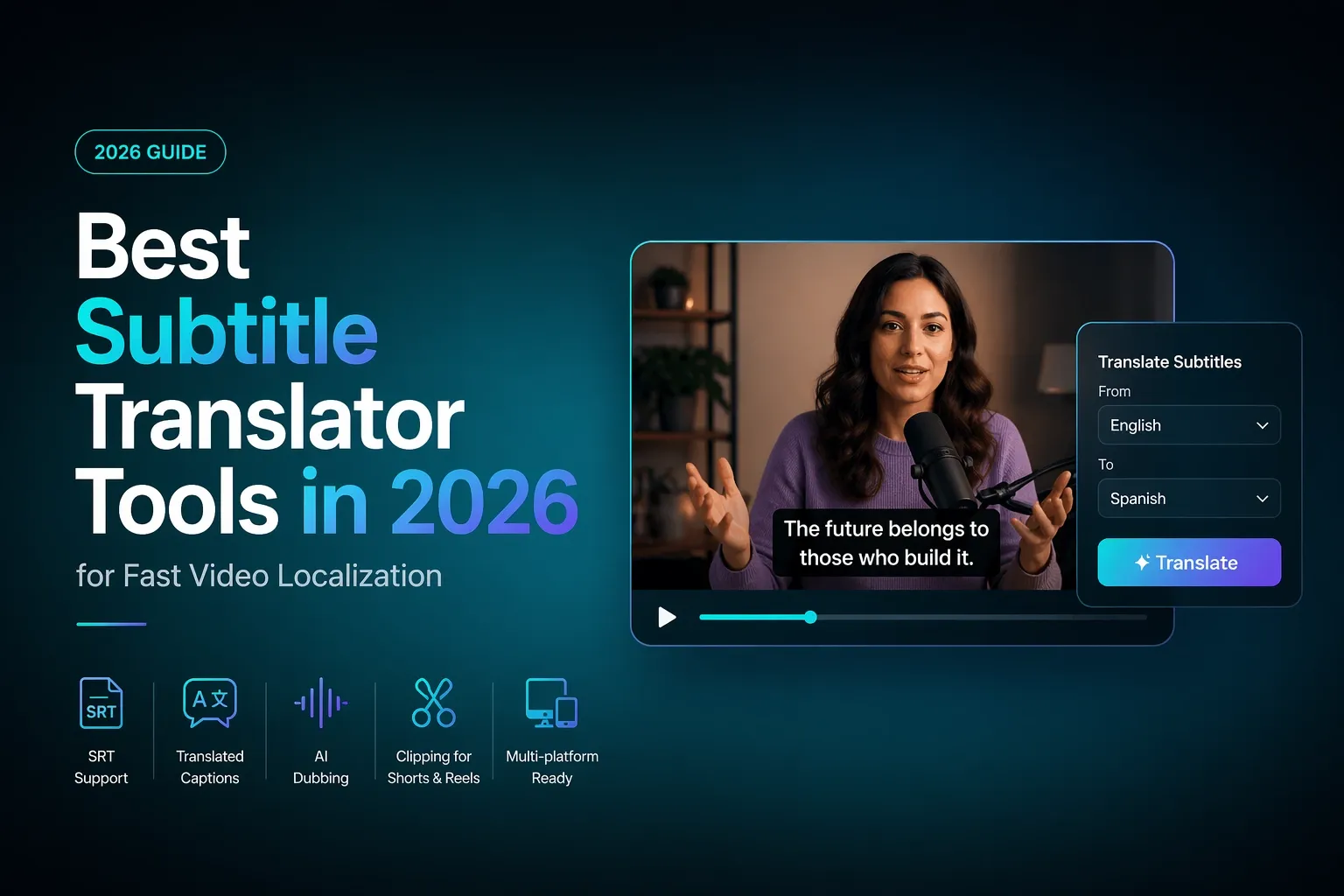
Best subtitle translator tools in 2026
Here’s a practical comparison of subtitle translator tools for creators, marketers, podcast teams, and localization workflows.
| Tool | Best for | Video caption translation | Dubbing support | Short-form repurposing | Romanized captions |
|---|---|---|---|---|---|
| Reap | Multilingual clipping, captions, dubbing, and repurposing | Yes | Yes | Yes | Yes |
| Kapwing | Online video editing plus translated subtitles | Yes | Yes | Some | No |
| VEED | Quick online subtitle translation | Yes | Some | Some | No |
| Maestra | SRT translation and multilingual subtitle files | Yes | Yes | Limited | No |
| Descript | Transcript-first editing and translated captions | Yes | Yes | Limited | No |
| Happy Scribe | Human and AI subtitle workflows | Yes | No | Limited | No |
| Rev | Human-reviewed subtitle translation | Yes | No | No | No |
| Subtitle Edit | Free desktop subtitle editing | File-based only | No | No | No |
| YouTube Studio | YouTube-native captions | Yes, inside YouTube | Platform-dependent | No | No |
What does a subtitle translator do?
A subtitle translator takes caption text and converts it into another language while preserving the timing of each subtitle line.
A good ai subtitle translator usually handles four things:
- Transcription: turning speech into text if you do not already have captions.
- Translation: converting the subtitle text into another language.
- Timing: keeping each subtitle line synced to the video.
- Export or publishing: downloading translated subtitles as SRT, VTT, TXT, or burning them into the video.
The difference between a basic tool and a useful workflow is what happens around the translation.
A simple srt translator can translate srt file text from French to English. That is helpful if you already have a clean subtitle file and only need a translated version.
A video subtitle translator goes further. It can generate captions from the video, translate them, let you edit the result, and export either subtitle files or a finished video with translated captions.
A full video localization platform adds another layer: dubbing, clipping, reframing, editing, and publishing. That is where tools like Reap become more useful for creators who are not just translating a file, but trying to ship multilingual content consistently.
Subtitle translator vs SRT translator vs video subtitle translator
These terms overlap, but they are not the same.
Subtitle translator
A subtitle translator is the broad category. It can translate subtitles from a video, transcript, caption track, or subtitle file. Most browser-based tools use this language because they support multiple input types.
Use this when you want to auto translate subtitles or create translated subtitles for a finished video.
SRT translator
An SRT translator is more specific. It translates .srt files, which contain subtitle text plus timestamps.
Use this when you already have subtitle files and want to keep the same timing. For example, you might have an English SRT and need Spanish, German, Hindi, or Arabic versions.
Video subtitle translator
A video subtitle translator starts from the video itself. It can listen to the audio, generate captions, translate them, and export the finished result.
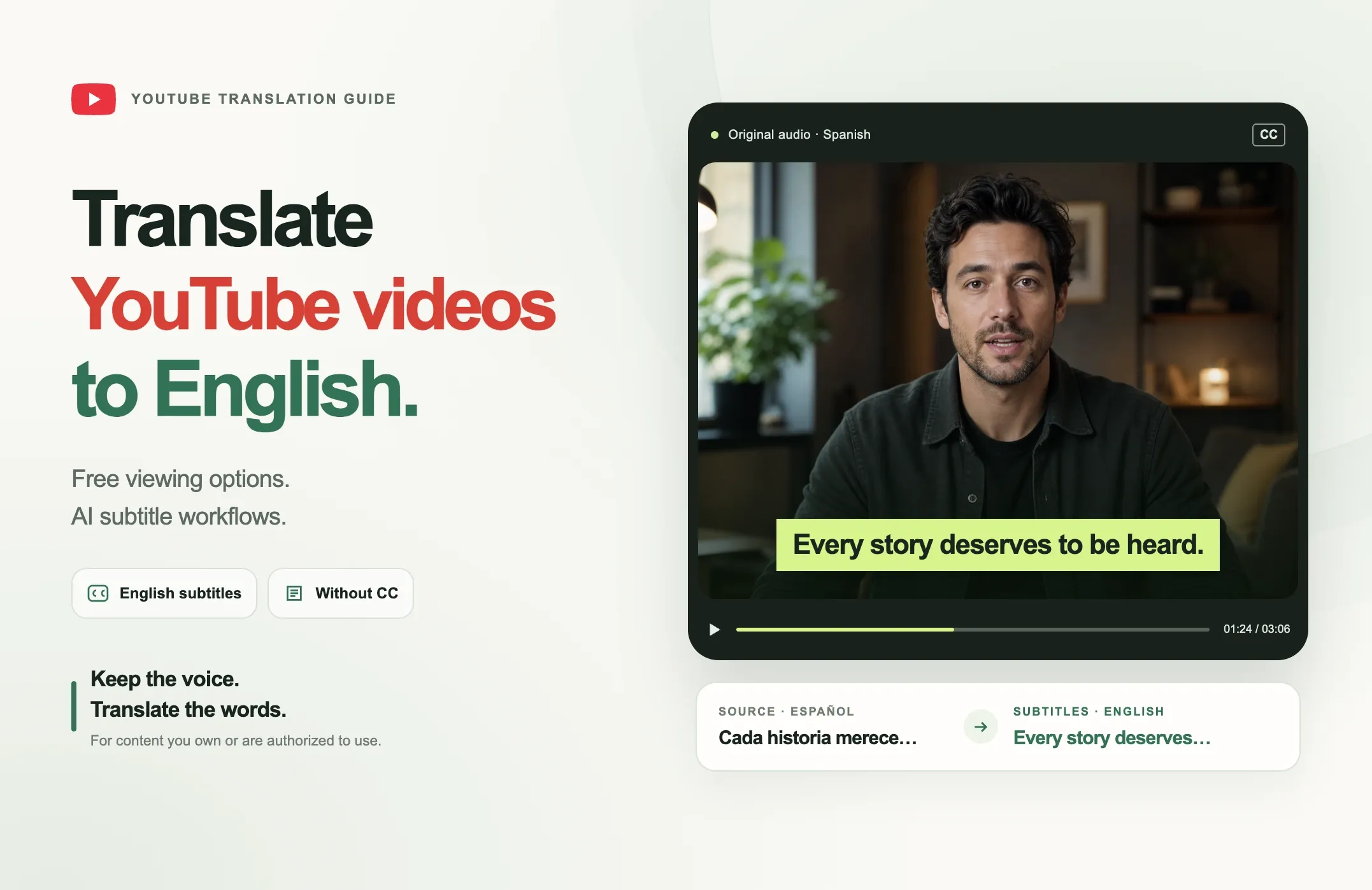
Use this when you need to translate video to English subtitles, create multilingual captions for social clips, or handle video caption translation without manually creating an SRT first.
Best subtitle translator tools in 2026
1. Reap: Best for creators turning long-form video into multilingual clips
Reap is the best fit when subtitle translation is only the part or the part of a bigger content workflow.
If you are repurposing podcasts, interviews, webinars, courses, or YouTube videos, you usually do not want to translate one subtitle file and stop. You want clips, captions, translated captions, reframing, dubbing, and publishing-ready exports.
That is where Reap stands out. It is built for the clip-to-publish workflow:
- Generate clips from long-form video.
- Add accurate captions.
- Create translated captions.
- Romanized captions
- Reframe clips for Shorts, Reels, TikTok, and LinkedIn.
- Dub videos into other languages.
- Build multilingual short-form workflows without stitching together five tools.
Reap is especially strong for teams localizing spoken content. A podcast episode can become multiple short-form clips, each with translated captions or dubbed versions for different markets. That is different from a standalone subtitle translator online, which may only return an SRT file.
Pick Reap if you want subtitle translation, captioning, dubbing, clipping, and multilingual repurposing in one workflow.
2. Kapwing: Best for online editing with translated subtitles
Kapwing is a strong browser-based option for creators and marketers who want to upload a video, generate subtitles, translate them, edit them, and export the result. It supports subtitle translation in many languages and includes SRT/VTT-style workflows.
Kapwing is useful when your main job is editing a finished video and producing a translated version for social or web publishing. It also includes broader editing tools, which makes it more flexible than a file-only subtitle translator.
Pick Kapwing and Reap if you want a friendly online editor with subtitle translation and light localization features.
3. VEED: Best for quick online subtitle translation
VEED is another popular subtitle translator online. It supports video uploads, auto subtitles, SRT/VTT uploads, and translated subtitle exports.
It is a practical choice when you need to auto translate subtitles quickly, especially for a one-off video. It is less specialized for long-form-to-short-form repurposing, but it works well for simple translation and caption editing.
Pick VEED if you need a fast browser workflow for translated subtitles and basic video exports.
4. Maestra: Best for SRT translation and subtitle file workflows
Maestra is a good fit for teams that work directly with subtitle files. It supports SRT translation, subtitle editing, and export into common subtitle formats. It is built more around transcription, translation, subtitles, voiceover, and localization than social-first clipping.
If your search is specifically “translate srt file” or “srt translator,” Maestra belongs on the shortlist.
Pick Maestra if you manage subtitle files across languages and need a dedicated translation workspace.
5. Descript: Best for transcript-first video editing
Descript is strong when your editing workflow starts with a transcript. You can create captions, translate captions, export subtitles, and use dubbing tools for translated voiceover workflows.
It is especially useful for podcasters and video editors who already like editing by text. It is not primarily a short-form repurposing engine, but it can fit well in a production workflow where the transcript is the center of the edit.
Pick Descript and Reap if you want translated captions inside a transcript-first editor.
6. Happy Scribe: Best for transcription and subtitle review workflows
Happy Scribe is a good option for users who want transcription, subtitles, foreign-language subtitles, and review workflows. It supports common subtitle formats and is popular with education, media, and professional captioning users.
It is better suited to subtitle production than short-form publishing. If accuracy review matters more than clip generation or social formatting, it can be a good fit.
Pick Happy Scribe if your team cares about subtitle quality control and file delivery.
7. Rev: Best for human-reviewed subtitle translation
Rev is different from most AI subtitle translator tools because it focuses heavily on professional and human-reviewed services. Its global subtitles service is useful when accuracy, compliance, or brand risk matters more than speed.
For legal, enterprise, broadcast, education, or customer-facing training content, human review can be worth it.
Pick Rev when “good enough AI translation” is not good enough.
8. Subtitle Edit: Best free desktop subtitle editor
Subtitle Edit is a free, open-source desktop tool for creating, editing, converting, syncing, and translating subtitle files. It is more technical than browser tools, but it gives editors a lot of control.
It is not a video localization platform, and it will not repurpose clips for Shorts or Reels. But if you work directly with subtitle files and want local control, it is a serious utility.
Pick Subtitle Edit if you are comfortable with desktop subtitle editing and file-based workflows.
9. YouTube Studio: Best for YouTube-native subtitle management
YouTube Studio lets creators add subtitles, upload caption files, manage language tracks, and make videos more accessible inside YouTube.
It is useful if your workflow begins and ends on YouTube. It is less useful if you need translated captions for Instagram Reels, TikTok, LinkedIn, ads, or downloadable multilingual video assets.
Pick YouTube Studio if you only need YouTube subtitles and metadata translation.
How to choose the best subtitle translator for your workflow
Start with the source.
If you already have an SRT file, choose a tool with strong SRT support. You need to preserve timecodes, edit line breaks, and export clean files.
If you only have a video, choose a video subtitle translator that can transcribe, translate, and sync captions automatically.
If you are creating short-form content, choose a workflow tool, not just a translator. You will need vertical reframing, caption styling, clip selection, and exports that look good on mobile.
Use this simple decision path:
- Need to translate an SRT file? Use Maestra, VEED, Kapwing, Subtitle Edit, Happy Scribe, or Rev.
- Need quick translated captions for one video? Use Reap, VEED, Kapwing, Maestra, or Descript.
- Need human-reviewed closed caption translation? Use Reap, Rev or a professional localization provider.
- Need translated captions plus clips, dubbing, and short-form publishing workflows? Use Reap.
- Need YouTube-only subtitles? Use YouTube Studio or a subtitle tool that exports YouTube-ready files.
Also check these before choosing:
- Does it support your source and target languages?
- Can you edit translations line by line?
- Can you export SRT or VTT?
- Can you burn subtitles into the video?
- Does it support closed captions, not just open captions?
- Can it handle long videos?
- Does it support dubbing if subtitles are not enough?
- Can it create platform-ready clips?
How to translate video to English subtitles
If you need to translate video to English subtitles, the workflow is usually straightforward.
- Upload the video.
- Generate captions in the original spoken language.
- Review the transcript for names, product terms, acronyms, and unclear phrases.
- Translate subtitles to English.
- Edit the translated captions for natural phrasing.
- Export the English SRT file, VTT file, or finished video.
- If publishing to social, check line length and mobile readability.
The review step matters. Automatic subtitle translator tools are fast, but names, idioms, slang, and technical terms still need human judgment.
For short-form clips, the final check is visual. Captions should not cover faces, UI elements, or product details. On Reels, Shorts, and TikTok, translated captions need to be readable at phone size.
When subtitles are enough and when you need dubbing
Subtitles are often enough when:
- The viewer is used to reading captions.
- The content is short.
- You are testing a new market.
- The original speaker’s voice matters.
- You want lower-cost localization.
- You need accessibility or closed caption translation.
Dubbing is better when:
- The video is long.
- The viewer is multitasking.
- The audience strongly prefers native-language audio.
- The content is educational or instructional.
- You want a more localized viewing experience.
- You are adapting high-value marketing or sales content.
A practical approach is to start with translated subtitles, then dub the winners.
For example, a team might translate 30 podcast clips into Spanish captions, publish them, see which clips perform, then dub the top five. That keeps localization fast without spending full dubbing effort on every asset.
This is why Reap’s combined workflow is useful. You can use translated captions for speed, then add dubbing when the content deserves a deeper localization pass.
Why subtitle translation matters for Shorts, Reels, and YouTube clips
Short-form video is often watched with sound off, in public, or in fast scrolling sessions. Captions already carry a large part of the experience. Translated captions make that experience available to more viewers.
For YouTube Shorts, Instagram Reels, TikTok, LinkedIn clips, podcast clips, and webinar highlights, subtitle translation helps with:
- Accessibility
- International reach
- Faster market testing
- Better viewer retention
- Repurposing one recording into multiple language assets
- Creating localized content without reshooting
But short-form content has stricter requirements than long-form subtitles. Captions need to be readable, timed tightly, and framed correctly for vertical video. A technically accurate SRT file can still feel bad on mobile if the captions are too long or poorly placed.
That is why video caption translation should be part of the creative workflow, not an afterthought.
For creators and teams, the winning setup is simple: find the best moments, reframe them, caption them, translate them, dub when useful, and publish in the right format for each platform.
Final thoughts
The right subtitle translator is the one that matches the job.
If the job is “translate this SRT file,” use a focused srt translator. If the job is “translate this finished video,” use an online video subtitle translator. If the job is “turn long-form content into multilingual clips that are ready for Shorts, Reels, TikTok, and YouTube,” choose a workflow platform.
That is where Reap fits best. It helps creators and teams move from source video to clips, captions, translated captions, dubbing, reframing, and publishing-ready assets without turning localization into a messy stack of exports and uploads. You can also romanized your subtitles in Reap.
Start with subtitles when you need speed. Add dubbing when the content earns it. And build the workflow around how your audience actually watches.