.webp)
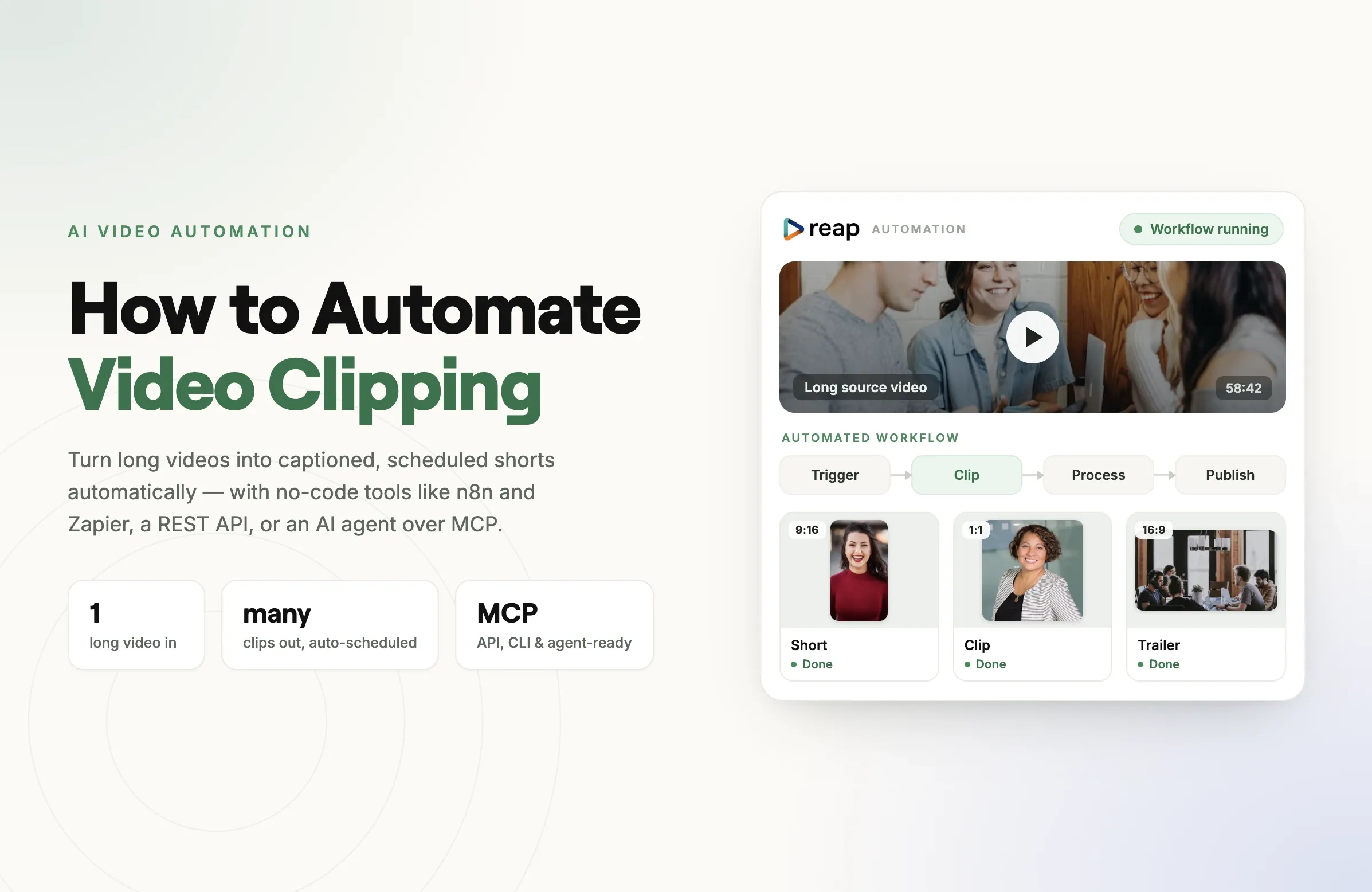
Reap is now on Zapier. You can connect your Reap studio to more than 9,000 apps and put the entire clipping workflow, from a raw upload to a captioned, reframed, published clip, on autopilot. No code, no glue scripts, no copy-paste between tools. Just Zaps that run while you do something else.
If your job is turning long videos into short ones at volume, this is the piece that ties the rest of your stack together. A new recording lands in Google Drive, Reap clips it, and the finished shorts show up in Slack for approval, all without you touching a thing.
The short version: 2 triggers, 8 actions, 9,000+ connected apps, and no code. Grab your API key at app.reap.video and build your first Zap from the Reap app on Zapier.

What you can do with Reap on Zapier
The integration exposes Reap as both a trigger (something happens in Reap that starts a Zap) and a set of actions (Zapier tells Reap to do something). That means Reap can kick off automations in other tools, and other tools can drive Reap.
Triggers
Start a Zap the moment something happens in your Reap studio:
- New Project runs when a new project is created in Reap.
- New Upload runs when new content is uploaded to your studio.
Use these to notify your team, log projects to a spreadsheet, or move finished clips into your publishing pipeline automatically.
Actions
Have any of your 9,000-plus connected apps tell Reap what to do:
- Create Clips generates AI-powered short videos from a source video.
- Create Captions applies AI-generated captions to a video.
- Create Reframe reframes a video to portrait or square automatically.
- Create Dubbing produces a dubbed version in another language.
- Create Transcription generates a text transcript from video content.
- Get Project Clips retrieves the clips produced from a project.
- Get Project Details returns information about a project.
- Get Project Status returns the current processing progress.
The last three are search actions, which makes multi-step Zaps reliable: you can wait for a project to finish, then grab the clips and hand them to the next app.
Example workflows to steal
Here are Zaps you can build today. Each one replaces a manual routine that most teams still do by hand.
- Auto-clip every new recording. When a video is added to a Google Drive folder or a Zoom cloud recording finishes, trigger Reap's Create Clips action. Your long recordings become shorts without anyone opening an editor.
- Podcast to a week of shorts. New YouTube upload on your channel triggers Create Clips, then Get Project Clips pushes the finished vertical cuts into a Notion database for your social team to schedule.
- Approvals in Slack. When Reap finishes a project (New Project trigger plus Get Project Status), post the clips to a Slack channel so your team can react to approve or request changes.
- Caption an incoming file. A new file in Dropbox triggers Create Captions, and the captioned result is logged to Google Sheets with a shareable link.
- Localize automatically. After clips are generated, chain Create Dubbing to produce versions in other languages, then route each to the right regional folder or channel.
- Intake form to finished clip. A Google Form submission with a video link triggers Create Reframe and Create Captions, turning a client intake into a ready-to-post vertical clip.
Popular apps creators are already pairing with Reap on Zapier include Google Drive, YouTube, Dropbox, Google Sheets, Slack, Google Forms, Notion, Mailchimp, Airtable, ActiveCampaign, and Zoom.
How to connect Reap to Zapier
Getting started takes a couple of minutes:
- Find your Reap API key in your studio settings at app.reap.video.
- In Zapier, search for Reap and create a new Zap, or open the Reap integration page to start from a template.
- When prompted, connect your Reap account by pasting your API key.
- Pick a trigger (for example, New Upload) or an action (for example, Create Clips), map the fields, and turn the Zap on.
That is it. Your first automation is live, and Zapier handles the rest.
Why this matters
Reap was built to be automated. It already runs from a REST API, a CLI, and an MCP server, so engineers and AI agents can drive clipping programmatically. Zapier brings that same power to everyone else. If you have ever wired up a Zap, you can now put AI video clipping inside any workflow you already run, without writing a line of code.
For teams, that is the difference between clipping being a task someone owns and clipping being something that just happens. A repurposing pipeline that used to need a person watching a folder now runs itself: footage in, captioned vertical clips out, delivered wherever your team works.
If you would rather see how the underlying automation works at the code level, our guides to automating video clipping and using the Reap MCP server go deeper.
Get started
The Reap Zapier integration is available now. Grab your API key at app.reap.video, open the Reap app on Zapier, and build your first Zap. If you are new to Reap, start with Reap clipping to see what it does, or check Reap pricing for higher volumes.
One long video in. A week of clips out. Now on autopilot.