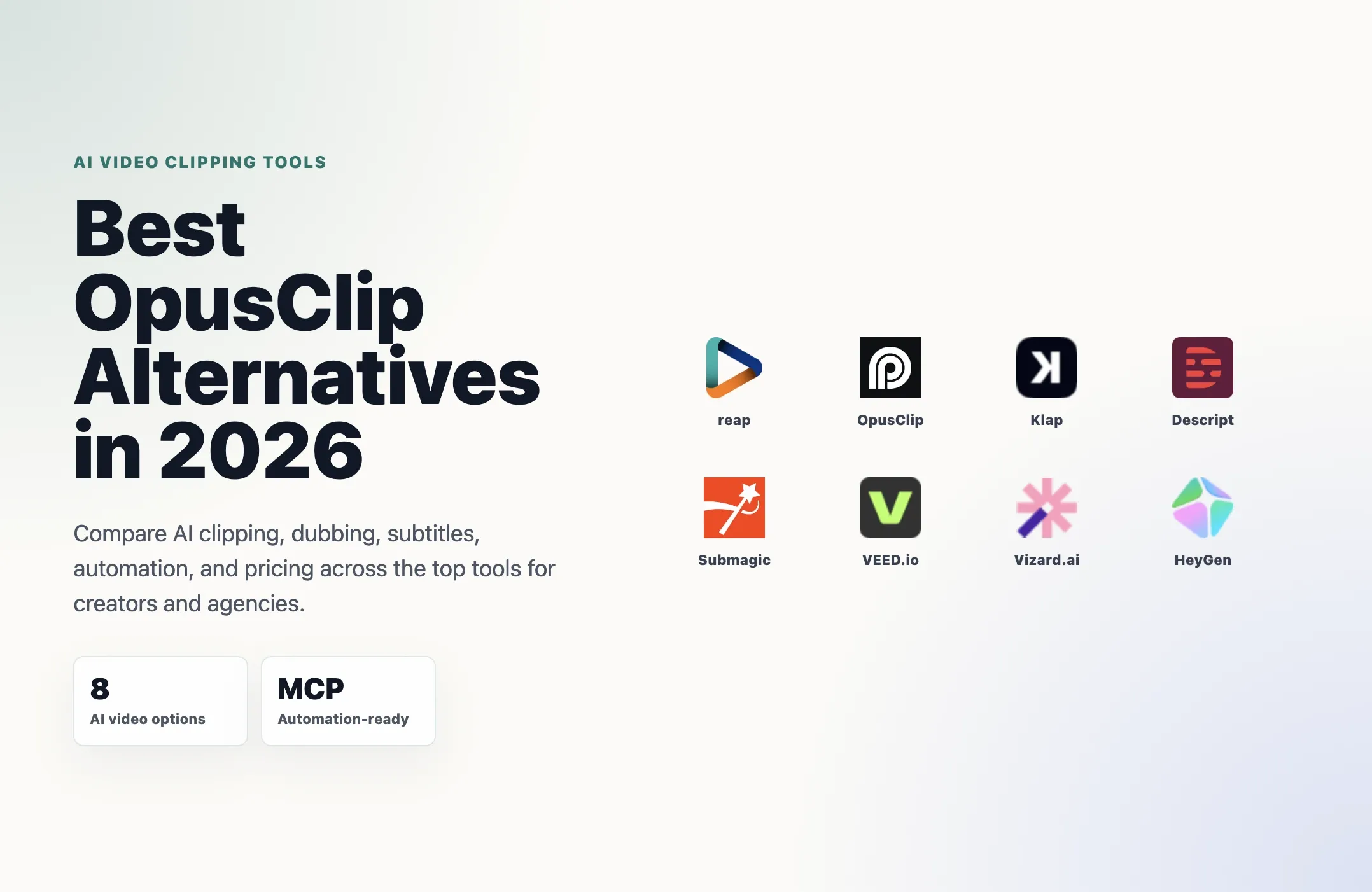
OpusClip built a massive user base by making clip generation fast and approachable. But if you've hit its credit limits, needed multilingual output, or wanted to automate a real production pipeline, you've probably started looking around.
This guide covers the best OpusClip alternatives in 2026, what each one does well, where it falls short, and who it's actually built for. No filler, just the comparisons that matter.
Why Creators Are Looking for OpusClip Alternatives
OpusClip's strengths are real: 10M+ users, a clean interface, virality scoring, and native social posting. For a creator who needs 10–20 clips a week from a single source language, it works fine.
The friction shows up when you push harder. The Pro plan at $29/month caps you at 300 processing minutes. High-volume creators and agencies routinely hit that wall. The Teams plan jumps to $149/month for 3 users, a steep gap with nothing in between. For a deeper plan-by-plan breakdown, see the Reap vs OpusClip pricing comparison.
More importantly, OpusClip has no native AI dubbing or CLI, while its API and MCP access depend on eligible plans and usage limits. If you're publishing to global audiences or building any kind of automated video editing workflow, those are hard limits.
Here's what's worth considering instead.
1. reap — Best for Clipping, Dubbing, Translation, and Automation in One Workflow
reap is the most direct OpusClip alternative for anyone who needs more than just clipping. It handles the full repurposing stack: AI clipping, animated captions, AI dubbing in 80+ languages, translated subtitles in 100+ languages, and one-click publishing to TikTok, Instagram Reels, YouTube Shorts, LinkedIn, and more.
What separates it from every other tool on this list is the automation depth. reap ships a REST API, CLI, and MCP server, all available on paid plans starting at $9.99/month.This combination gives Reap a particularly broad automation workflow for video repurposing. If you want to wire video repurposing into n8n, Zapier, Make, Claude, or ChatGPT, Reap lets teams run a broad clipping, localization, automation, and publishing workflow without stitching together multiple products. For agentic workflows, see Reap's video MCP automation.
Prompt-first clipping is a standout feature. Instead of letting the AI guess what's interesting, you tell it what to find, a specific topic, a particular hook, a target audience angle. The clips that come out are more intentional than generic highlight detection produces. This is the same idea behind prompt clipping for trailers, promos, and campaign clips.
The caption system covers 50+ animated presets and handles edge cases like Hinglish and Arabizi accurately. Speaker detection and auto-reframing keep multi-speaker content centered in vertical format without manual adjustment. If captions are a core part of your workflow, compare the broader AI captioning tools market too.
Pricing:
- Free: 1 hr/month, 720p watermarked
- Creator: $9.99/month (annual) — 10 hrs clipping, 2 hrs dubbing/translation, API access, 1080p
- Studio: $29/month (annual) — 20 hrs clipping, 5 hrs dubbing/translation, 4K, team collaboration (3 users)
- Enterprise: Custom
Best for: Creators who publish in multiple languages, agencies managing client volume, and developers building automated content pipelines.
2. Klap — Best for Simple YouTube-to-Shorts Workflows
Klap focuses on one thing: take a YouTube link, get vertical clips. The face-tracking auto-reframe is fast and the speaker tracking works reasonably well for two-person podcasts.
It has a public API with usage-based pricing ($0.32–$0.48 per operation), which is useful if you're building light automation and want predictable per-clip costs rather than a monthly seat fee.
Where Klap struggles is scale and language depth. Dubbing covers only 29 languages. There's no CLI and no MCP server, so the automation story stops at the REST API. Multiple 2026 reviews flag slow editor load times and occasional export failures, a real problem when the whole pitch is fast clipping.
Pricing: From $23/month (annual). API usage-based pricing available.
Best for: Solo creators who want a simple YouTube-link-to-shorts workflow and don't need multilingual output.
Not ideal for: International content teams, agencies running high volume, or developers who need CLI/MCP integration.
If YouTube Shorts are your main output, you may also want the broader guide to choosing a YouTube Shorts generator.
3. Descript — Best for Transcript-Based Editing and Audio Polish
Descript takes a fundamentally different approach. You edit video by editing a transcript — delete a sentence in the text, and the corresponding video cut disappears. For podcast editors and journalists, this workflow is genuinely sticky.
Its audio tools are best-in-class: Studio Sound noise reduction, filler-word removal, and Overdub voice cloning. The Underlord AI co-editor handles tasks like generating show notes and removing bad takes through a chat-style interface.
The limitations are significant if you're comparing it to OpusClip on repurposing. Descript launched multilingual transcription in 23 languages in 2026, well behind reap's 100+ language caption and 80-language dubbing stack. Auto-clipping and short-form generation feel secondary to the long-form editing workflow. There's no API, no CLI, and no MCP, it's a GUI-first tool.
Pricing: From $16/month (annual).
Best for: Podcast producers, YouTube creators, and L&D teams who prioritize audio quality and transcript-based editing over short-form output.
Not ideal for: Anyone who needs bulk clip generation, multilingual distribution, or programmatic automation.
For a broader category view, see Reap's guide to the best AI video editing tools.
4. Submagic — Best for Caption-Heavy Short-Form Content
Submagic has built a strong reputation specifically for captions. With 4M+ users and 48 caption languages, it's a solid pick if animated captions are your primary need. The Magic Clips feature handles auto-clipping, and the interface is fast.
The gaps show up outside the caption layer. Dubbing isn't a core feature. Video length limits apply on lower tiers. The API is available as an add-on but isn't the product's main focus.
If you're a creator who publishes in one language and wants polished captions fast, Submagic delivers. If you need dubbing, translation depth beyond 48 languages, or serious API automation, it runs out of road quickly.
Pricing: From $19/month (monthly).
Best for: Short-form creators who want the best animated captions and don't need multilingual dubbing or deep automation.
Not ideal for: International distribution, high-volume agencies, or developer workflows.
If you are comparing caption-first products specifically, read the direct Submagic vs reap comparison.
5. VEED.io — Best for Browser-Based All-in-One Editing
VEED is a broad browser-based editor. It covers subtitles, screen recording, AI avatars, team collaboration, and basic clipping. If you need one tool that handles many different video tasks without installing anything, VEED is worth considering.
The trade-off is depth. It's a generalist product, not a repurposing specialist. Translation support is limited compared to reap's 100+ languages. There's no CLI or MCP. Auto-clipping is partial, it works, but it's not the core workflow.
Pricing: From $18/month (annual).
Best for: Teams that need a general-purpose browser editor with light repurposing capabilities.
Not ideal for: High-volume clip generation, multilingual dubbing, or automation-heavy workflows.
If your team is deciding between broad editors and repurposing-first tools, Reap's AI video editor page is a useful comparison point.
6. Vizard.ai — Best for API-Connected Social Repurposing
Vizard focuses on repurposing video for social media and has built reasonable API integrations with n8n and Claude. Multi-platform posting is a genuine strength.
The limits: no dubbing, limited translation depth, and no MCP server. If multilingual output matters to you, Vizard isn't the answer. It's a reasonable option for English-language creators who want API access and social posting in one place.
Pricing: Free tier (60 credits), then usage-based credit tiers.
Best for: English-language creators who want API-connected social repurposing without a monthly seat fee.
Not ideal for: Multilingual content or teams that need CLI/MCP automation.
For a deeper look at how AI systems are moving from simple clip generation toward repeatable workflows, read Reap's guide to the clipping agent.
7. HeyGen — Best for AI Avatar Dubbing
HeyGen is a different category of tool. It's built around AI avatars and video generation, not long-form repurposing. Its dubbing covers 175+ languages with strong lip-sync quality, the best in the market for avatar-style video.
If you're creating avatar-based content and need broad language coverage, HeyGen is worth it. But it's not a clipping tool. It won't take your podcast and generate 10 short clips. It's expensive at scale and not designed for the webinar-to-shorts workflow that OpusClip handles.
Pricing: From $29/month.
Best for: Teams producing AI avatar content that needs multilingual dubbing.
Not ideal for: Long-form repurposing, auto-clipping, or cost-sensitive workflows.
If your priority is turning real source footage into short-form assets, Reap's guide to AI video repurposing is more relevant than avatar-generation comparisons.
Quick Comparison: OpusClip vs. the Alternatives
Compare OpusClip alternatives by AI clipping, dubbing, translated subtitles, automation support, and annual entry pricing.
| Tool | AI Clipping | Dubbing | Translated Subtitles | API, CLI, or MCP | Entry Price (Annual) |
|---|---|---|---|---|---|
| reap | Yes | 80+ languages | 100+ languages | REST API, CLI, and MCP | $9.99/mo |
| OpusClip | Yes | No | No | REST only (limited) | $15/mo |
| Klap | Yes | 29 languages | Partial | REST only | $23/mo |
| Descript | Partial | 23 languages | Limited | None | $16/mo |
| Submagic | Yes | No | 48 languages | REST (add-on) | $19/mo |
| VEED.io | Partial | No | Limited | None | $18/mo |
| Vizard.ai | Yes | No | Limited | REST only | Credit-based |
| HeyGen | No | 175+ languages | Partial | REST | $24/mo |
Pricing and feature availability can change. Check each tool's current pricing page before choosing a platform.
How to Choose
You need multilingual output. reap is the only tool that combines clipping, AI dubbing in 80+ languages, and subtitle translation in 100+ languages in a single workflow. No other tool on this list covers all three.
You need API or automation access. reap's REST API + CLI + MCP combination is unique. If you're building a content pipeline in n8n, Make, or an AI agent workflow, it's the only option that doesn't require multiple tools.
You want the best captions. Submagic and Reap wins on animated caption quality and speed if that's your primary need.
You want transcript-based editing. Descript is the right tool if you edit by reading, not watching especially for podcast and long-form audio work.
You want a simple YouTube-to-shorts workflow. Klap is fast and focused, though you'll pay more and get fewer languages than reap.
You need AI avatar dubbing. HeyGen is the specialist here, but it's not a repurposing tool.
The Bottom Line
OpusClip is a good starting point. It's not the best long-term tool for creators who publish at volume, need global audiences, or want to automate their workflow.
If you're switching, the right alternative depends on what you actually need. For most creators and agencies who want to do more than clip, translate, dub, automate, and publish across platforms, reap covers the full workflow starting at $9.99/month, without the credit ceiling or language gaps that make OpusClip frustrating at scale.
If you want the closest head-to-head comparison before choosing, read Reap vs OpusClip. If you want the broader market view, start with the guide to the best AI clipping tools.