
In 2026, "AI video" stopped meaning one thing. When Sora 2 launched it became one of the most-searched terms on the internet almost overnight, Veo 3.1 pushed native-audio 4K generation into the mainstream, and suddenly every creator and marketer was asking the same question: "Can AI just make my videos for me now?"
The honest answer is that there are two completely different AI-video workflows, and most people confuse them. One generates brand-new footage from a text prompt. The other clips and repurposes footage you already have into short videos that actually get views. Picking the wrong one is the fastest way to waste a month of effort.
This guide breaks down both, shows you which one fits your goal in 2026, and explains the combo workflow that the smartest creators are quietly using to win on both.
Short on time? Generation creates footage. Clipping creates reach. If you already record long-form video, start with AI clipping. If you have no footage and need visuals, start with generation. Most people get this backwards.
The two kinds of "AI video" (and why people mix them up)
When someone says "I want to use AI for video," they usually mean one of two very different things:
- AI video generation turns a text or image prompt into net-new footage. Think Sora 2, Google Veo 3.1, Kling, and Runway. You describe a scene, the model invents it. Nothing has to be filmed.
- AI video clipping and repurposing takes a long video you already have, a podcast, webinar, livestream, interview, or talking-head recording, and uses AI to find the best moments, reframe them to vertical, add captions, and schedule them across platforms. This is what Reap and tools like Opus Clip do.
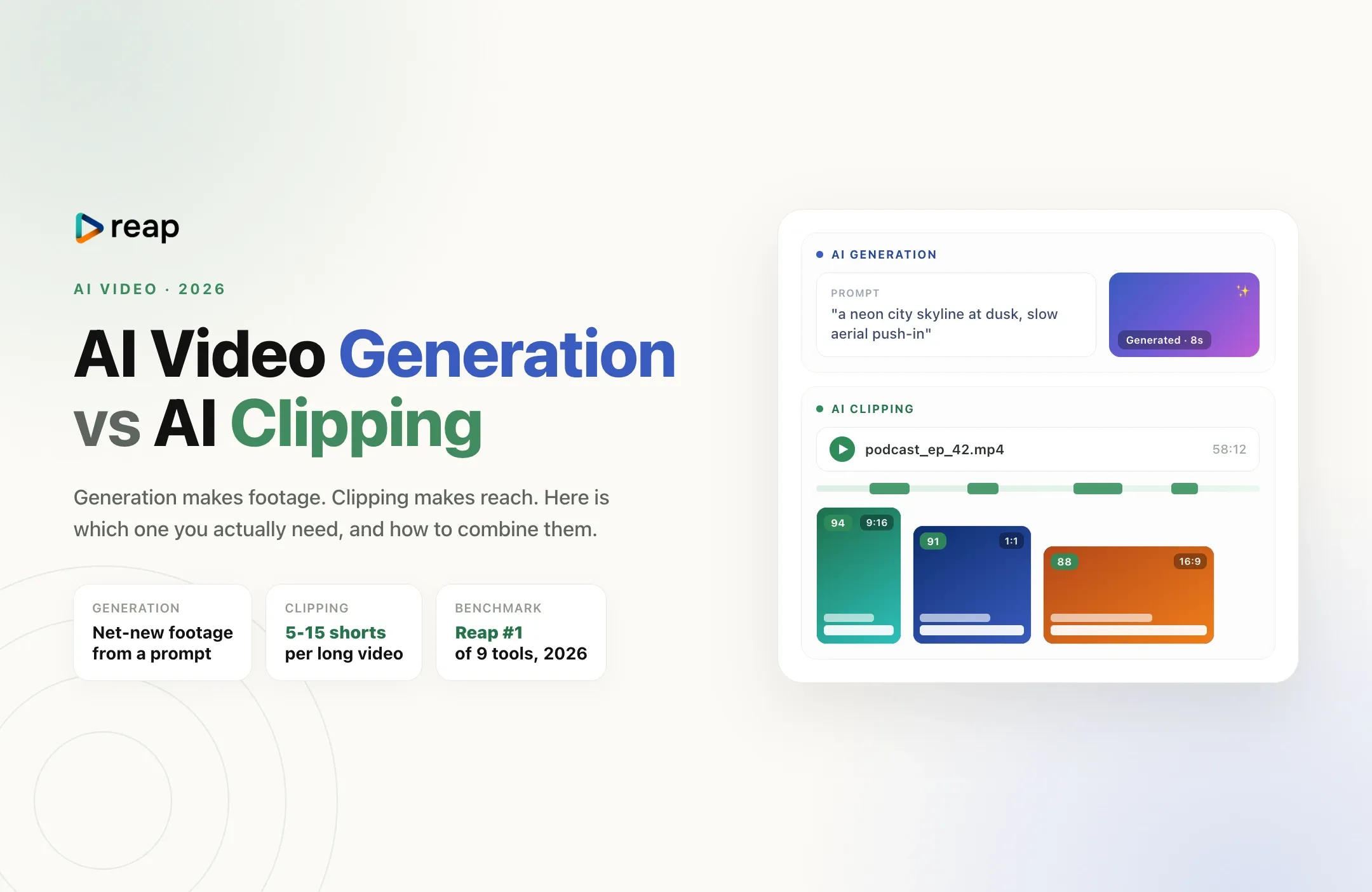
Generation creates footage. Clipping creates reach. Here is the difference at a glance:
| AI video generationSora 2, Veo 3.1, Kling | AI video clippingReap, Opus Clip | |
|---|---|---|
| Input | A text or image prompt | A long video you already have |
| Output | New, invented footage (usually 5 to 60 seconds) | 5 to 15 short clips from your real content |
| Best for | B-roll, ads, concept scenes, faceless visuals | Podcasts, webinars, founders, coaches, streamers |
| Cost model | Priced per second or per generation | Priced per video or per minute processed |
| Main risk | Looking generic or "AI slop," low trust | None, the moments are real, they just need finding |
| In one line | Creates footage | Creates reach |
Generation and clipping solve opposite problems. Most creators with existing video need clipping first.
What AI video generation is actually good at in 2026
The generation models have come a long way. As of 2026, Veo 3.1 produces up to 4K with synchronized audio built in, Sora 2 handles longer narrative clips at 1080p, and Kling and Runway round out a crowded field. For a fast read on where the platforms are heading, see our take on the future of AI video editing in 2026.
Generation is genuinely great for:
- B-roll and concept shots you could never afford to film
- Short ads and product teasers built entirely from a prompt
- Faceless visuals for narration-style channels
- Intros, transitions, and hooks that need a specific look
But generation has real limits that the hype skips over. Clips are still short and can be expensive per second at scale. Character and scene consistency across shots is hard. And there is a trust problem: audiences are getting fast at spotting fully synthetic footage, and "AI slop" can quietly cost you credibility. We wrote about how to use AI without losing audience trust because this is the single biggest mistake brands are making in 2026.
The most important limit, though, is simple: generation does nothing for the 60-minute podcast, webinar, or sales call you already recorded. That footage is your most valuable asset, and no prompt can repurpose it for you.
What AI clipping is actually good at in 2026
If you already create long-form video, clipping is almost certainly the higher-ROI workflow. It takes one long asset and turns it into a week of short content. You are not inventing anything. The good moments already happened. AI just finds them, reframes them, captions them, and gets them out the door.
This is why short-form repurposing remains the most practical business use of AI video: the raw material already exists, the cost is low, and the output is authentic by definition. A single 45-minute episode usually holds 6 to 10 standalone clips worth posting. A clipping tool surfaces them in minutes instead of hours.
In an April 2026 benchmark of nine paid AI clipping tools run on the same 90-minute podcast, Reap ranked #1 overall, with the fastest time-to-first-clip and the broadest language coverage in the test. If you want the full landscape, our guide to the best AI clipping tools for short-form content compares the main options.
Clipping is the right call if you are a:
- Podcaster or interviewer sitting on hours of episodes
- Founder or SaaS marketer running webinars, demos, and talks
- Coach or course creator with long lessons to slice up
- Streamer or YouTuber who needs vertical cuts for Shorts, TikTok, and Reels
So which one do you actually need?
Here is the decision in one line: if you have no source footage and need visuals, generate. If you already have long videos and need reach, clip.
Most people get this backwards. They get mesmerized by Sora 2 demos and pour energy into prompting synthetic scenes, while the genuinely valuable content they already recorded sits untouched in a folder. For the vast majority of creators and businesses, the bottleneck is not "I need more footage." It is "I am not turning the footage I have into enough shorts."
Quick gut check:
- You have a library of long videos and want more views: clipping wins, start there.
- You have a script but no footage and no on-camera presence: generation (plus an AI voiceover) is your path.
- You have both: use the combo workflow below, which is where 2026 is heading.
The 2026 power move: generate and clip together
The creators pulling ahead are not choosing one. They use generation for the spice and clipping for the substance.
A typical combo looks like this: record one strong long-form video (the real value, your expertise, a guest, a demo), then use generation for the b-roll, hook overlays, and intro that make it pop. Then run the whole thing through a clipper to extract the moments, reframe to 9:16, caption, and publish everywhere.
This also answers the question everyone hits after their first Sora 2 or Veo 3 export: "I made a clip, now what?" A raw generated clip is usually landscape, unbranded, silent or under-captioned, and not sized for any feed. To get views, it still needs to be reframed, captioned, hooked, and posted at the right time, which is exactly the clipping and editing layer. Our Veo 3 Fast editing guide walks through this for YouTube Shorts specifically.
How to turn AI-generated or long videos into shorts with Reap
Whether your source is a generated clip or a two-hour livestream, the repurposing steps are the same:
- Add your video. Paste a link or upload the file. Long-form, generated, or a mix.
- Let AI find the moments. Reap scans the video and surfaces the highest-potential segments with a virality signal, so you are not scrubbing a timeline.
- Reframe to vertical. Auto-crop to 9:16 or 1:1 with active-speaker face tracking, so the subject stays centered.
- Caption, translate, and dub. Animated captions in up to 100 languages, translation, and AI dubbing in 80 languages to reach new markets from one upload.
- Schedule and publish. Push clips to YouTube Shorts, TikTok, Reels, and LinkedIn, and batch them across the week.
You can run all of this from the Reap app, or wire it into your own pipeline through the API, CLI, or MCP so an AI agent does the repurposing for you. Start free at app.reap.video, or see Reap pricing for higher volumes.
Bottom line
AI video generation and AI clipping are not competitors. Generation makes footage. Clipping makes reach. In 2026, generation is the headline-grabbing breakthrough, but for the 90% of creators and businesses who already record long-form video, clipping is the faster, cheaper, more authentic path to traffic. Use generation to add polish. Use clipping to actually get seen. The combo, done with a human keeping quality high, is the workflow that wins.